
About Misty Wilderness
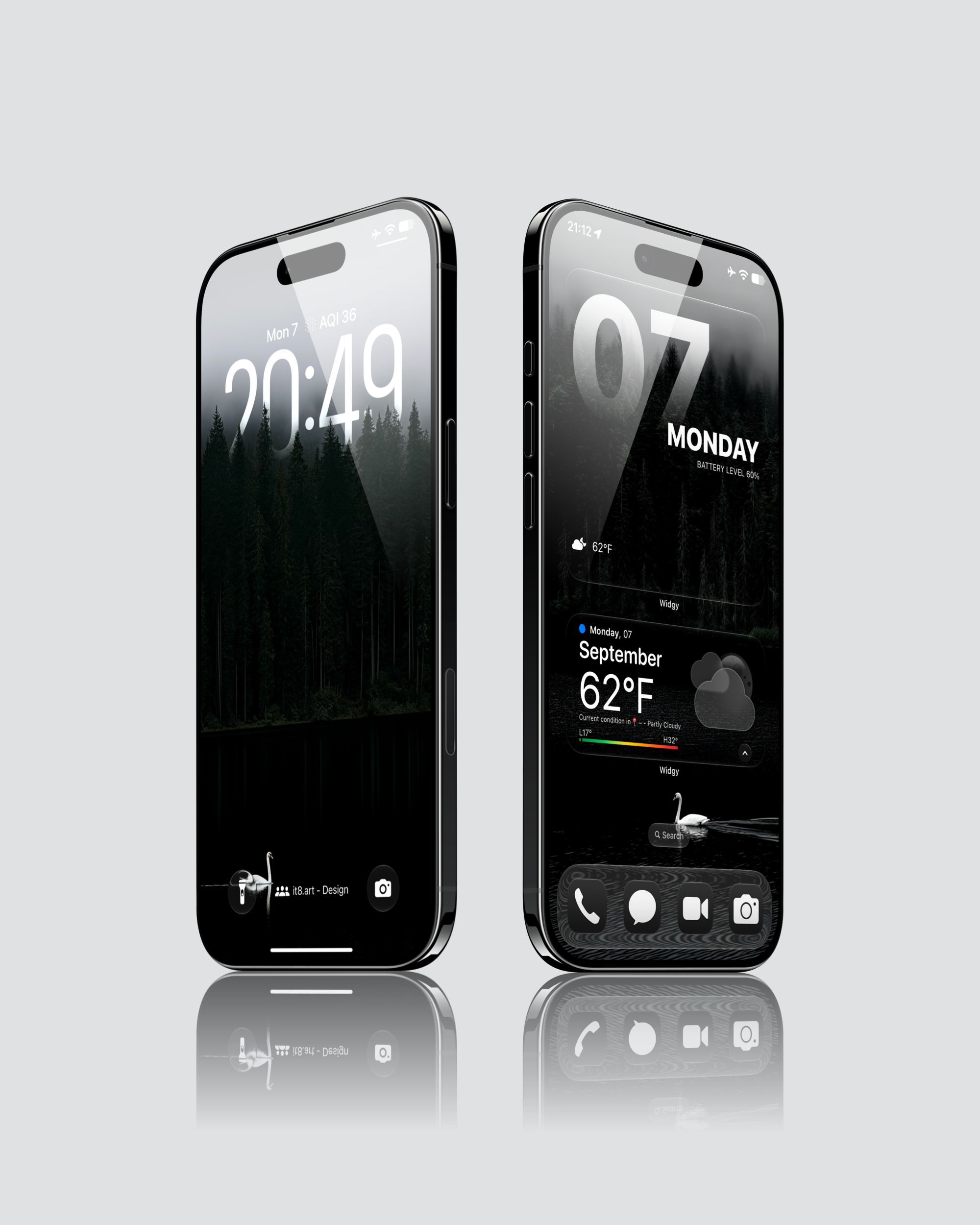
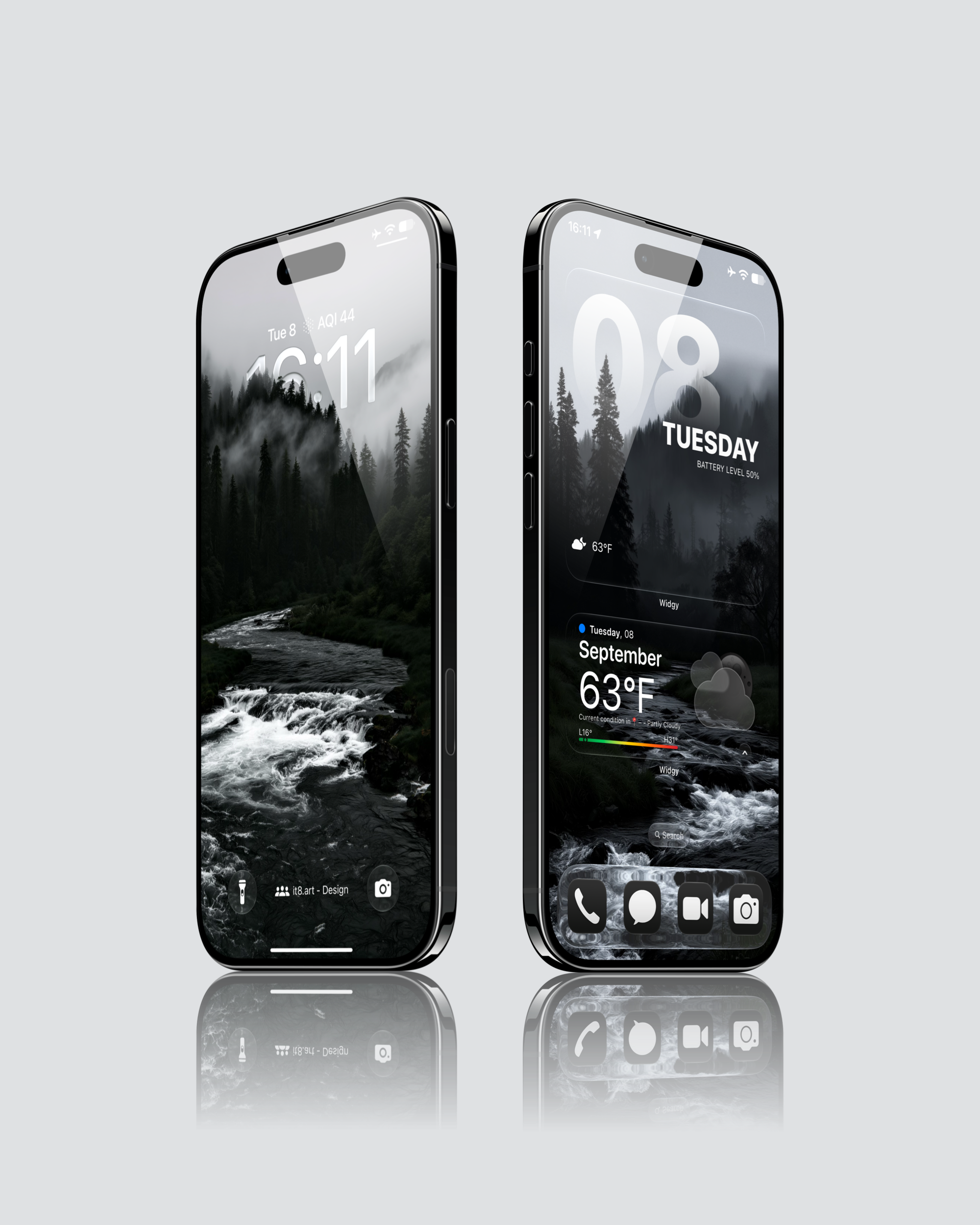
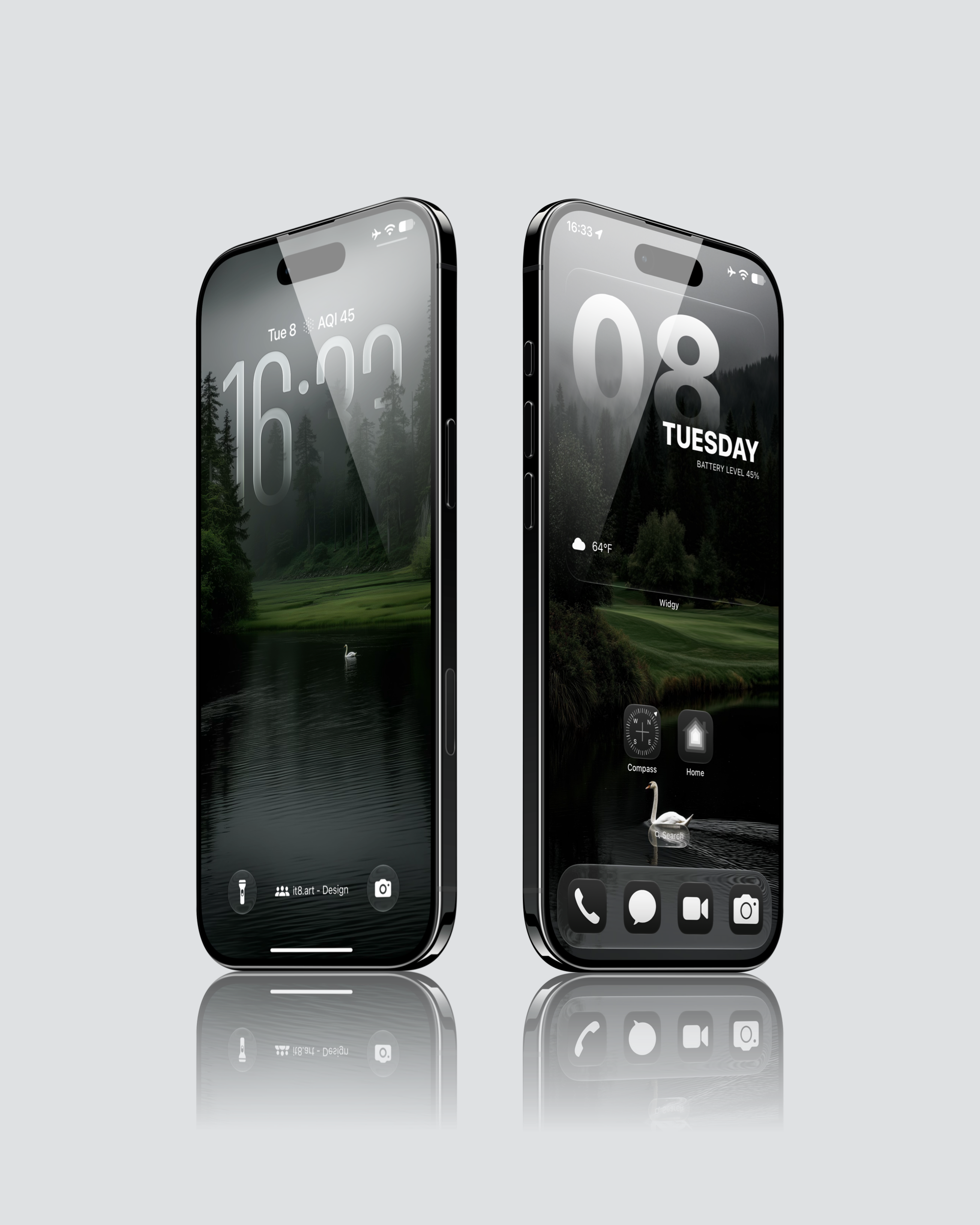
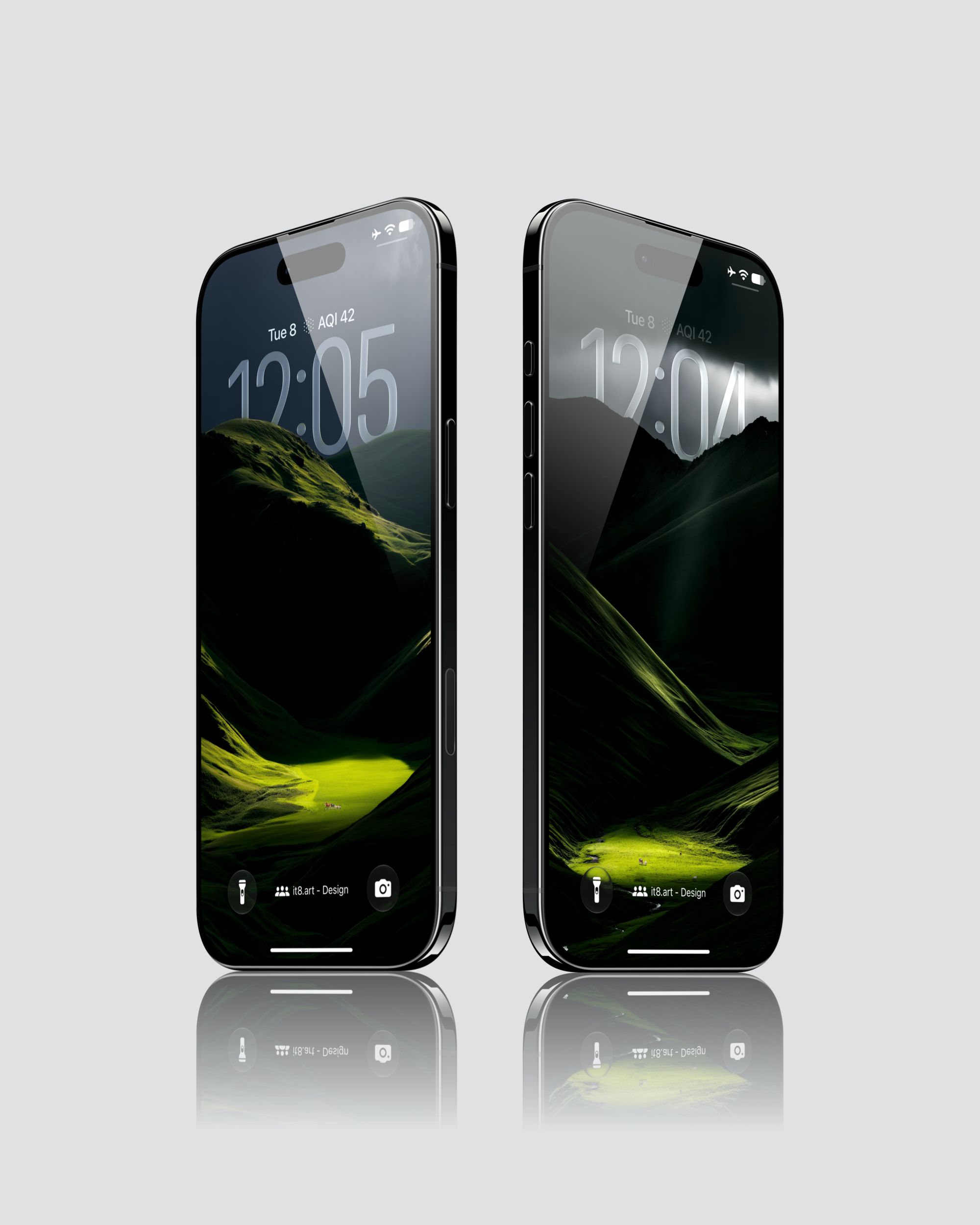
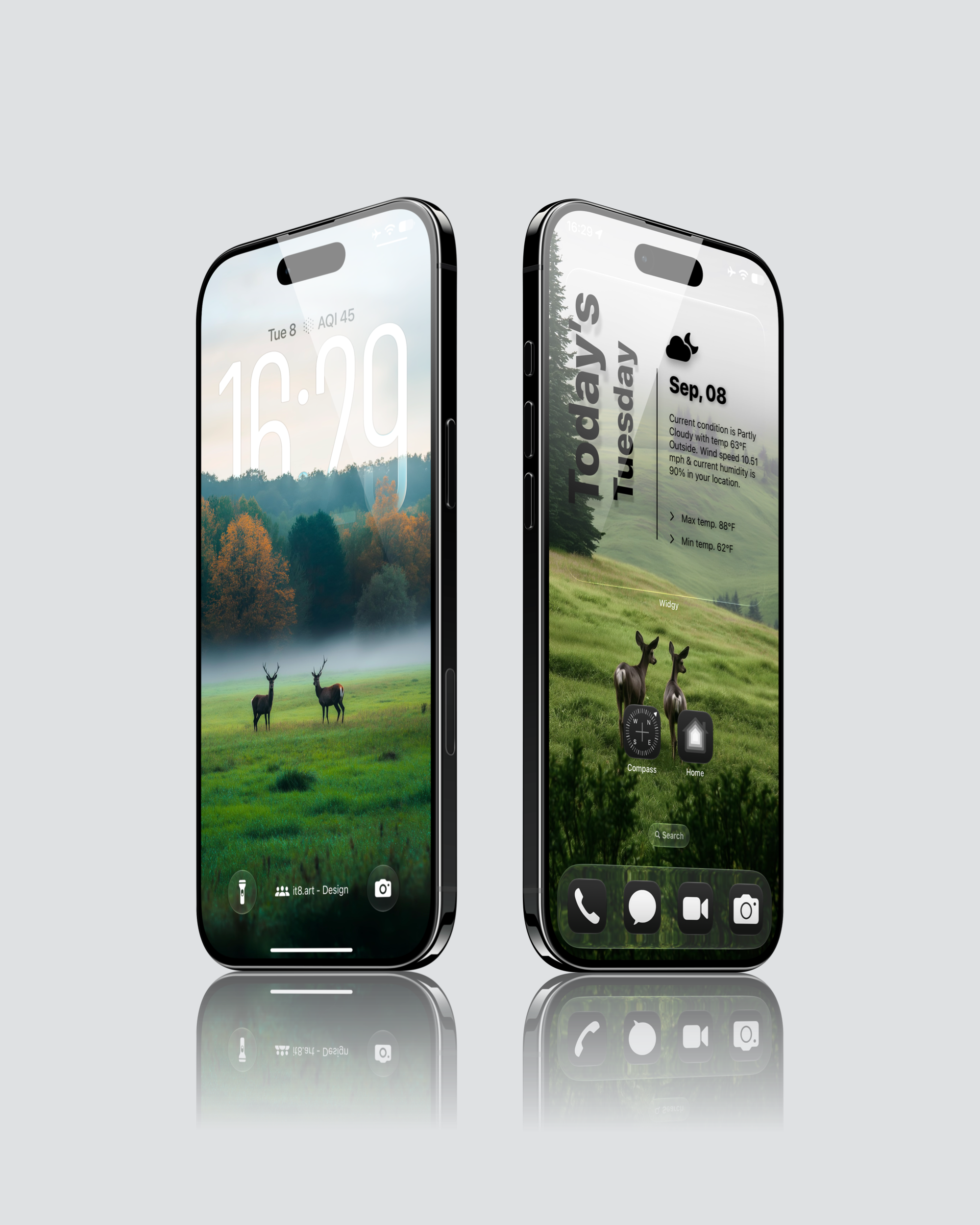
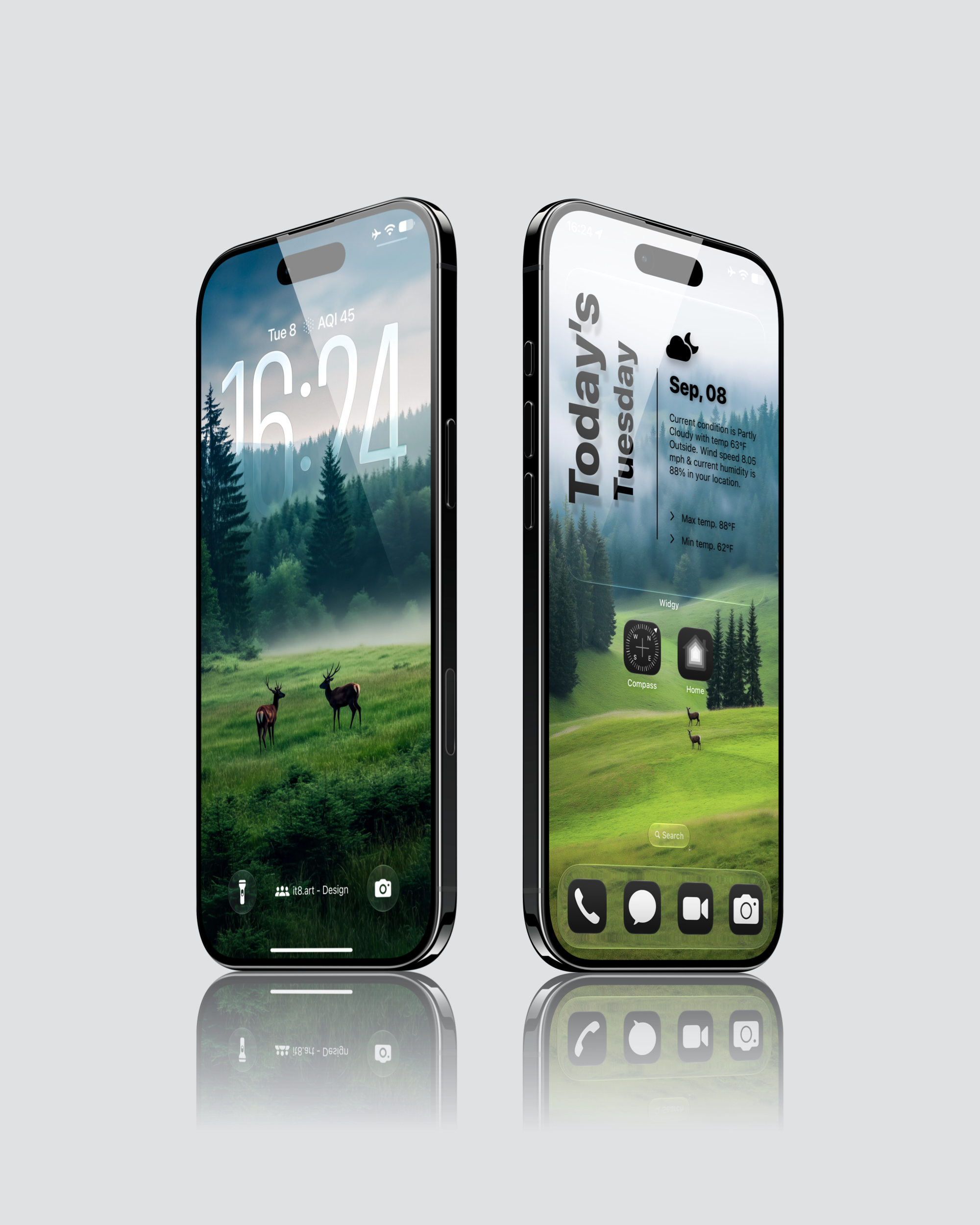
Misty Wilderness brings forest and wildlife scenery to iPhone backgrounds. The selected previews show white swans on dark lakes, deer in green meadows, and a stream running through a foggy evergreen forest. Other scenes use sunlit grass against steep, shadowed mountain slopes.
Forest, water and changing light
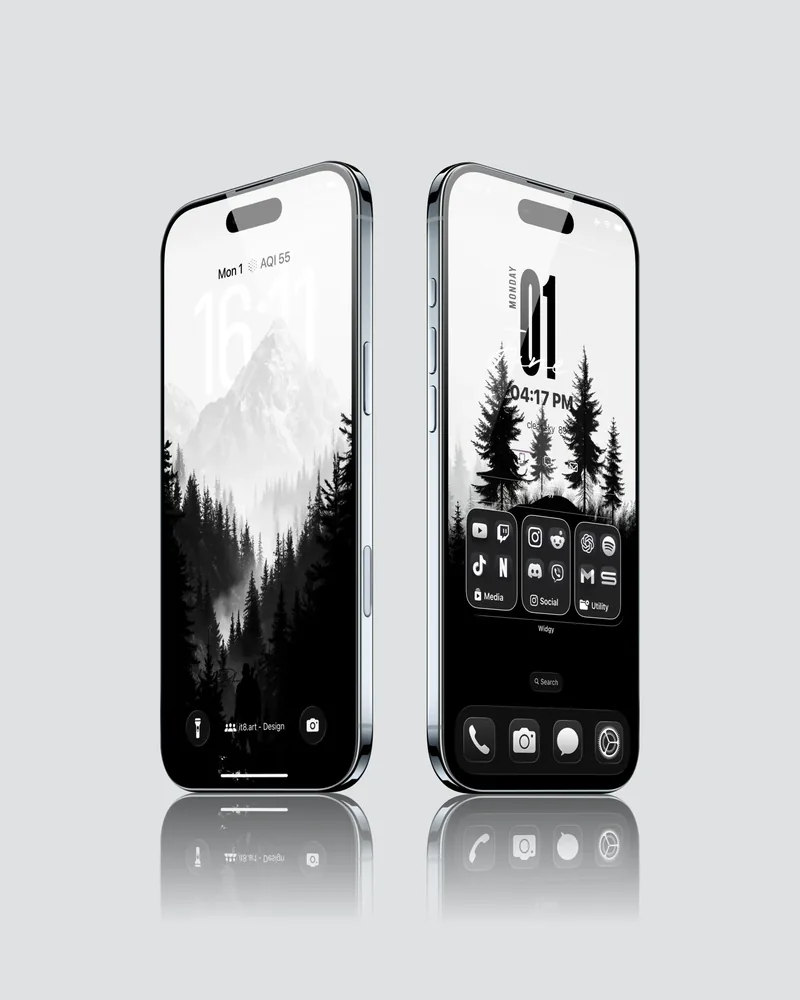
Deep greens and grey mist run through the collection. Some previews are almost black around the water, with a small white swan as the focal point. Others open onto brighter hillsides or autumn trees. The paired Lock Screen and Home Screen previews show how the scenery looks with different clock and widget layouts.
Best for
- Nature-focused Lock Screens with forest, water and small wildlife subjects
- Green and charcoal Home Screen palettes that carry the landscape colors across the setup
What is included
- 19 4K wallpapers, including 17 depth effect wallpapers
- Widget setup guides
App icons and third-party apps are not included.
Wallpaper Specs
- Resolution:
- 1935 × 4194 px
- Usage:
- Lock Screen & Home Screen
- Quality:
- High-Resolution · No Watermark
- Optimized for:
- iPhone Displays
Compatible iPhone Models
- iPhone 14 · iPhone 14 Plus · iPhone 14 Pro · iPhone 14 Pro Max
- iPhone 15 · iPhone 15 Plus · iPhone 15 Pro · iPhone 15 Pro Max
- iPhone 16 · iPhone 16 Plus · iPhone 16 Pro · iPhone 16 Pro Max · iPhone 16e
- iPhone 17 · iPhone 17 Pro · iPhone 17 Pro Max · iPhone 17e
- iPhone Air
- iPhone 18 Pro · iPhone 18 Pro Max
Compatibility and setup
The wallpaper files work on iPhone and Android. Depth effect is intended for the iPhone Lock Screen, where trees or mountain ridges overlap the clock. The position of the subject and clock depends on your crop and Lock Screen settings.
After downloading and extracting the ZIP file, save your chosen wallpaper to Photos and apply it to your iPhone Lock Screen or Home Screen.
Preview limits
The gallery shows selected designs. The video demonstrates one swan-and-forest wallpaper setup and does not show all 19 wallpapers. Phone frames, interface elements, icons and widgets in the previews are shown for context; the delivery list above defines what you receive.
FAQ
What format are the wallpapers?
The wallpapers are supplied as PNG files.
Do I need a separate app for the widgets shown in the previews?
Yes. The widgets shown in the previews require Widgy, a separate third-party app. The product includes widget setup guides.
License and support
For personal use. Do not resell or redistribute the files. See the Terms and Refund Policy for purchase terms and help with download issues.
 4K
4K 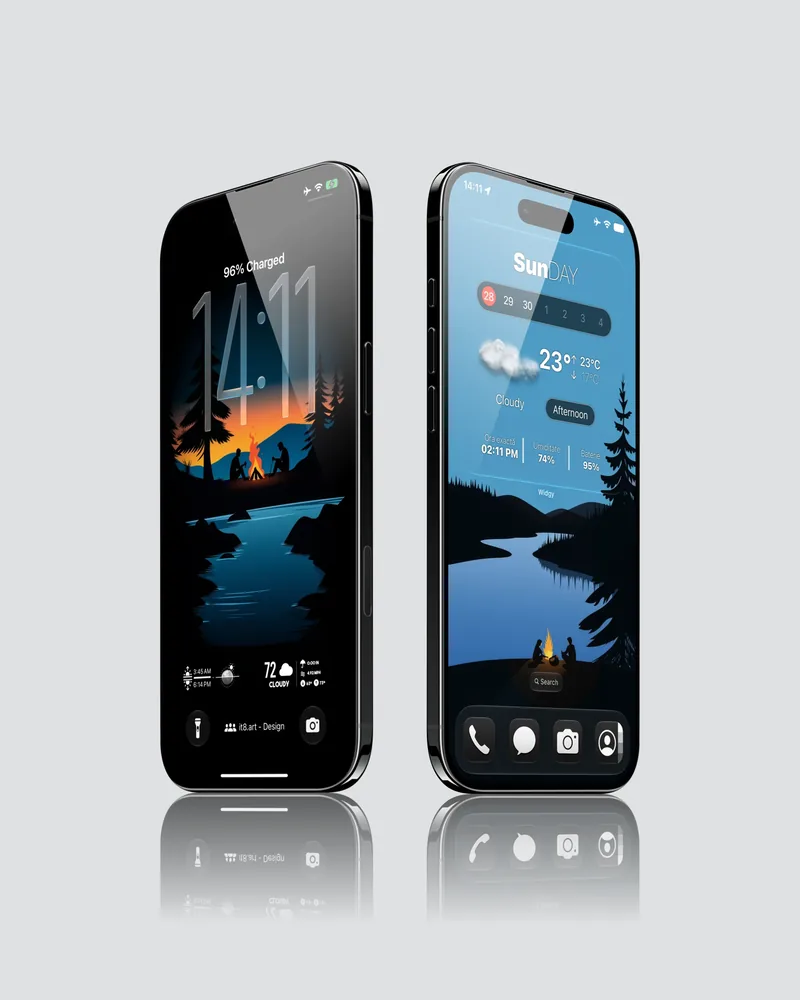 4K
4K 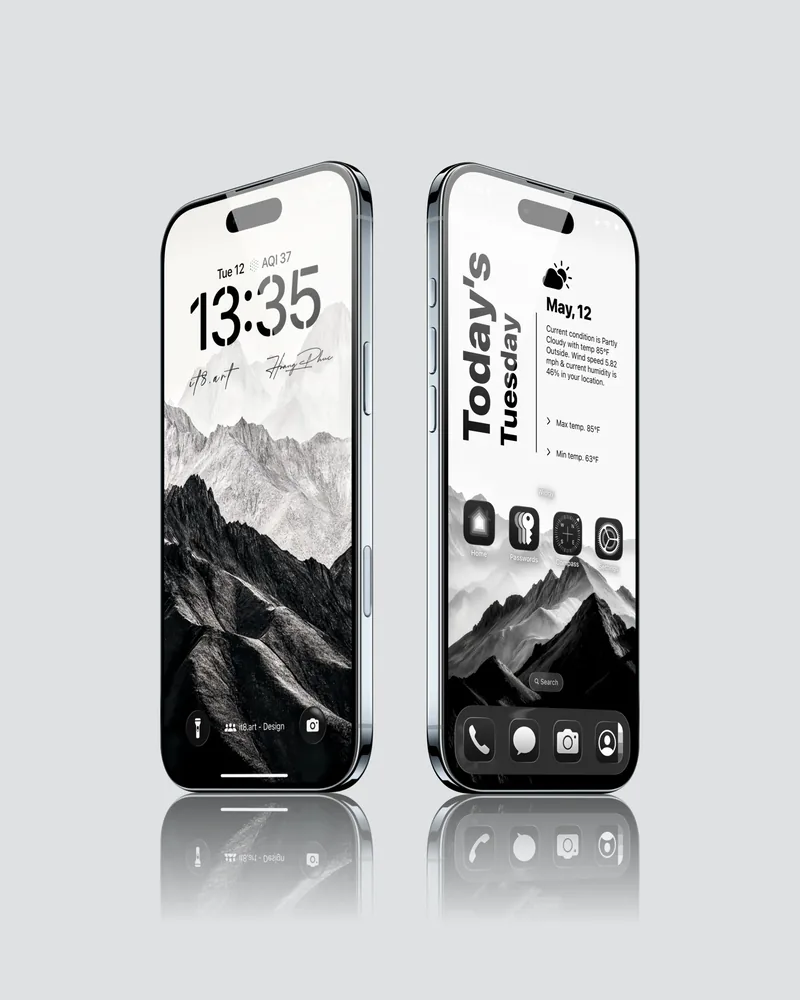 4K
4K 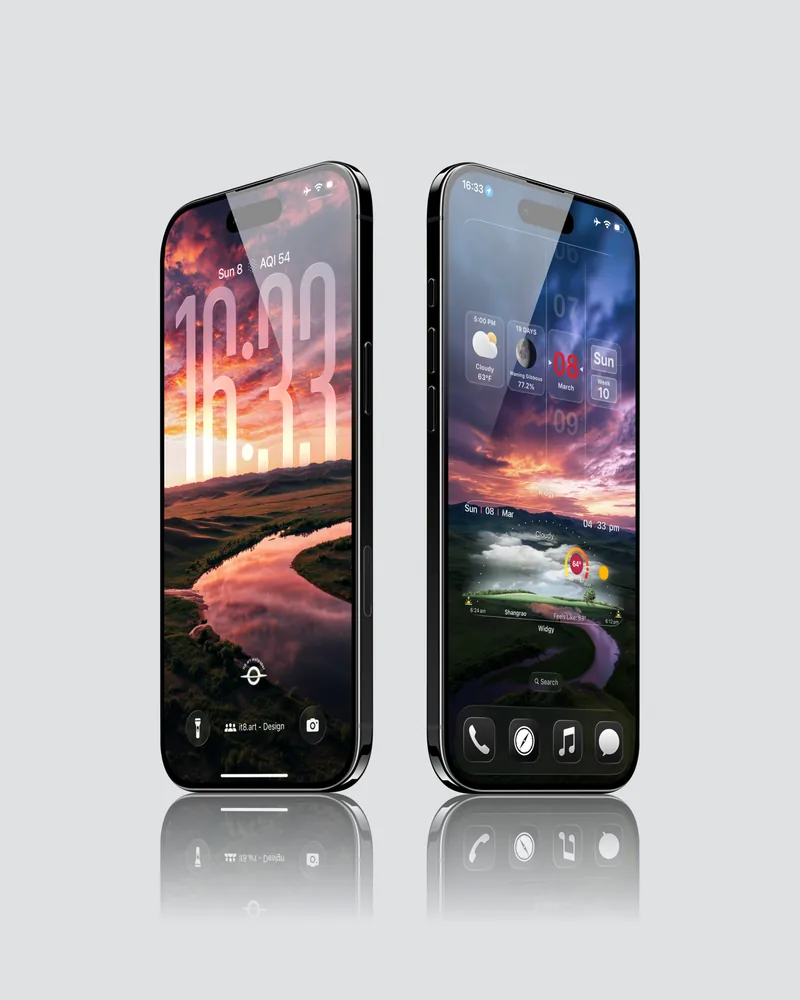 4K
4K