
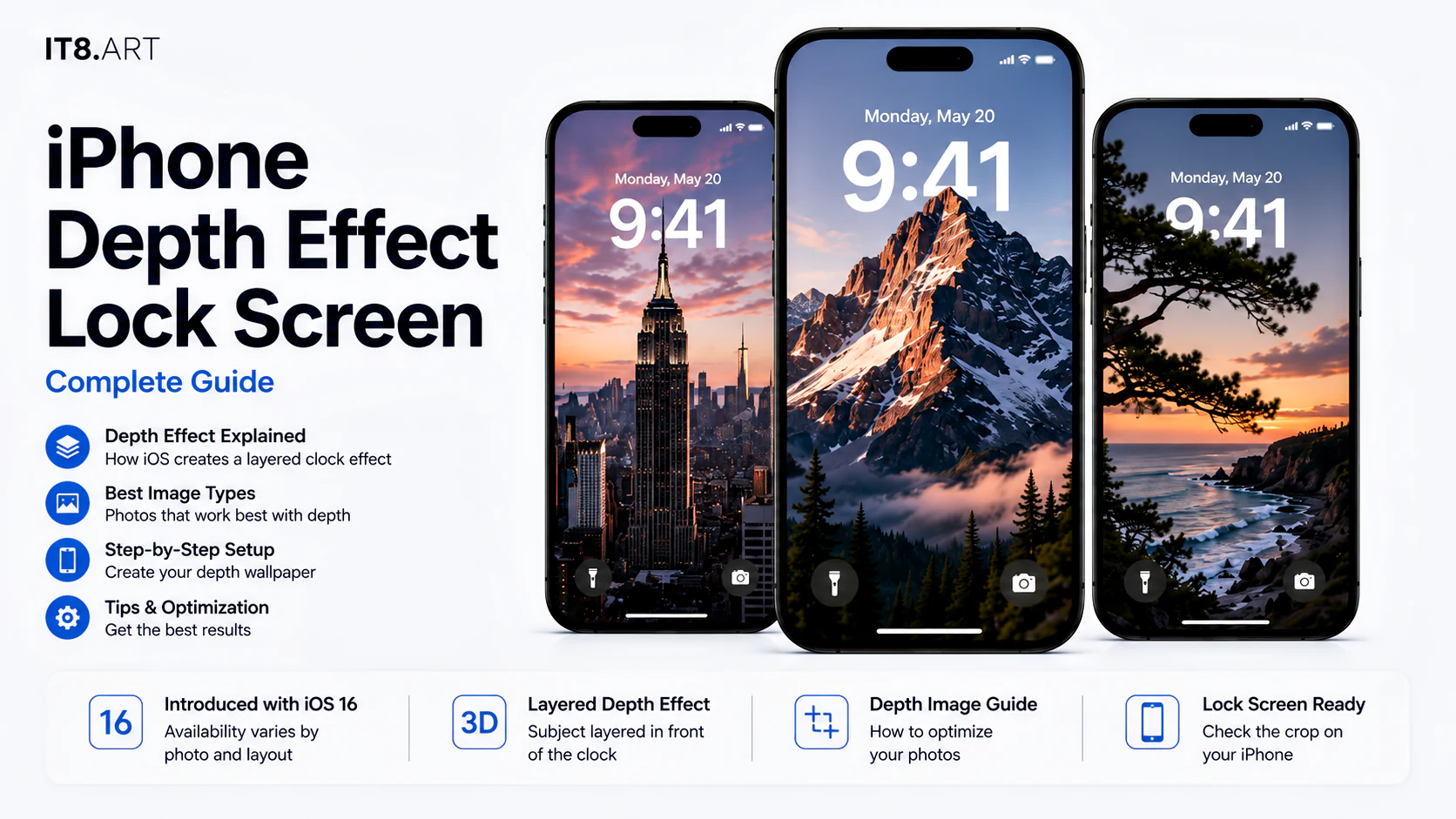
What is iPhone Lock Screen Depth Effect?
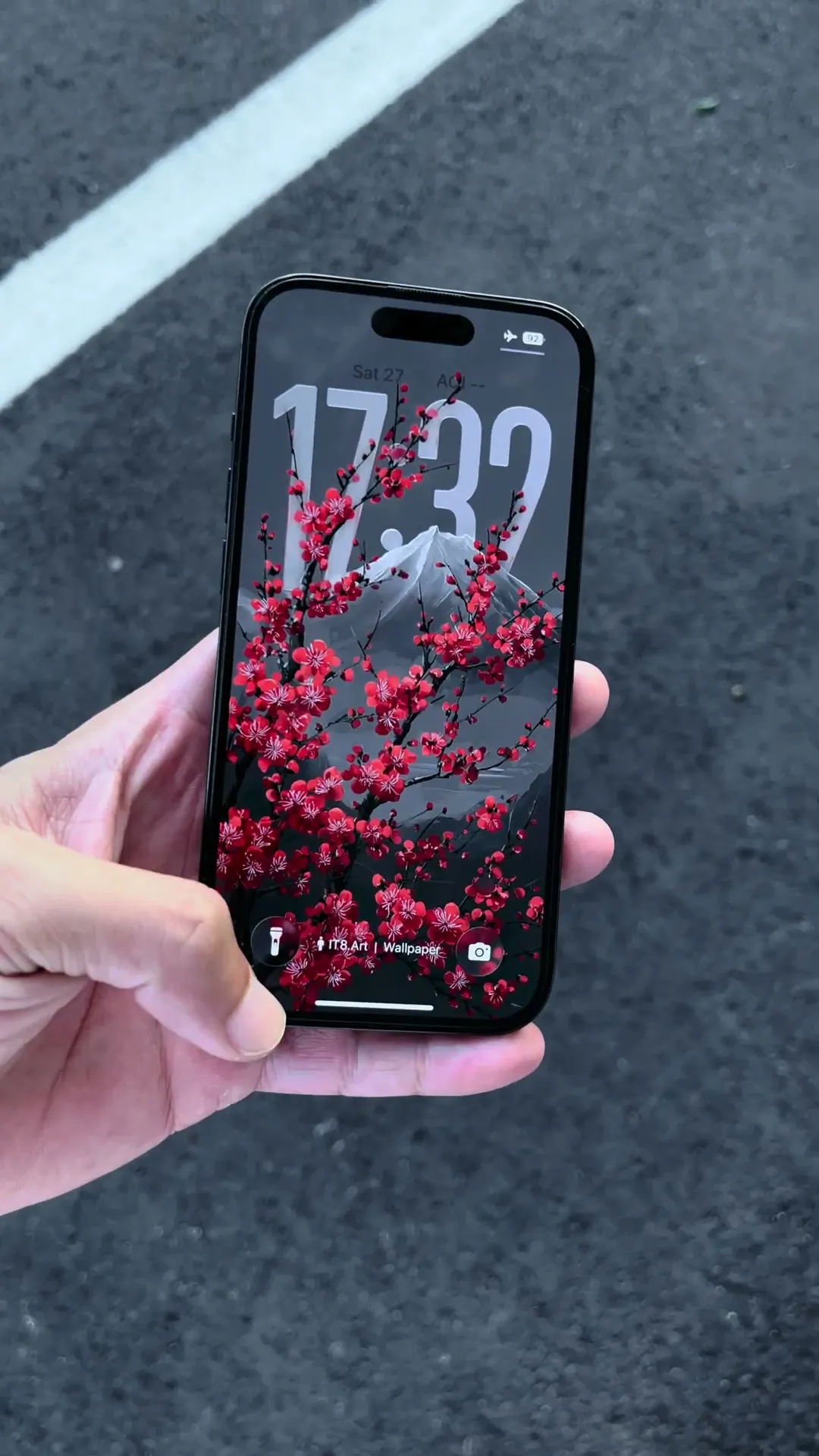
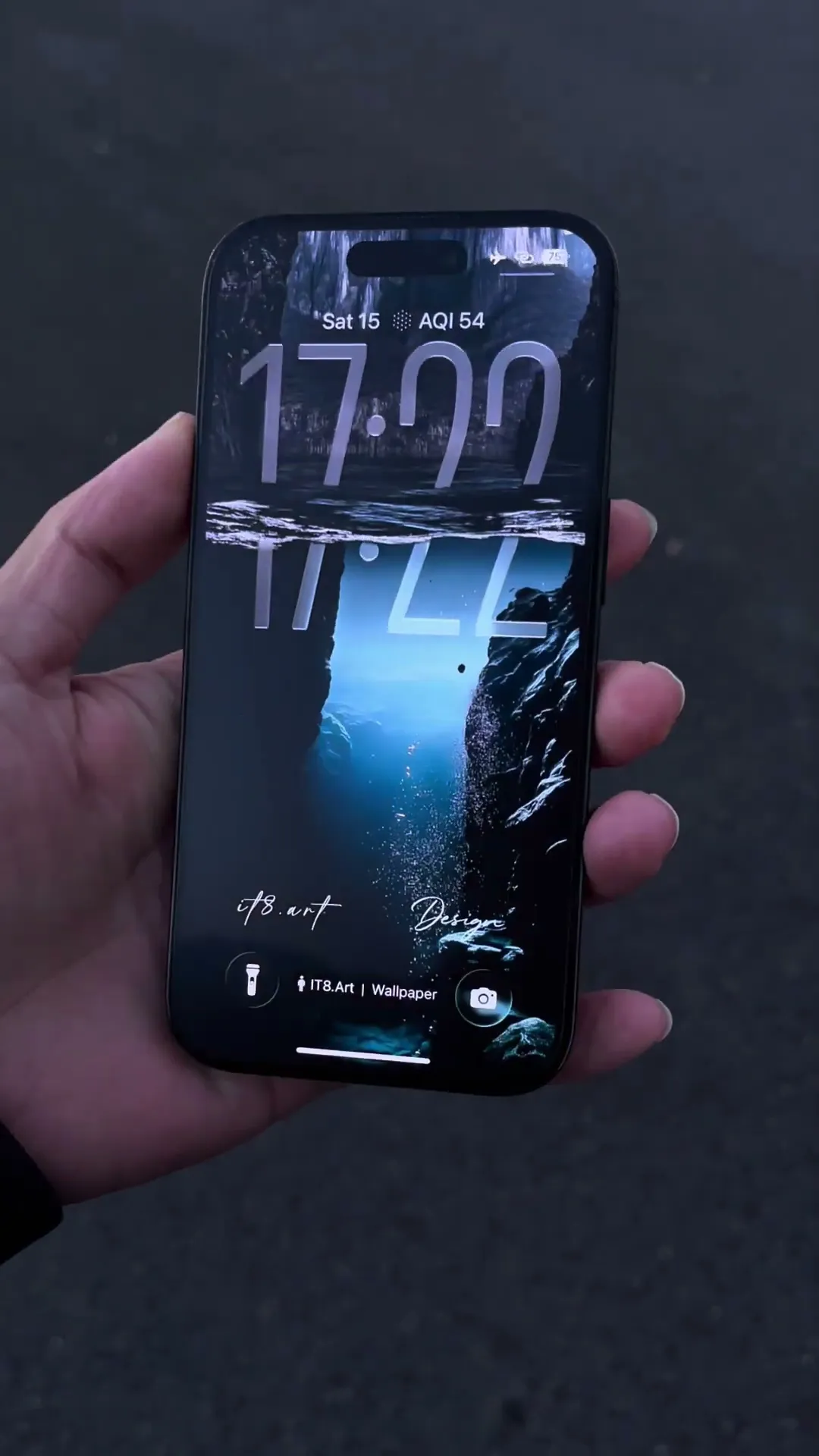
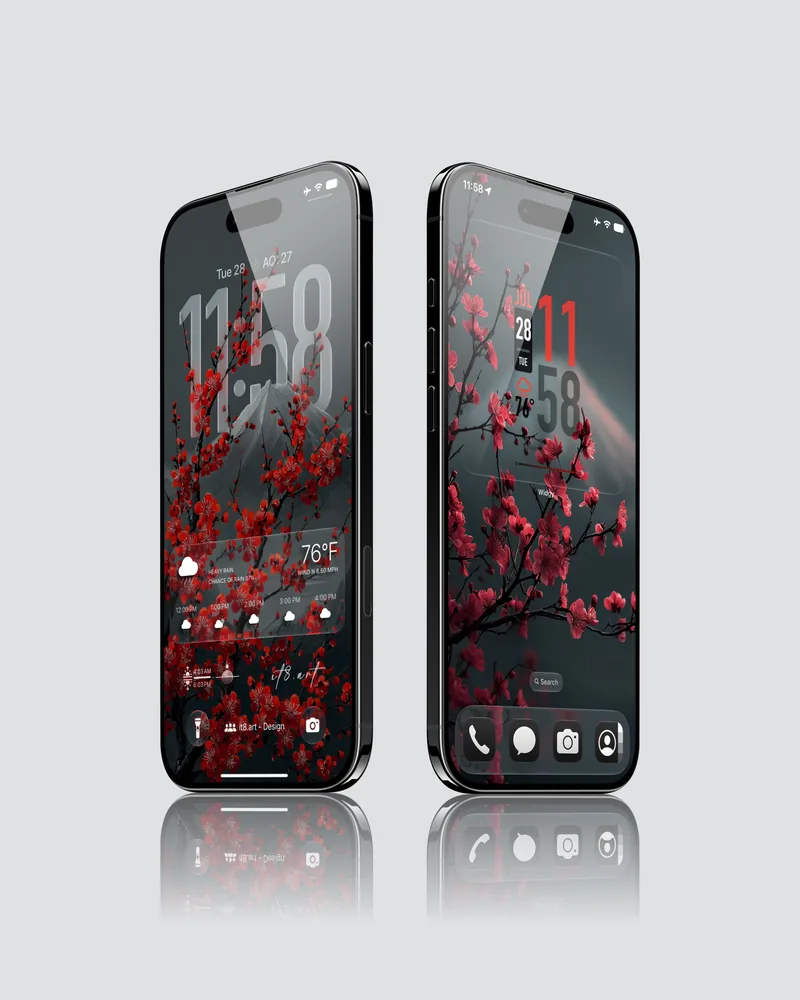
Depth Effect is a Lock Screen presentation option that can place a suitable foreground subject in front of part of the clock. The result creates a layered composition while preserving the wallpaper as the background.
The option is evaluated by iOS. A product can include compositions selected for this type of setup, but the final result cannot be guaranteed for every wallpaper, crop, device, or operating-system version.
What makes a wallpaper suitable for Depth Effect?
A wallpaper is more likely to support Depth Effect when iOS can clearly separate a foreground subject from its background and place that subject near the clock without making the time difficult to read.
- A clear foreground subject with a recognizable outline.
- Enough separation between the subject and the background.
- Room near the top of the frame for the subject to approach or overlap the clock.
- A crop that does not enlarge the subject so far that important details leave the screen.
- Sufficient contrast for the clock and other Lock Screen information to remain readable.
How do you test a Depth Effect wallpaper?
Test the original image on the target iPhone, begin with a simple Lock Screen, and adjust the crop before adding widgets or other layout elements.
- Touch and hold the Lock Screen, then choose Add New or customize an existing Lock Screen.
- Select the original wallpaper file from Photos.
- Move or zoom the image until the foreground subject sits naturally near the clock.
- Open the available wallpaper options and enable Depth Effect when iOS offers it.
- If the option is unavailable, test a slightly different crop and review any widgets or layout elements that may conflict with the composition.
- Confirm the completed Lock Screen on the actual device before saving it as the final layout.
How does it8.art evaluate Depth Effect layouts?
it8.art has tested Lock Screen layouts on iPhone 15 Pro and Pro Max, iPhone 16 Pro and Pro Max, iPhone 17 Pro and Pro Max, and iPhone Air running iOS 26 and iOS 27. The same wallpaper is checked at different crops to see whether iOS can separate the foreground subject from the background and preserve a clear layered composition.
A subject overlapping the clock is not automatically a failed layout. The stronger result is one in which the subject covers an appropriate portion of the clock, creates a visible foreground-and-background relationship, and still keeps the time easy to read.
iOS evaluates the selected photo and layout dynamically. Depending on the image and crop, the available clock placement, type treatment, and front-or-behind relationship can change, so the final result must be confirmed on the target device.
Why might Depth Effect not appear?
Depth Effect may be unavailable when iOS cannot isolate the subject, the crop does not create a usable clock overlap, or widgets and other layout elements compete with the composition.
- The selected image may not contain a foreground subject that iOS can separate clearly.
- The crop or subject position may not create a usable overlap with the clock.
- Widgets or other Lock Screen elements may compete with the layered composition.
- The feature can behave differently across iPhone models and iOS versions.
- A compressed preview or screenshot may work differently from the original downloaded file.
How do you troubleshoot iPhone Depth Effect?
Start with the original downloaded file and test the simplest Lock Screen layout first. Then adjust one element at a time so you can see whether the photo, crop, clock, widgets, or device is changing the result.
| Problem | Likely cause | What to try |
|---|---|---|
| Depth Effect does not appear | The photo or current crop may not provide a subject that iOS can layer. | Use the original file, choose a clearly separated subject, and test a slightly different crop. |
| The subject stays behind the clock | The effect may be off, or the subject may not reach a usable clock overlap. | Enable Depth Effect when offered, then reposition or resize the photo. |
| The result changes after adding widgets | Widgets reduce open space and can compete with the subject-and-clock composition. | Test without widgets first, then add them back while checking the overlap. |
| The preview and saved Lock Screen look different | Clock size, notifications, or the final device layout may change the visible framing. | Review the saved Lock Screen on the target device, reopen Customize, and refine the crop. |
| The same image behaves differently on another iPhone | Feature options can vary with the device, iOS version, photo, and selected wallpaper layout. | Use the original file and verify the setup on each target device. |
Apple states that customization options depend on the selected wallpaper and that Depth Effect is available for photos that support layering. Treat each result as specific to the photo, crop, device, and current iOS behavior.
Is Depth Effect the same as Spatial Scene?
No. Spatial Scene creates a spatial presentation for eligible photos on supported devices, while Depth Effect refers to the foreground subject overlapping part of the Lock Screen clock. Availability for either option remains dependent on the photo, device, and current iOS behavior.
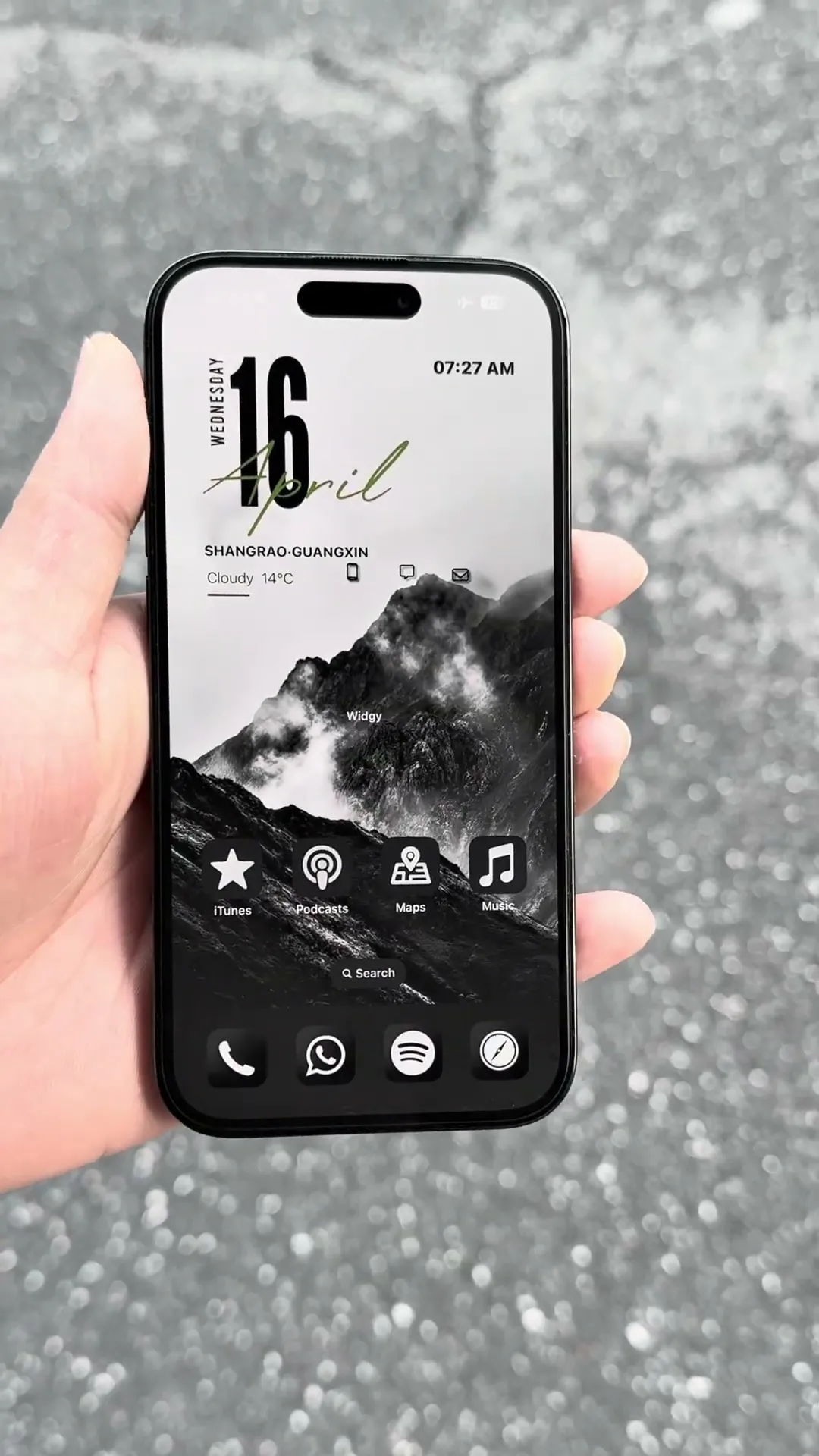
 4K
4K  8K
8K 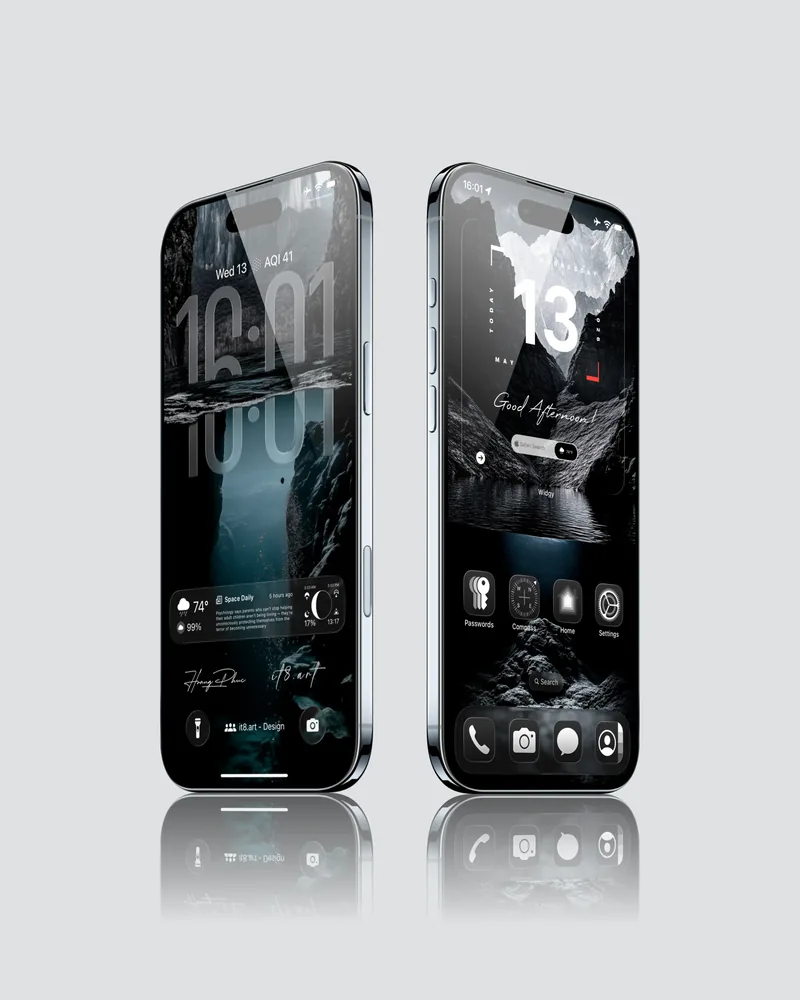 4K
4K 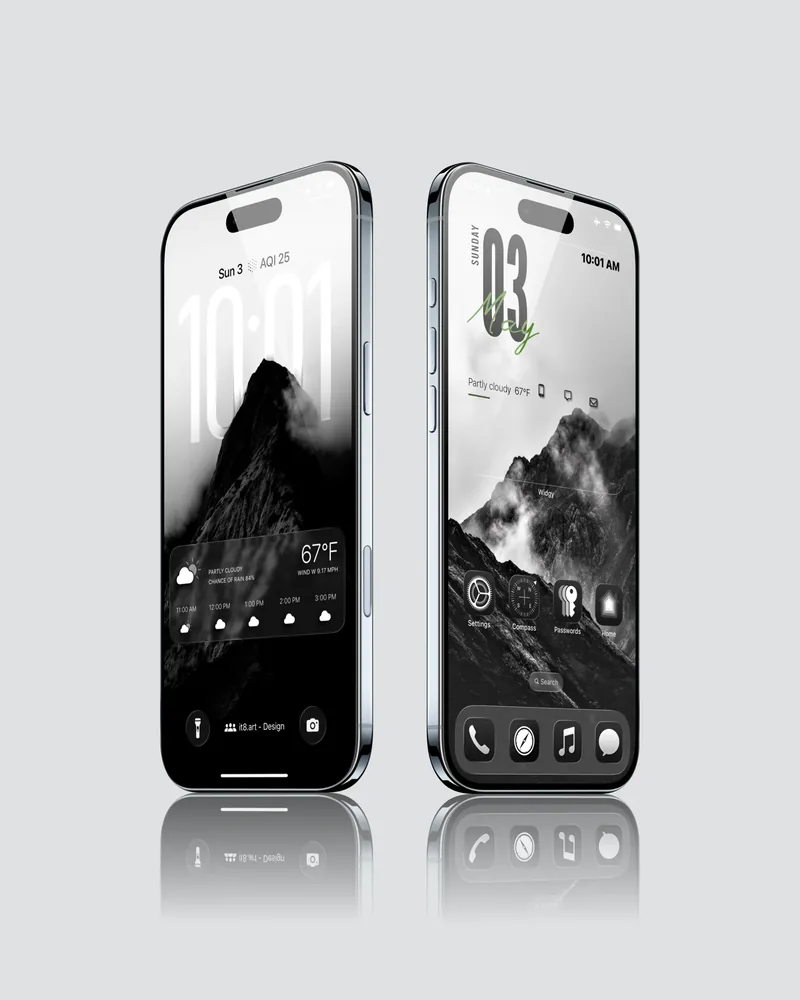 4K
4K