
About the Quiet Passage pack
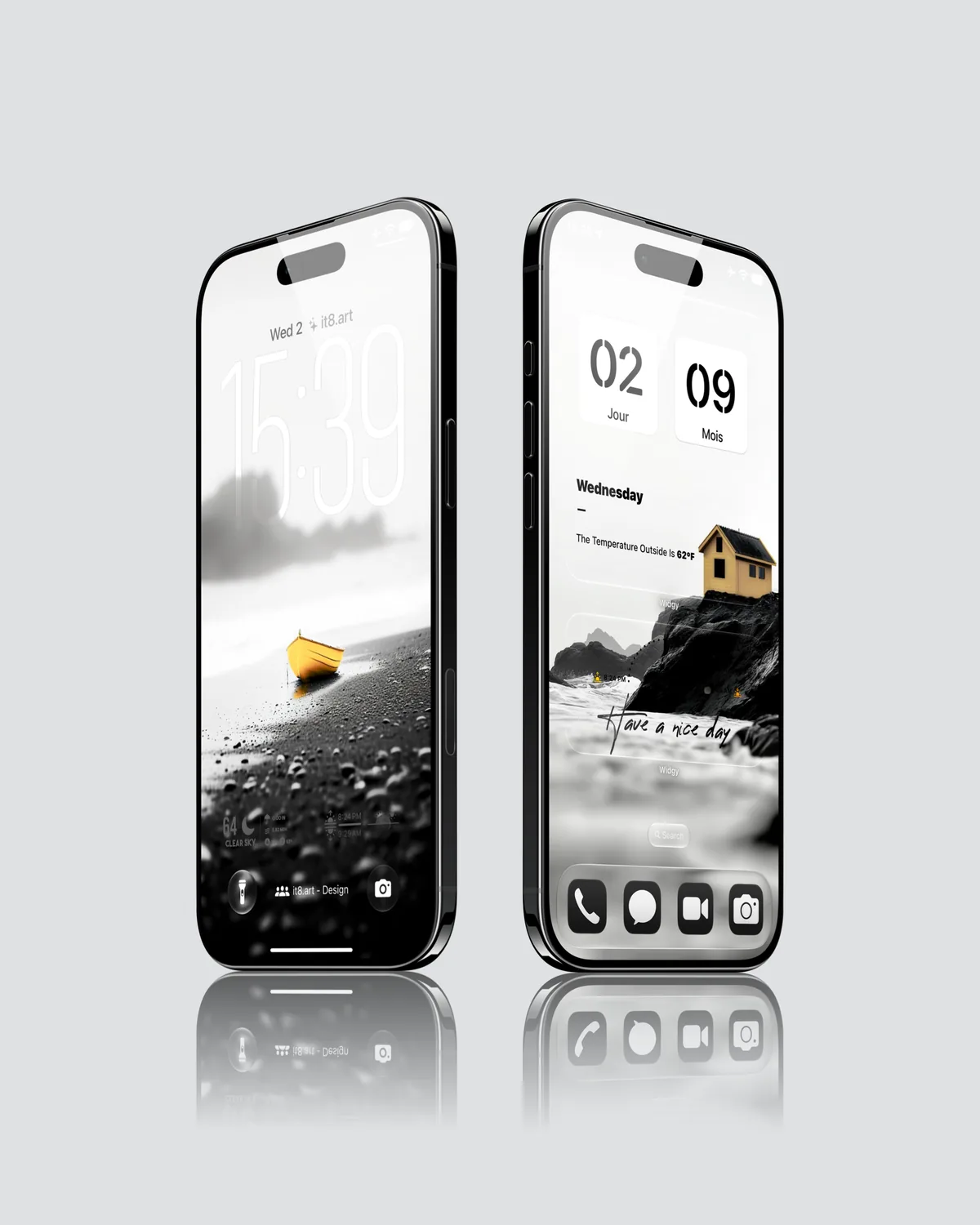
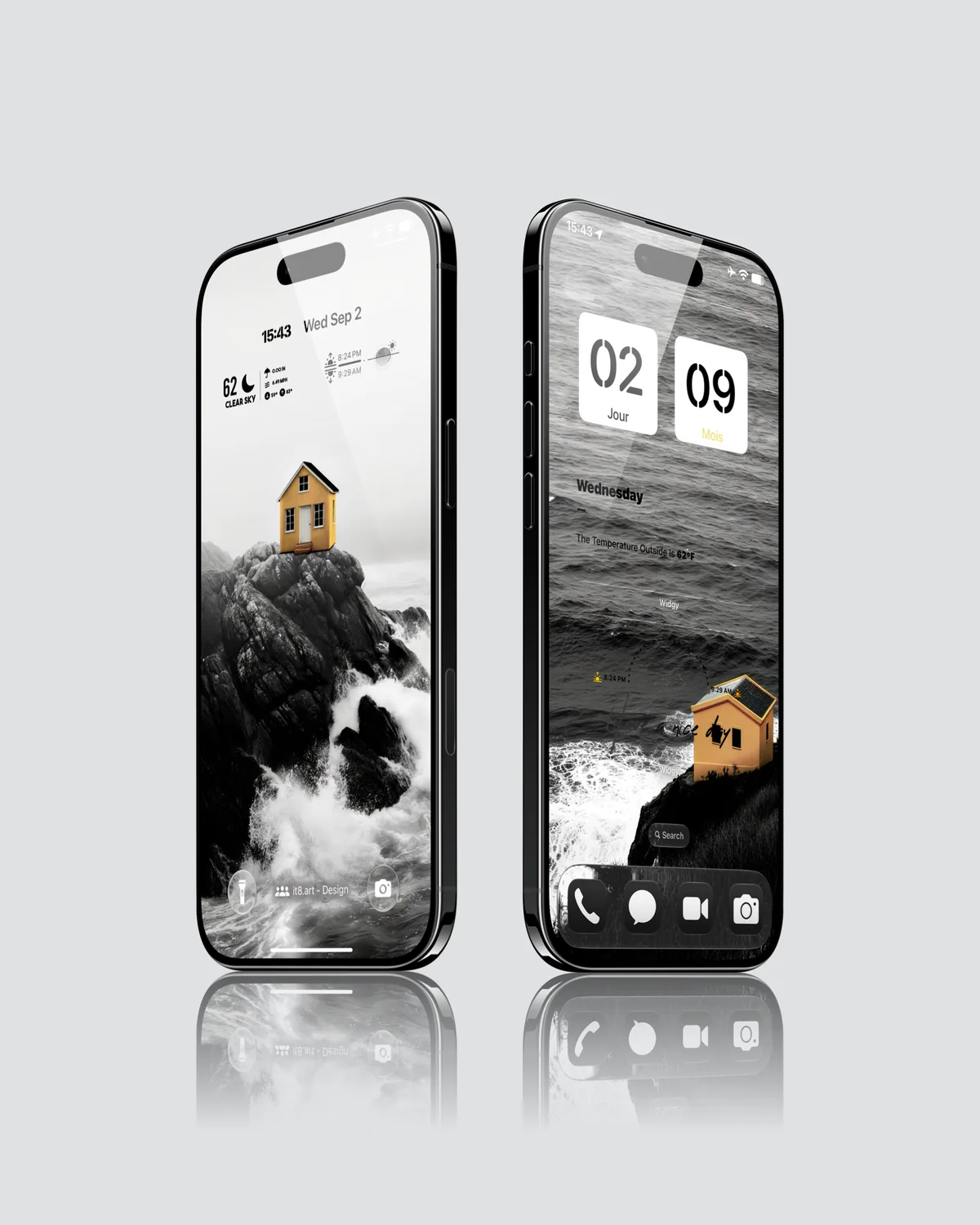
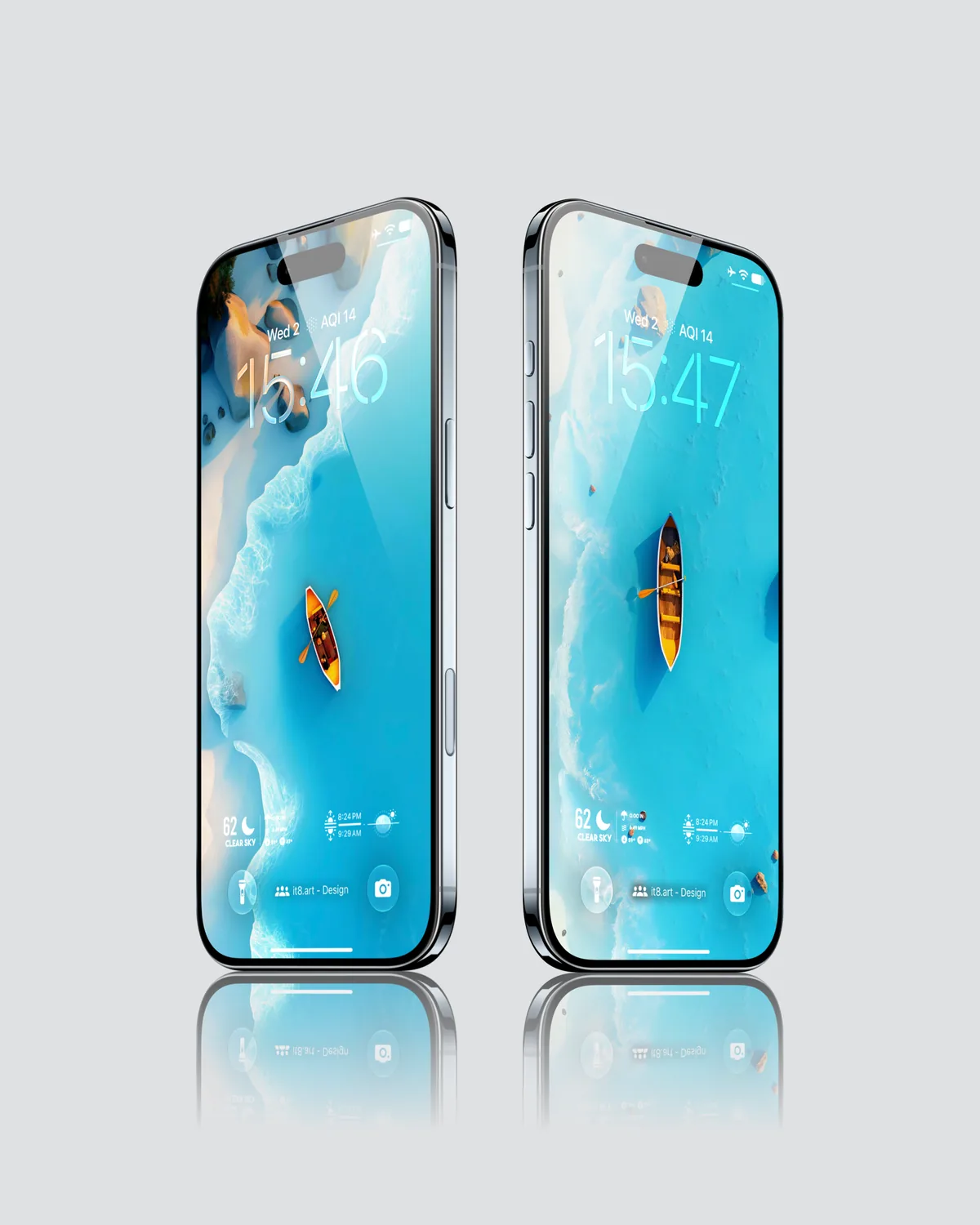
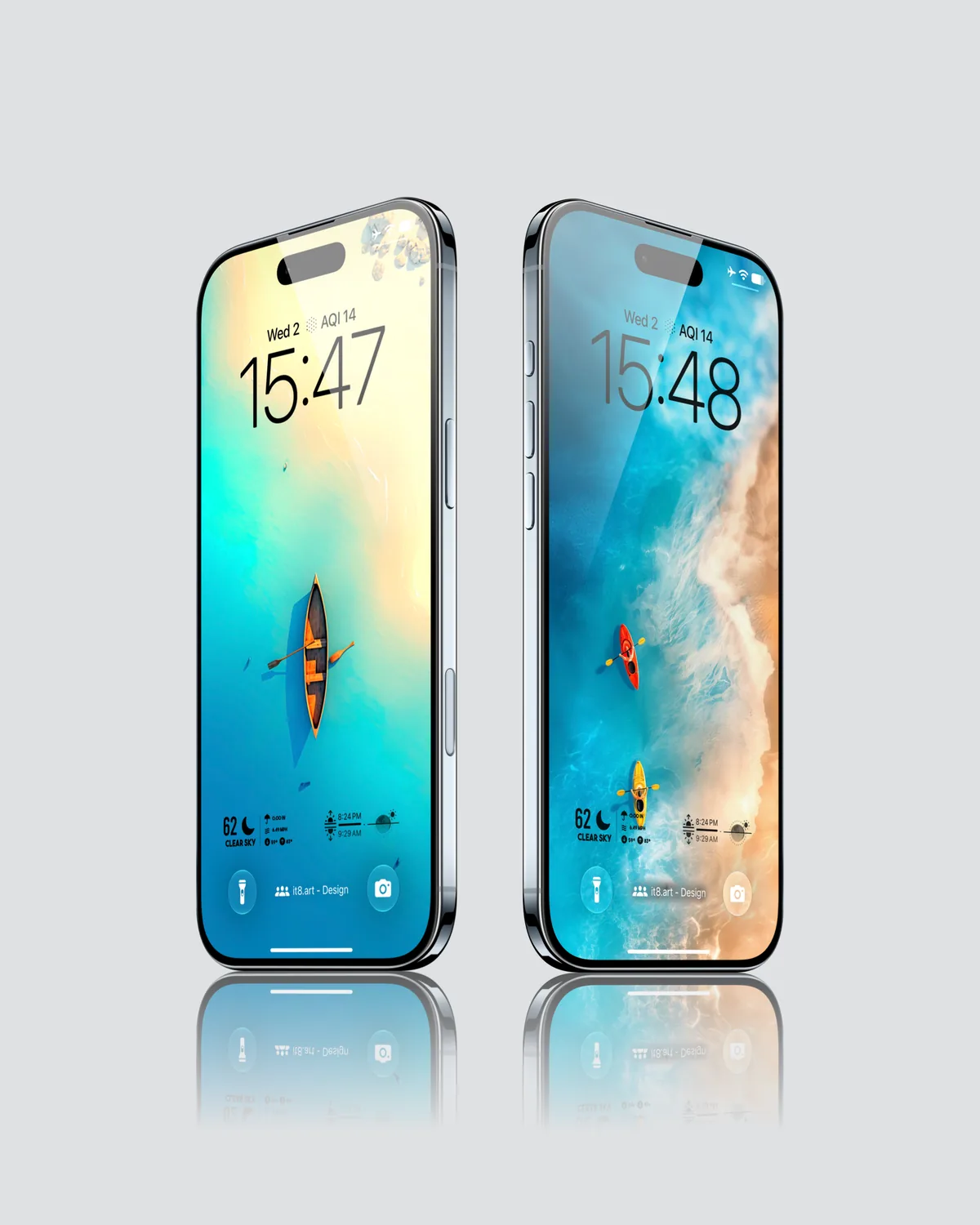
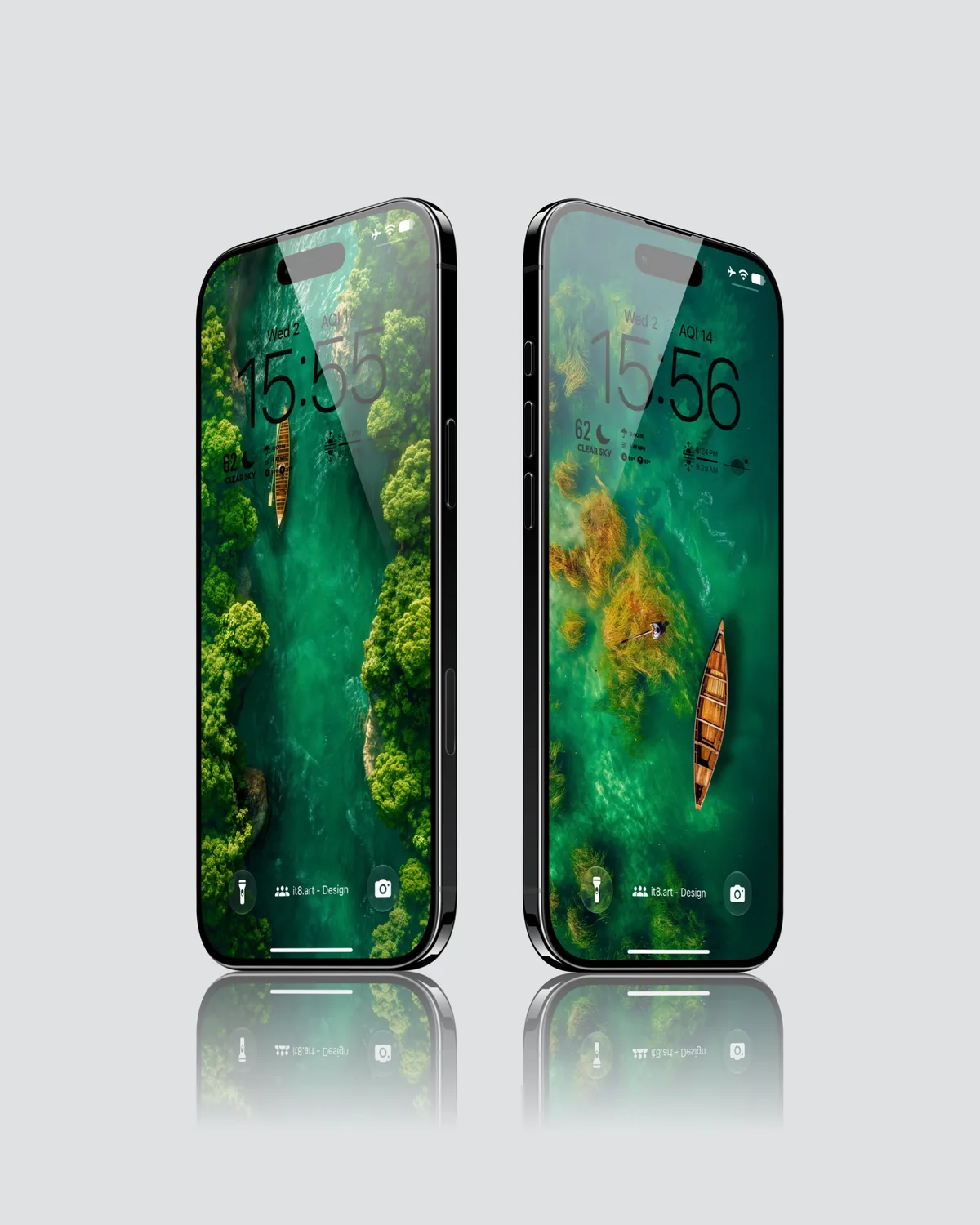
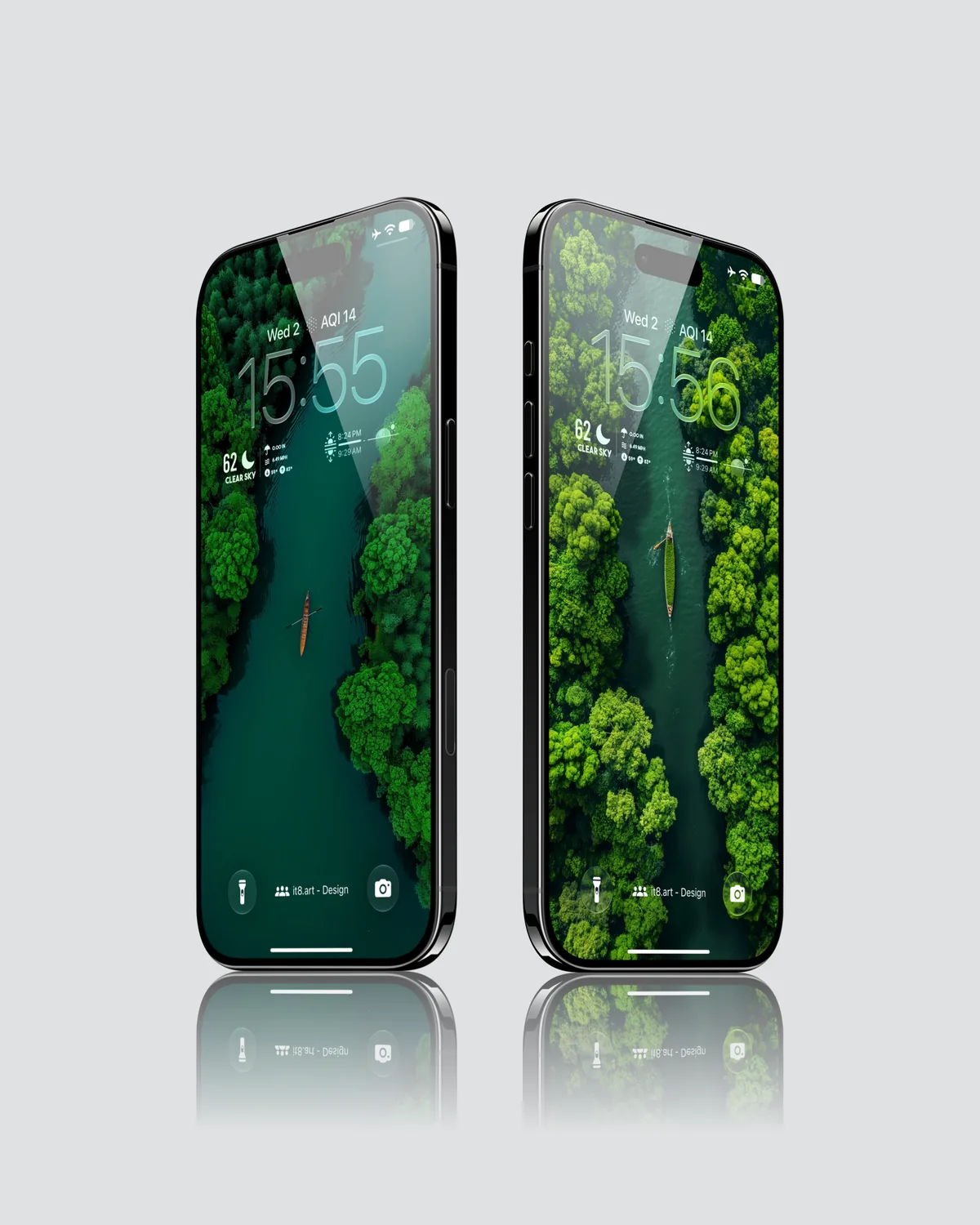
Quiet Passage is an it8.art collection of 18 high-resolution 4K wallpapers built around solitary boats, coastal water, and aerial forest rivers. The collection moves from monochrome shores with yellow accents to turquoise beaches and deep emerald waterways. All 18 wallpapers are delivered as PNG files and are suitable for coordinated iOS 27 Lock Screen and Home Screen layouts.
Boats remain the small focal point across the coastal and forest settings, connecting the different water scenes.
Wallpaper and setup design
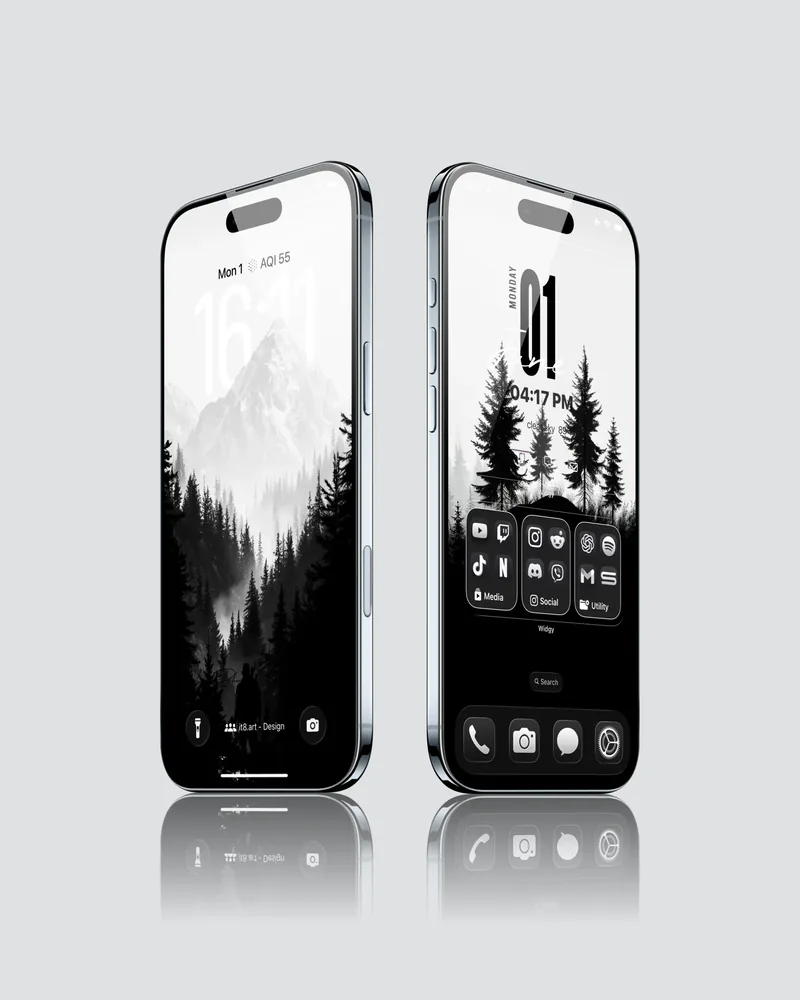
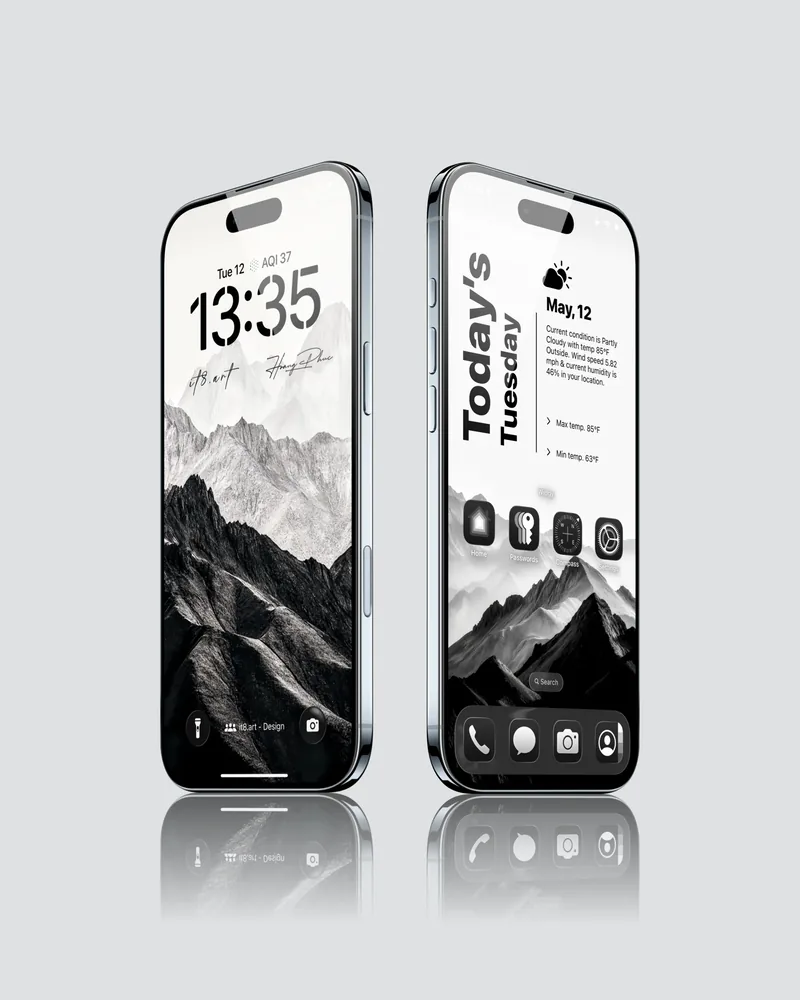
The collection brings three related visual moods into one pack: monochrome coastal scenes, bright blue water and kayak compositions, and green forest waterways viewed from above. The included Large and Medium Widgy widgets and four app icons are designed to recreate the coordinated iPhone layout shown in the setup preview.
Best for
- Calm nature, coastal, boat, and forest river iPhone setups
- Coordinated iOS 27 Lock Screen and Home Screen layouts
- Users who want wallpapers, widgets, icons, and a setup guide in one download
- Compatible Android devices using the wallpaper files only
For a coastal scene with characters instead of a lone boat, Cartoon Fisherman Dockside follows illustrated fishermen in overalls and raincoats.
What is included
- 18 high-resolution 4K wallpapers in PNG format
- 1 Large .widgy widget file
- 1 Medium .widgy widget file
- 4 iPhone app icons: Phone, Messages, FaceTime, and Camera
- A product-specific setup guide covering widget import and app icon installation
- A ZIP download containing the complete pack
Wallpaper Specs
- Resolution:
- 1935 × 4194 px
- Usage:
- Lock Screen & Home Screen
- Quality:
- High-Resolution · No Watermark
- Optimized for:
- iPhone Displays
Compatible iPhone Models
- iPhone 14 · iPhone 14 Plus · iPhone 14 Pro · iPhone 14 Pro Max
- iPhone 15 · iPhone 15 Plus · iPhone 15 Pro · iPhone 15 Pro Max
- iPhone 16 · iPhone 16 Plus · iPhone 16 Pro · iPhone 16 Pro Max · iPhone 16e
- iPhone 17 · iPhone 17 Pro · iPhone 17 Pro Max · iPhone 17e
- iPhone Air
- iPhone 18 Pro · iPhone 18 Pro Max
How to use the pack
- Download the ZIP file after purchase and extract it in the Files app.
- Save a selected PNG wallpaper to Photos and apply it to the iPhone Lock Screen or Home Screen.
- Open the supplied .widgy files on iPhone, import them into Widgy, and follow the included guide to assign the Large and Medium widgets.
- Save the four app icon images to Photos, then follow the included guide to create shortcuts using Shortcuts: Open App → Add to Home Screen.
Preview notice
The gallery and 8-second setup video show selected layouts from the 18-wallpaper collection and do not display every wallpaper in the download. The two Widgy widgets and four app icons shown in the preview are included. Device frames and other iPhone interface elements are shown for context and are not separate files in the product.
Product-page previews may be compressed for faster browsing and may not represent the full quality of the downloaded 4K PNG files.
Compatibility and setup
The 18 PNG wallpapers can be used on compatible iPhone and Android devices. The two .widgy widget files, four app icons, and setup guide are intended for iPhone. Widgy is a separate third-party app and is not developed, managed, or endorsed by it8.art. Some Widgy features or additional widget slots may require a separate in-app purchase.
The four app icons are installed as shortcuts using Shortcuts. They open the original apps rather than replacing the installed app icons, and notification badges remain on the original apps. Final crop, widget spacing, icon behavior, colors, and interface details can vary by device model and operating-system version.
FAQ
Where can I download coastal boat wallpapers for iPhone?
From it8.art. After payment you download a ZIP file with 18 wallpapers, 2 widgets, 4 app icons and a setup guide for the widgets and icons.
Are these coastal boat wallpapers 4K for iPhone?
Yes. All 18 wallpapers are 4K PNG files.
Can I use these coastal boat wallpapers on an Android phone?
Yes. The PNG wallpaper files work on compatible Android phones, and you can crop them to fit the screen. The widgets are for iPhone only.
Which app icons come with the coastal boat pack?
4 app icons: Phone, Messages, FaceTime and Camera. The setup guide covers installing them.
Do I need an app for the coastal boat widgets?
Yes. The widgets are made for the Widgy app, which you install separately on your iPhone. The pack includes a widget setup guide for importing them into Widgy and adding them to your Home Screen. For illustrated instructions, see How to Import and Install Widgy Widgets on iPhone.
License and usage
For personal use only. Resale, redistribution, uploading, repackaging, and commercial use are not allowed. Digital purchases are generally final after the files have been accessed or downloaded. Missing, corrupted, undelivered, or duplicate orders may be eligible for assistance or a refund under our Refund Policy. See the Terms of Service for full purchase terms.
 4K
 4K
 4K
 4K