
About this collection
Midnight Cascade is an iPhone wallpaper collection centered on luminous blue waterfalls and dark rock. Cyan reflections run across rivers and lakes beneath deep navy skies and aurora light.
Gallery highlights
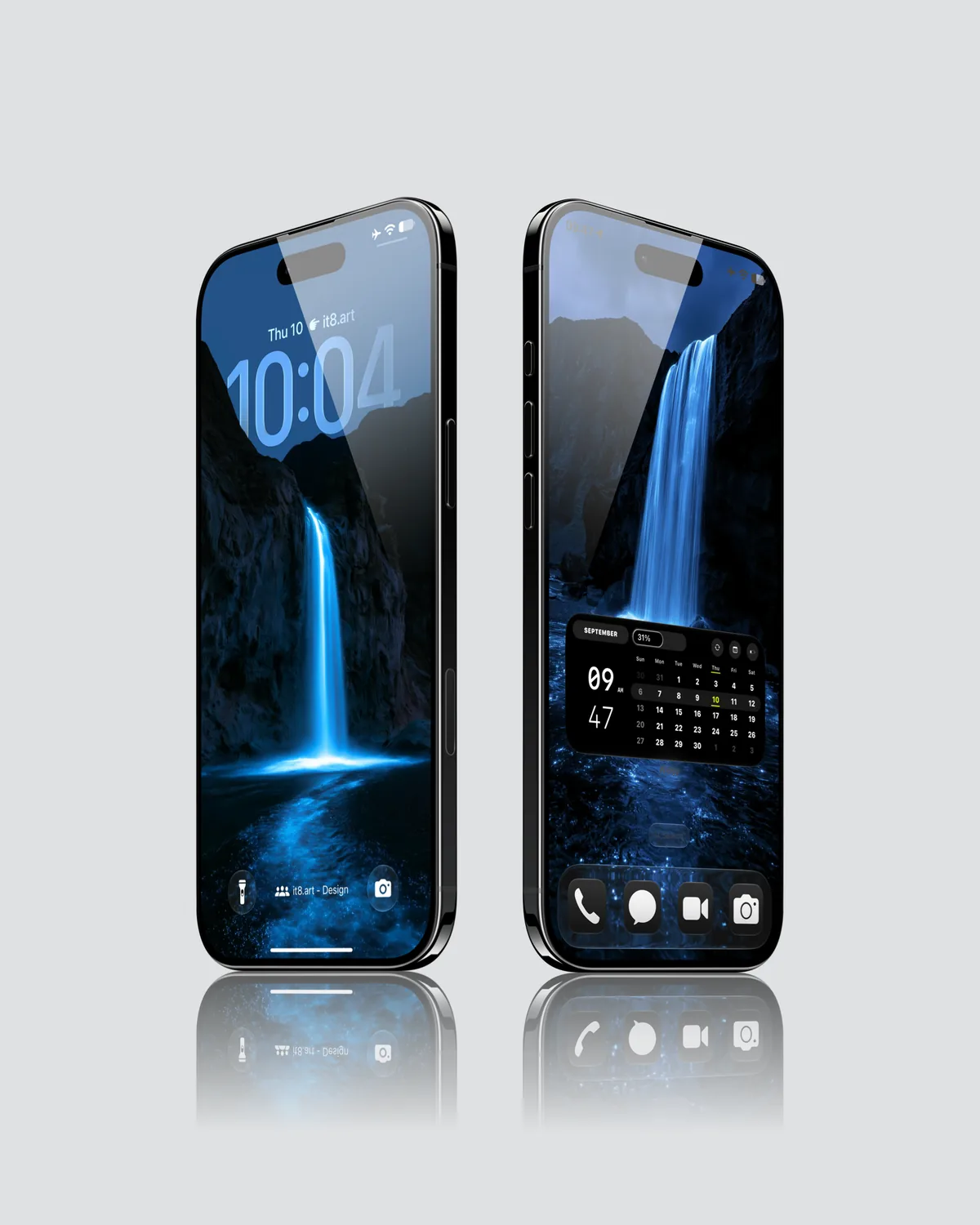
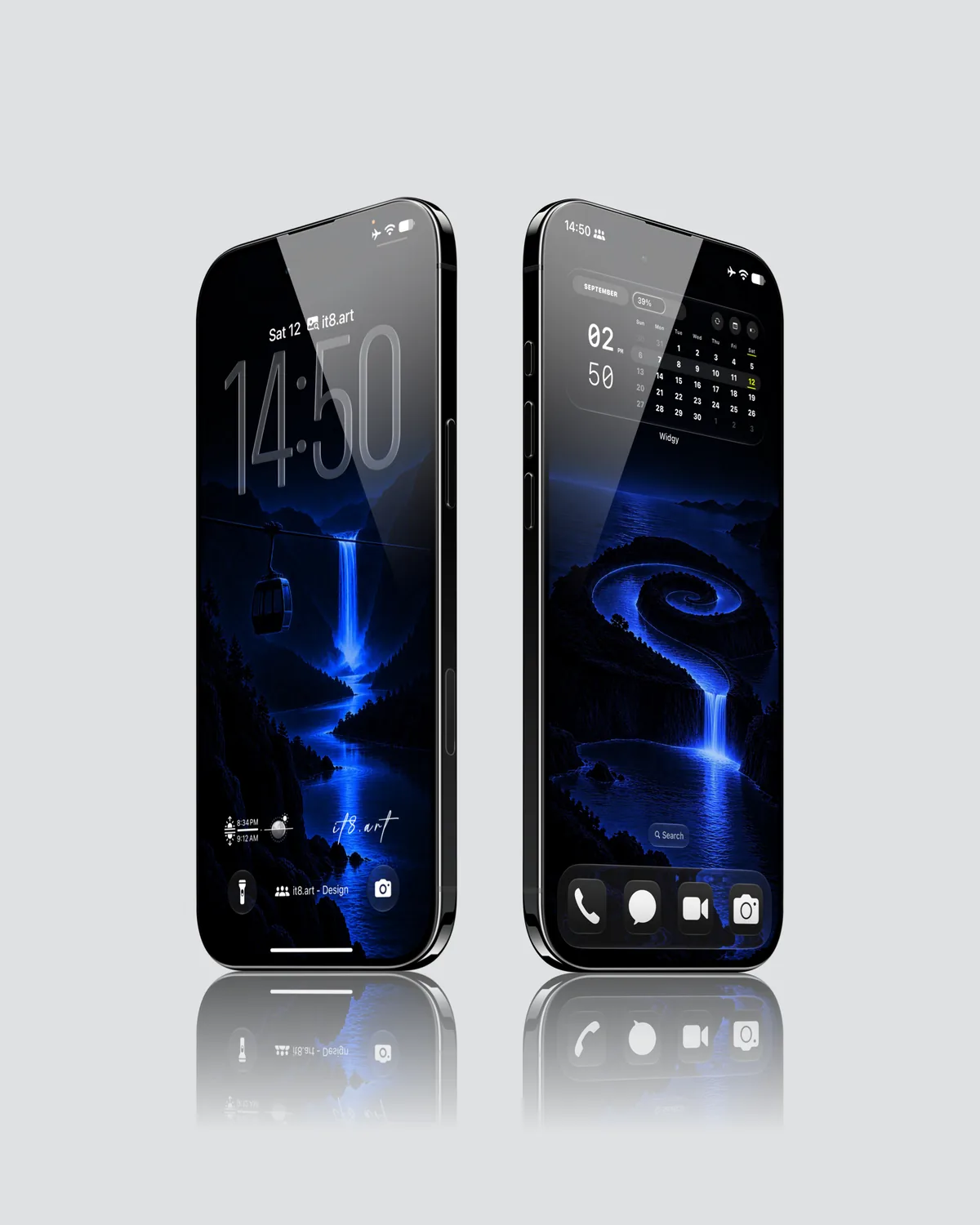
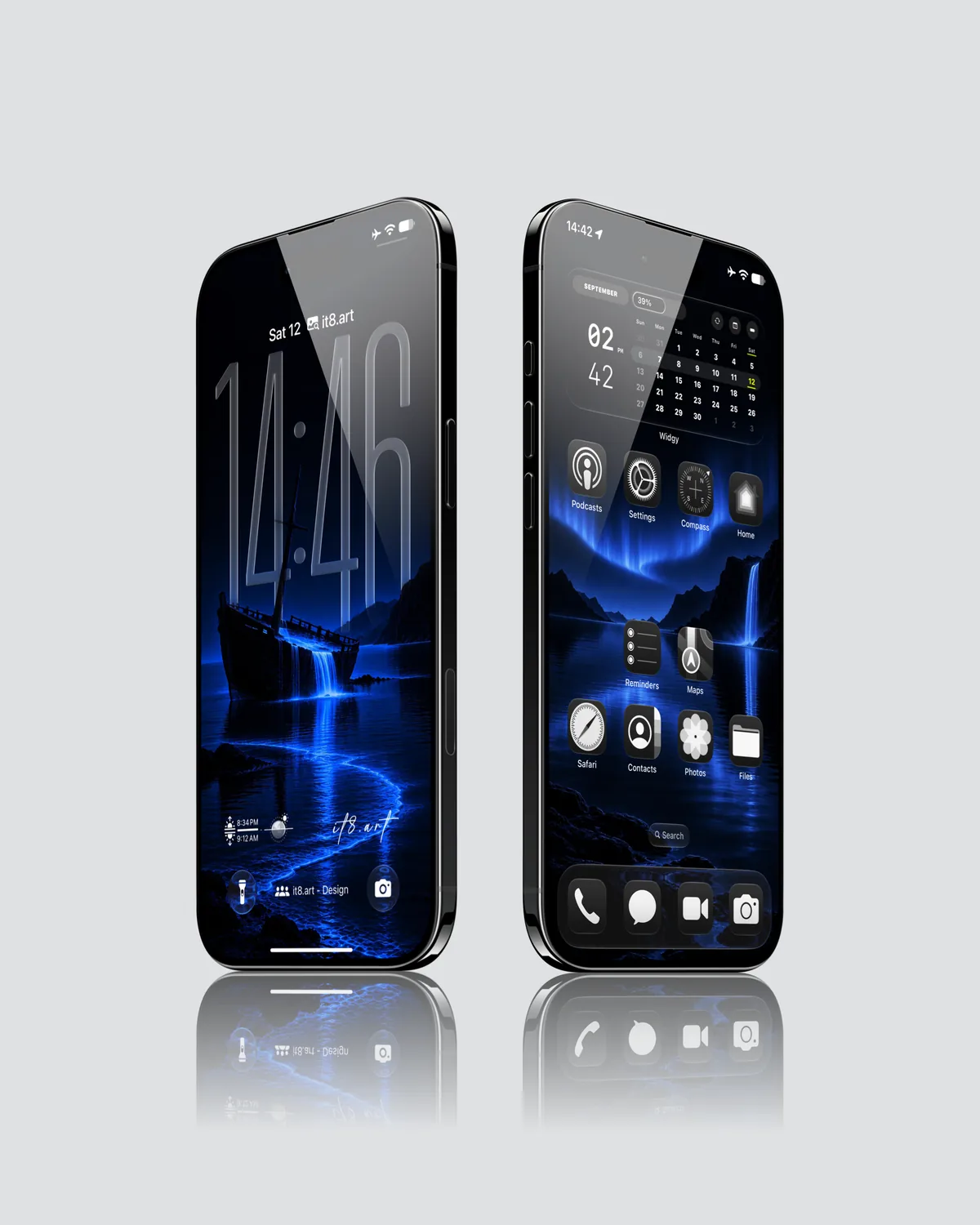
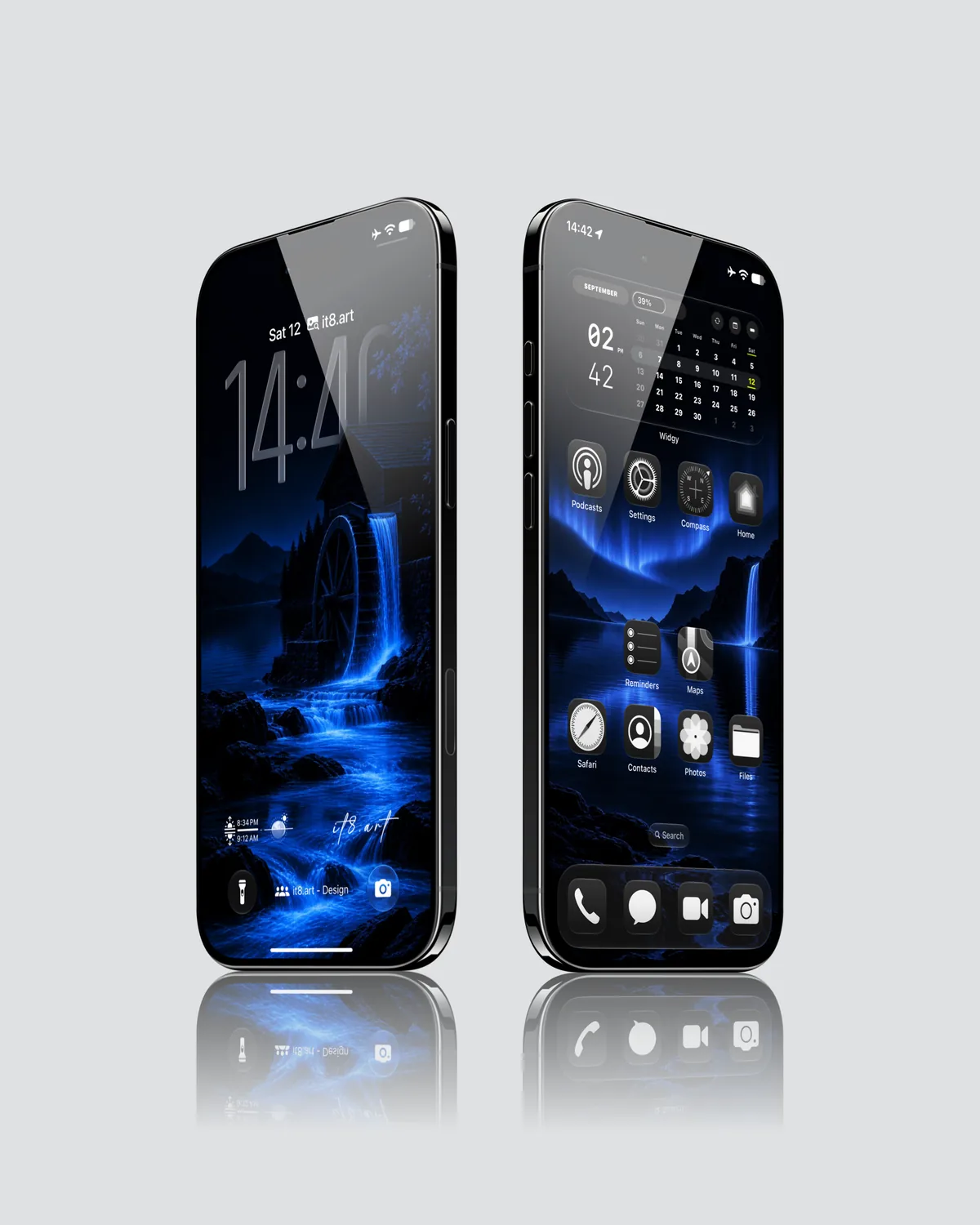
The selected previews include a tall waterfall between rocky cliffs, a cable car above a waterfall valley, a shipwreck spilling water into a lake, and a watermill beside smaller cascades. A spiral river and an aurora over the water appear in the accompanying Home Screen layouts.
Best for
- Night landscape Lock Screens with a bright waterfall as the focal point
- Deep blue Home Screen palettes that echo the water and sky
For glowing blue light with a story, Dark Fantasy places knights and riders beneath eclipses and blue portals.
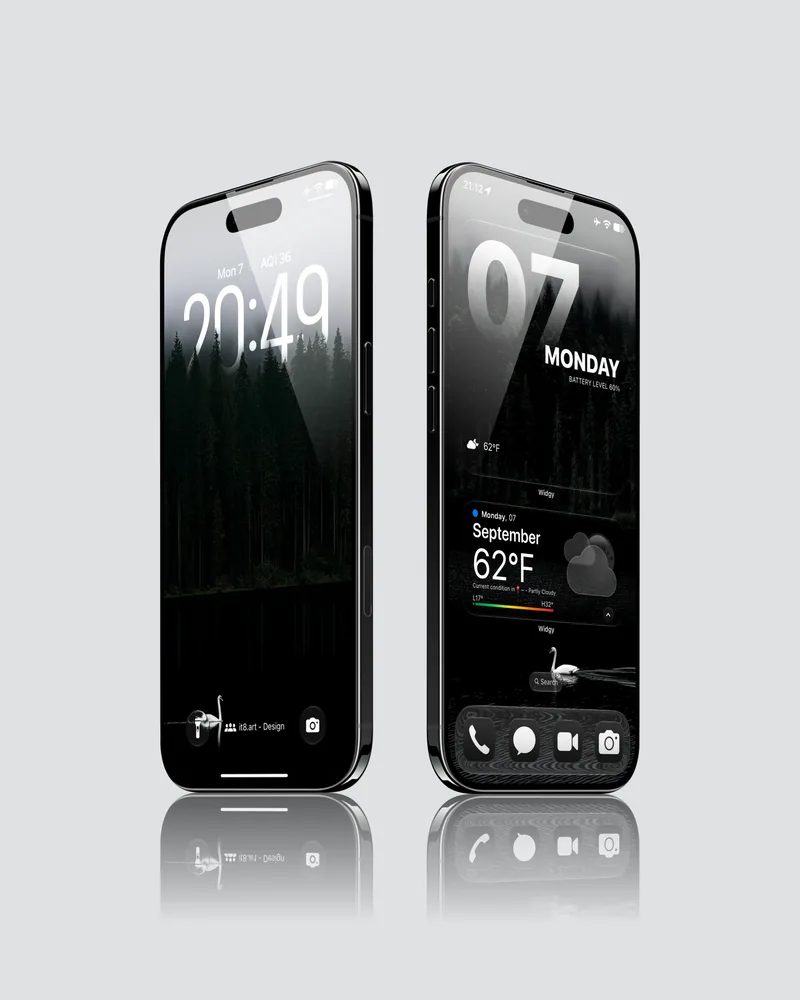
For dark water scenes in green instead of blue, Misty Wilderness shows white swans on dark lakes and streams through foggy forests.
What is included
- 25 wallpapers in 4K PNG format
- 1 widget setup guide
- App icons and third-party apps are not included.
Wallpaper Specs
- Resolution:
- 1935 × 4194 px
- Usage:
- Lock Screen & Home Screen
- Quality:
- High-Resolution · No Watermark
- Optimized for:
- iPhone Displays
Compatible iPhone Models
- iPhone 14 · iPhone 14 Plus · iPhone 14 Pro · iPhone 14 Pro Max
- iPhone 15 · iPhone 15 Plus · iPhone 15 Pro · iPhone 15 Pro Max
- iPhone 16 · iPhone 16 Plus · iPhone 16 Pro · iPhone 16 Pro Max · iPhone 16e
- iPhone 17 · iPhone 17 Pro · iPhone 17 Pro Max · iPhone 17e
- iPhone Air
- iPhone 18 Pro · iPhone 18 Pro Max
Compatibility and setup
The wallpapers work on iPhone and Android. Download and extract the ZIP file, save your chosen image, then apply it through your phone's wallpaper settings. Adjust the crop to fit your screen.
The widget setup guide is for iPhone and uses Widgy, which you install separately. Additional Widgy slots may require an in-app purchase.
Preview notes
The four gallery images show selected Lock Screen and Home Screen pairings from the collection. Clock appearance, icon layout and cropping depend on your device and settings.
FAQ
Where can I download night waterfall wallpapers for iPhone?
From it8.art. After payment you download a ZIP file with 25 wallpapers and 1 widget setup guide.
Are these night waterfall wallpapers 4K for iPhone?
Yes. All 25 wallpapers are 4K PNG files.
Can I use these night waterfall wallpapers on an Android phone?
Yes. The PNG wallpaper files work on compatible Android phones, and you can crop them to fit the screen. The widget setup guides are written for iPhone.
Do these night waterfall wallpapers support iPhone Depth Effect?
Some do. Depth Effect works on the iPhone Lock Screen, and the result depends on your crop and Lock Screen settings.
Do I need an app for the night waterfall widget setup?
Yes. The widget setup guides use Widgy, a separate app you install on your iPhone. The included setup guide helps you recreate the preview layout in Widgy. For illustrated instructions, see How to Import and Install Widgy Widgets on iPhone.
Are app icons included?
No. You get 25 wallpapers and 1 widget setup guide. App icons and widget apps shown in the previews are not included.
Do the Midnight Cascade wallpapers work with Spatial Scene on iOS 26 and iOS 27?
Some do. The wallpapers in this pack that support Depth Effect also work with Spatial Scene on the iPhone Lock Screen. The result depends on your crop and Lock Screen settings.
License and usage
For personal use only. Resale, redistribution, uploading, repackaging, and commercial use are not allowed. Digital purchases are generally final after the files have been accessed or downloaded. Missing, corrupted, undelivered, or duplicate orders may be eligible for assistance or a refund under our Refund Policy. See the Terms of Service for full purchase terms.
 4K
 4K
 4K
 4K