
About this collection
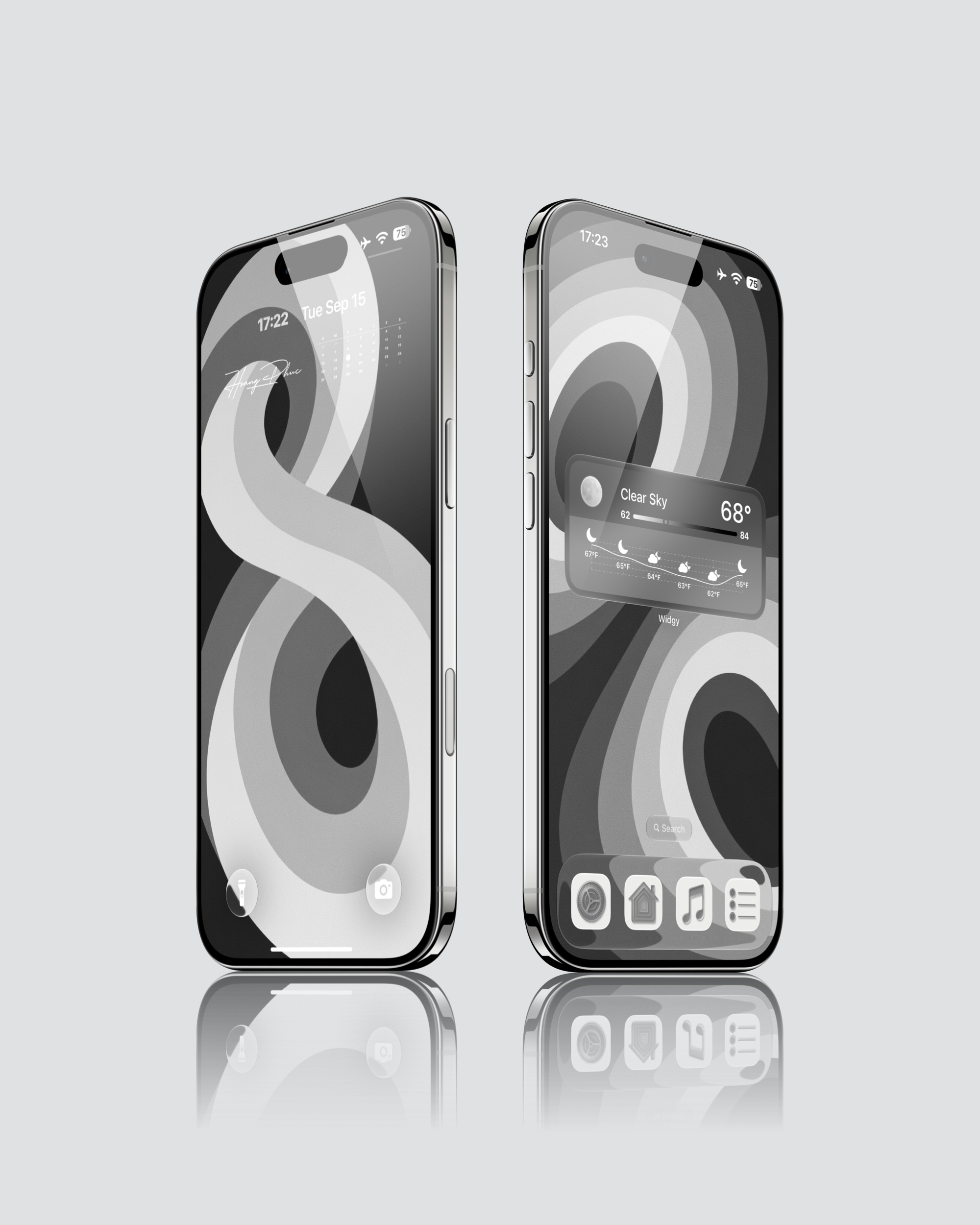
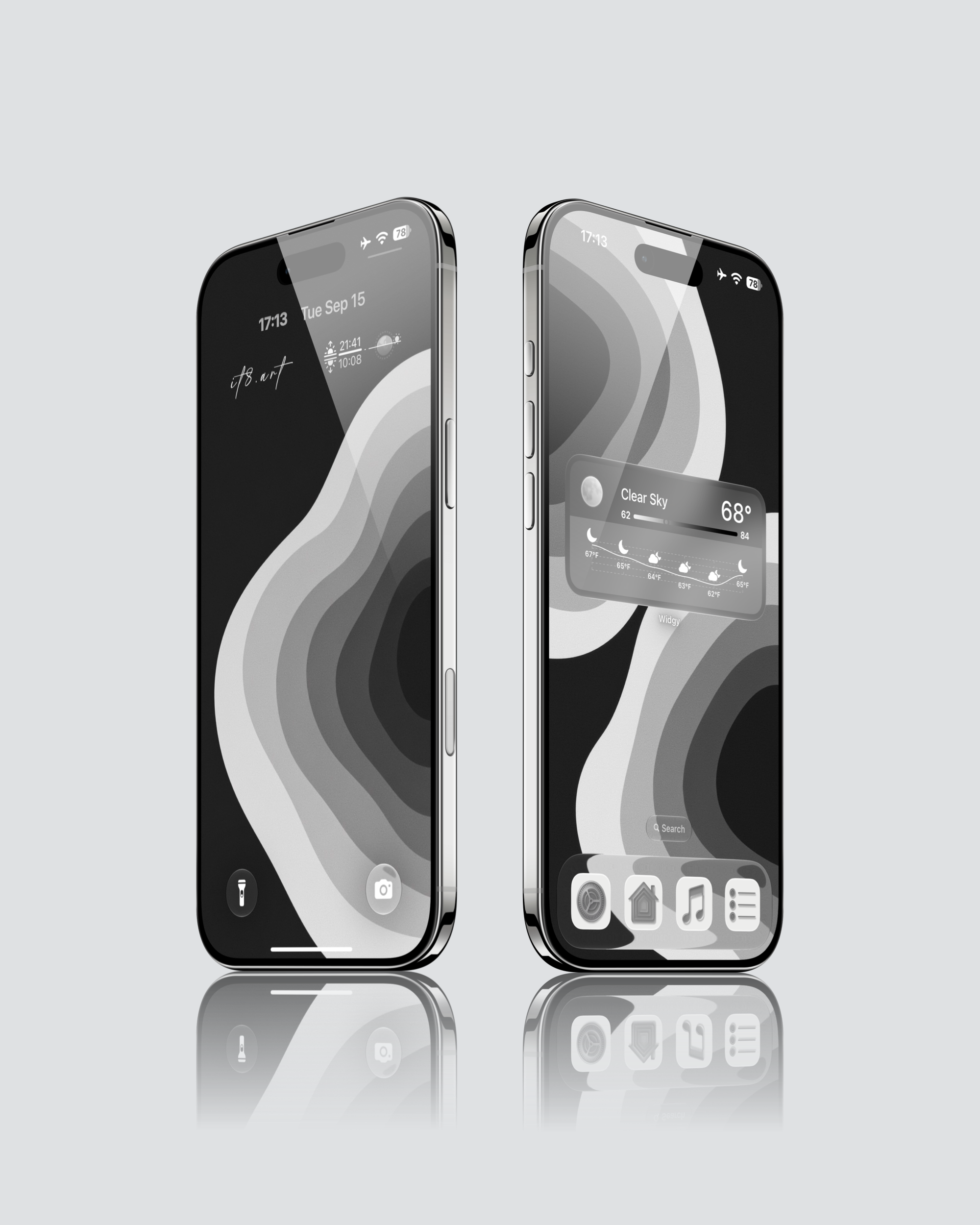
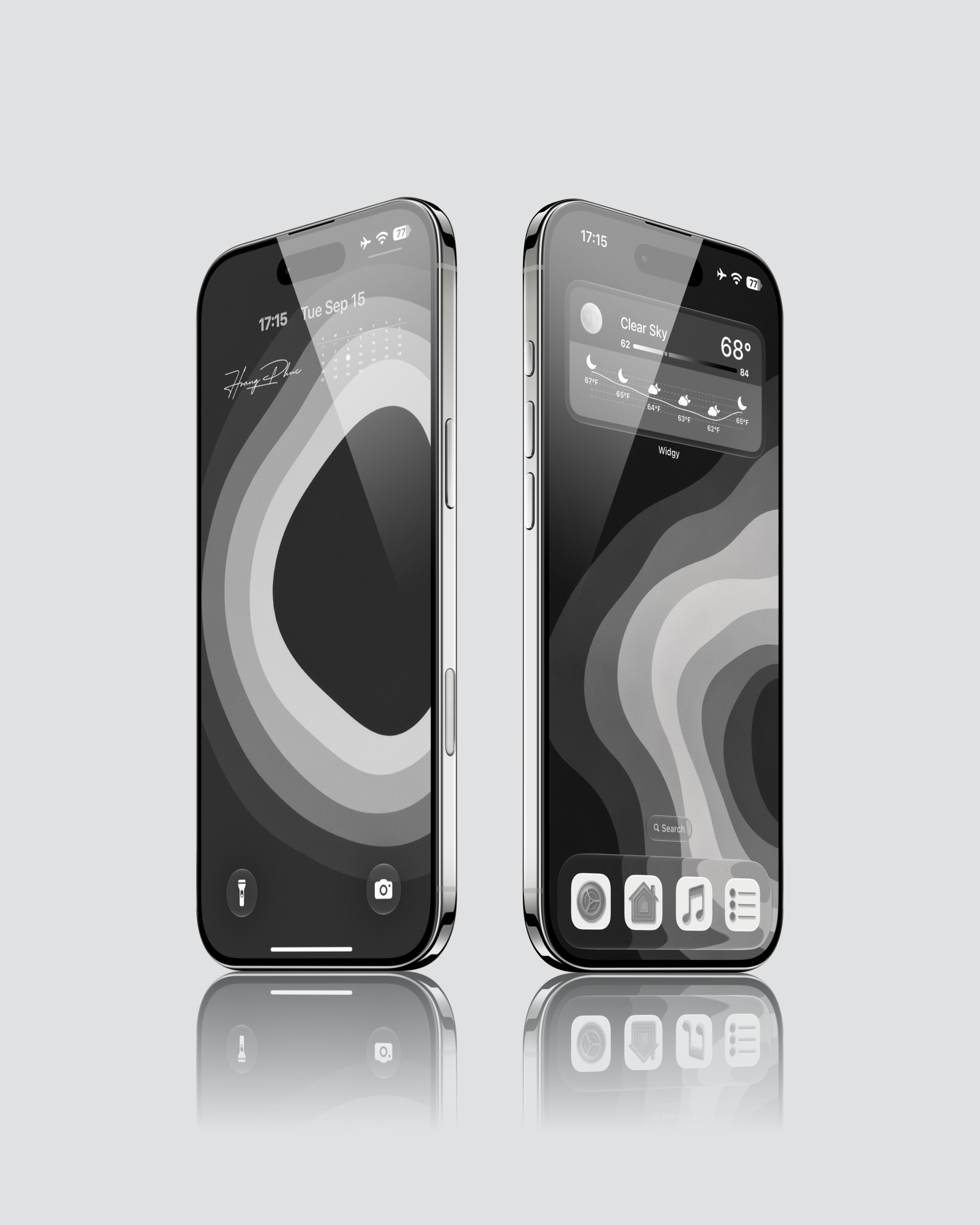
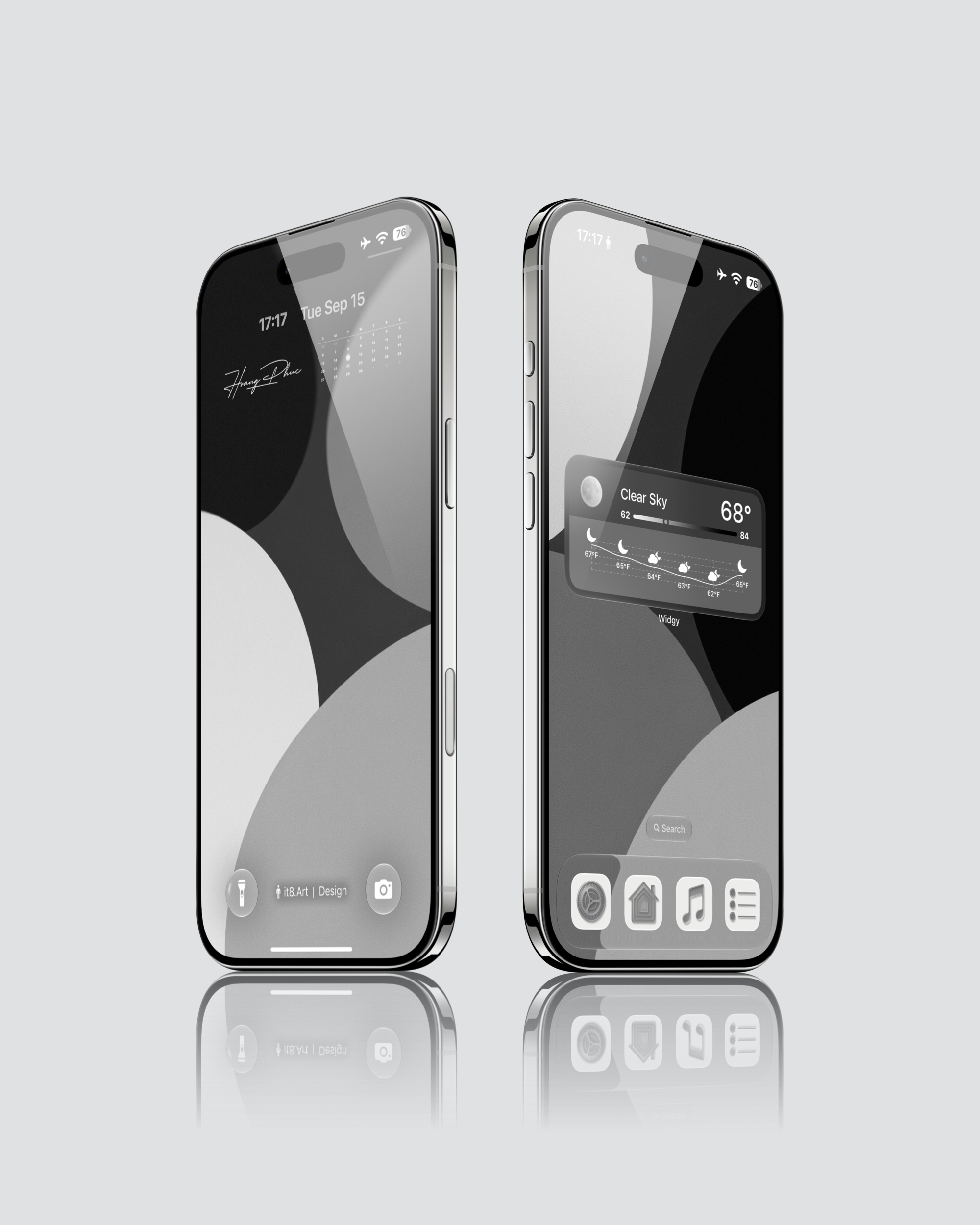
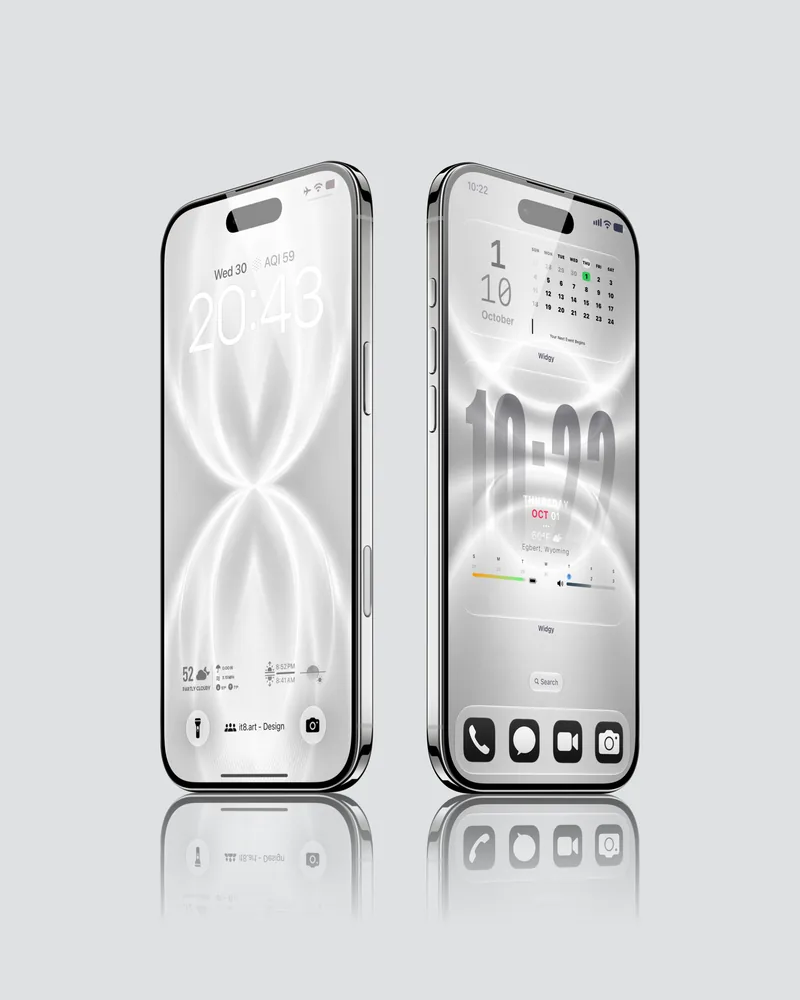
This minimalist iPhone wallpaper collection uses broad black, white and gray curves with a fine grain texture. The monochrome shapes give the screen its structure, while the grain adds a soft, lightly textured finish.
Design details
Looping ribbons cross through the main preview, while other designs use open rings, flowing waves and large overlapping circular forms. Fine speckles are visible within the lighter bands and gray areas, adding detail even where the composition is simple. The grain softens the tonal transitions while the edges of the curves remain defined.
The selected Lock Screen and Home Screen pairings vary the placement and scale of these shapes. Some leave a broad dark area near the clock; others carry the curves through most of the screen.
Best for
- Monochrome setups built around large abstract shapes and fine surface texture
- Lock Screen and Home Screen pairings that change the curve placement while keeping the same palette
What is included
- 20 wallpapers in 4K PNG format
- 1 widget setup guide
- App icons and third-party apps are not included.
Wallpaper Specs
- Resolution:
- 1935 × 4194 px
- Usage:
- Lock Screen & Home Screen
- Quality:
- High-Resolution · No Watermark
- Optimized for:
- iPhone Displays
Compatible iPhone Models
- iPhone 14 · iPhone 14 Plus · iPhone 14 Pro · iPhone 14 Pro Max
- iPhone 15 · iPhone 15 Plus · iPhone 15 Pro · iPhone 15 Pro Max
- iPhone 16 · iPhone 16 Plus · iPhone 16 Pro · iPhone 16 Pro Max · iPhone 16e
- iPhone 17 · iPhone 17 Pro · iPhone 17 Pro Max · iPhone 17e
- iPhone Air
- iPhone 18 Pro · iPhone 18 Pro Max
Compatibility and setup
The wallpapers work on iPhone and Android. Download and extract the ZIP file, save your chosen wallpaper, then apply it to your Lock Screen or Home Screen through your phone's wallpaper settings. Adjust the crop to suit your screen.
The gallery and video show iPhone setups. Clock style, icon appearance and widget placement depend on your device and settings.
FAQ
Do I need a separate app for the weather widget?
Yes. Install Widgy separately and follow the included widget setup guide. The guide covers the iPhone setup.
Are the clock and weather display part of the wallpaper image?
The previews show wallpapers applied on a phone with its clock and widgets. Set up those elements on your device if you want a similar layout.
Does the video show the whole collection?
The video demonstrates one wallpaper pairing. Use the gallery to see other selected designs from the pack.
License and support
For personal use only. Do not resell, redistribute or repackage the files. See the Refund Policy for help with download issues and refund eligibility.
 4K
4K 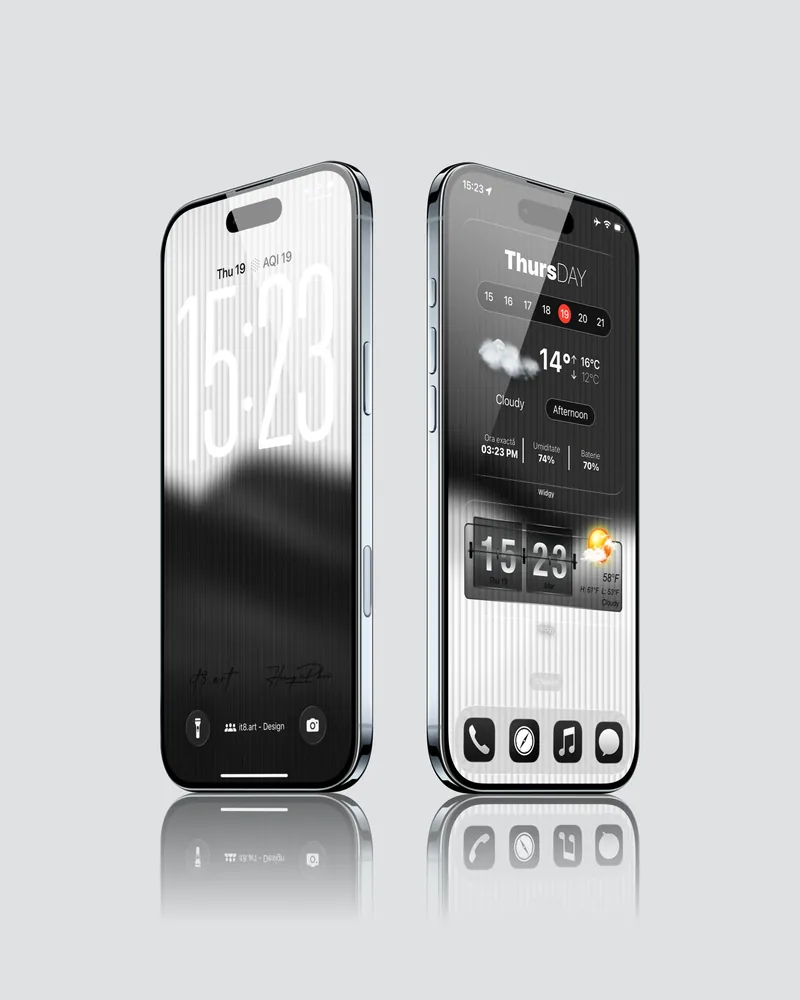 4K
4K 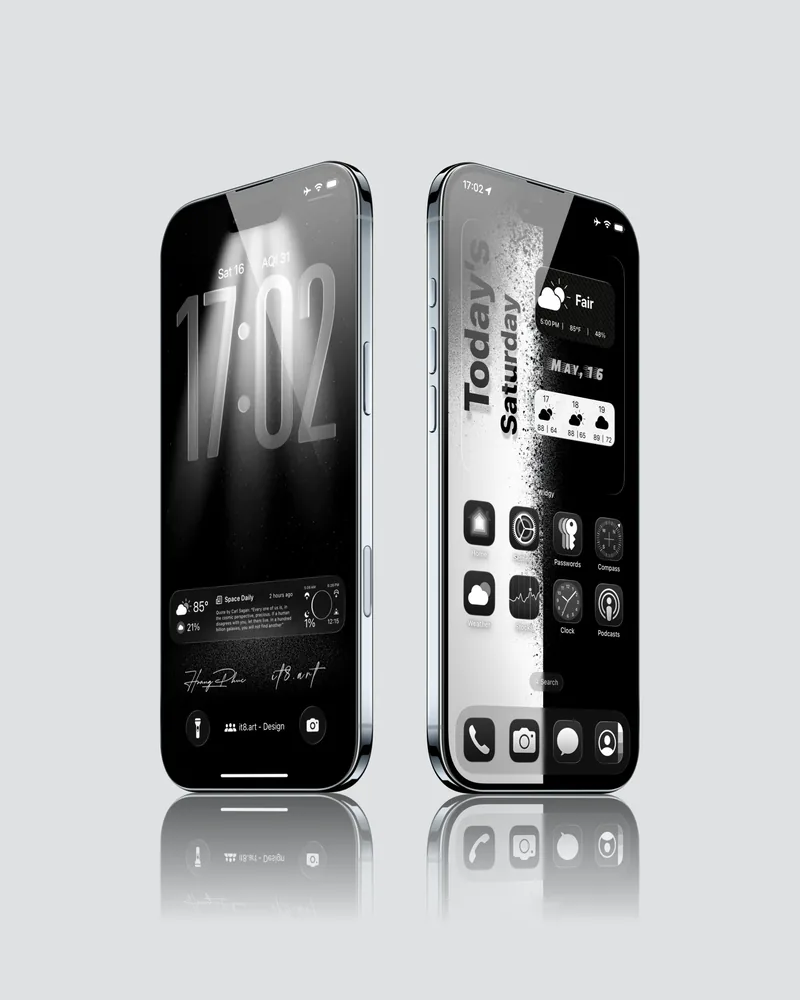 4K
4K 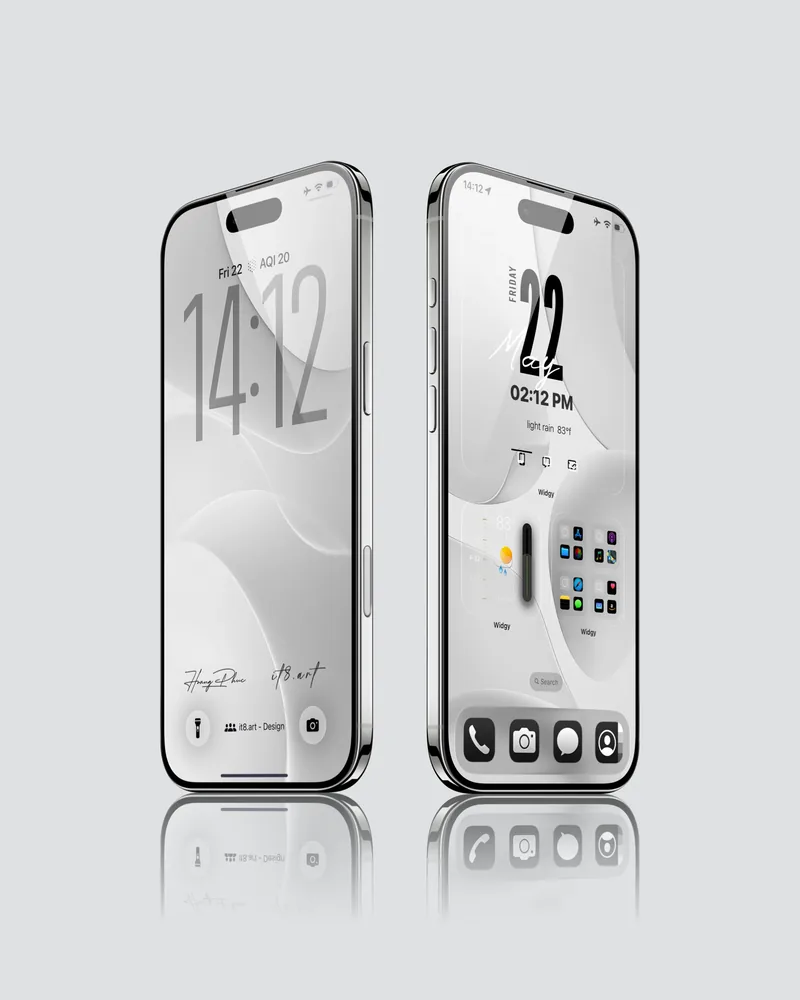 4K
4K