About this collection
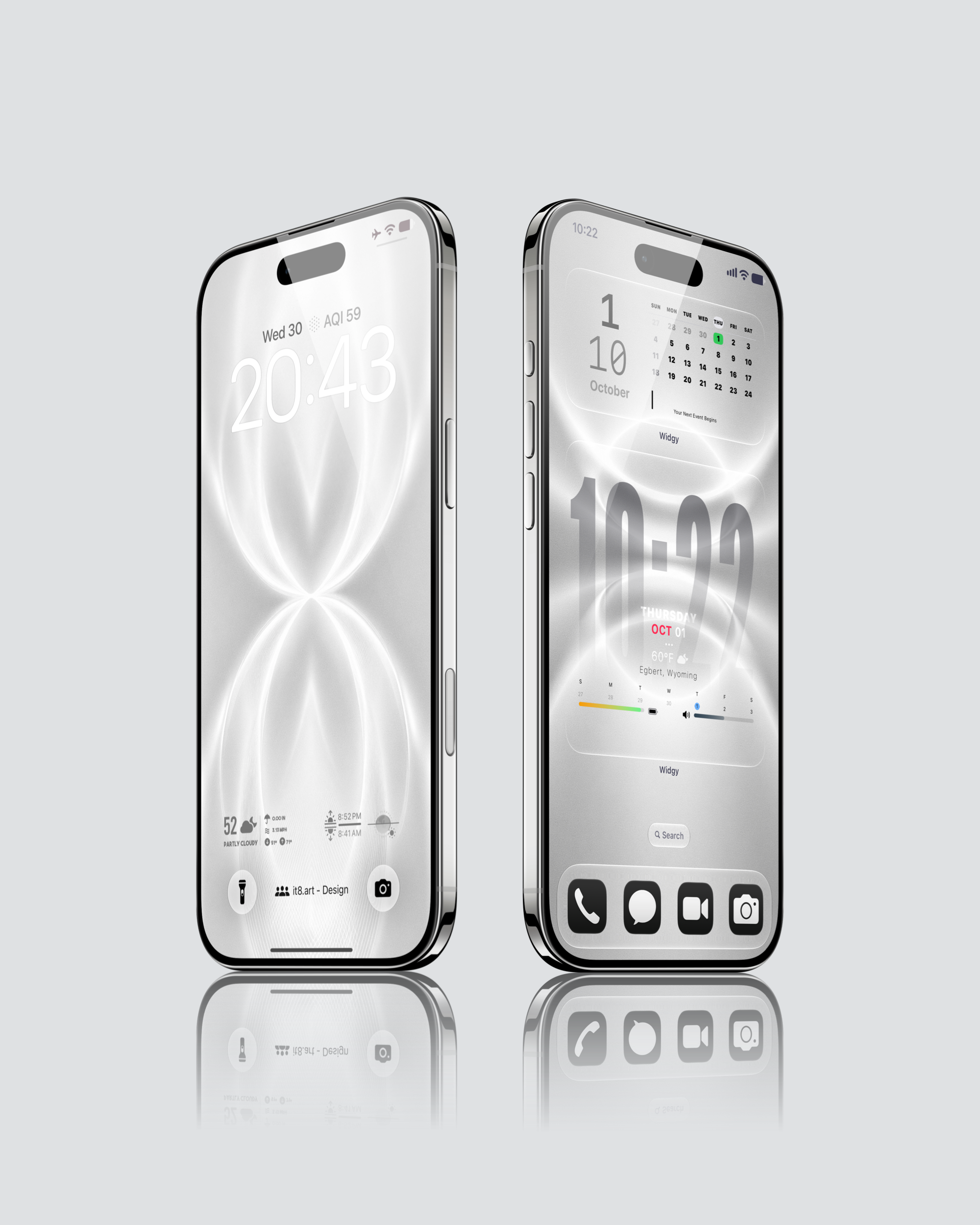
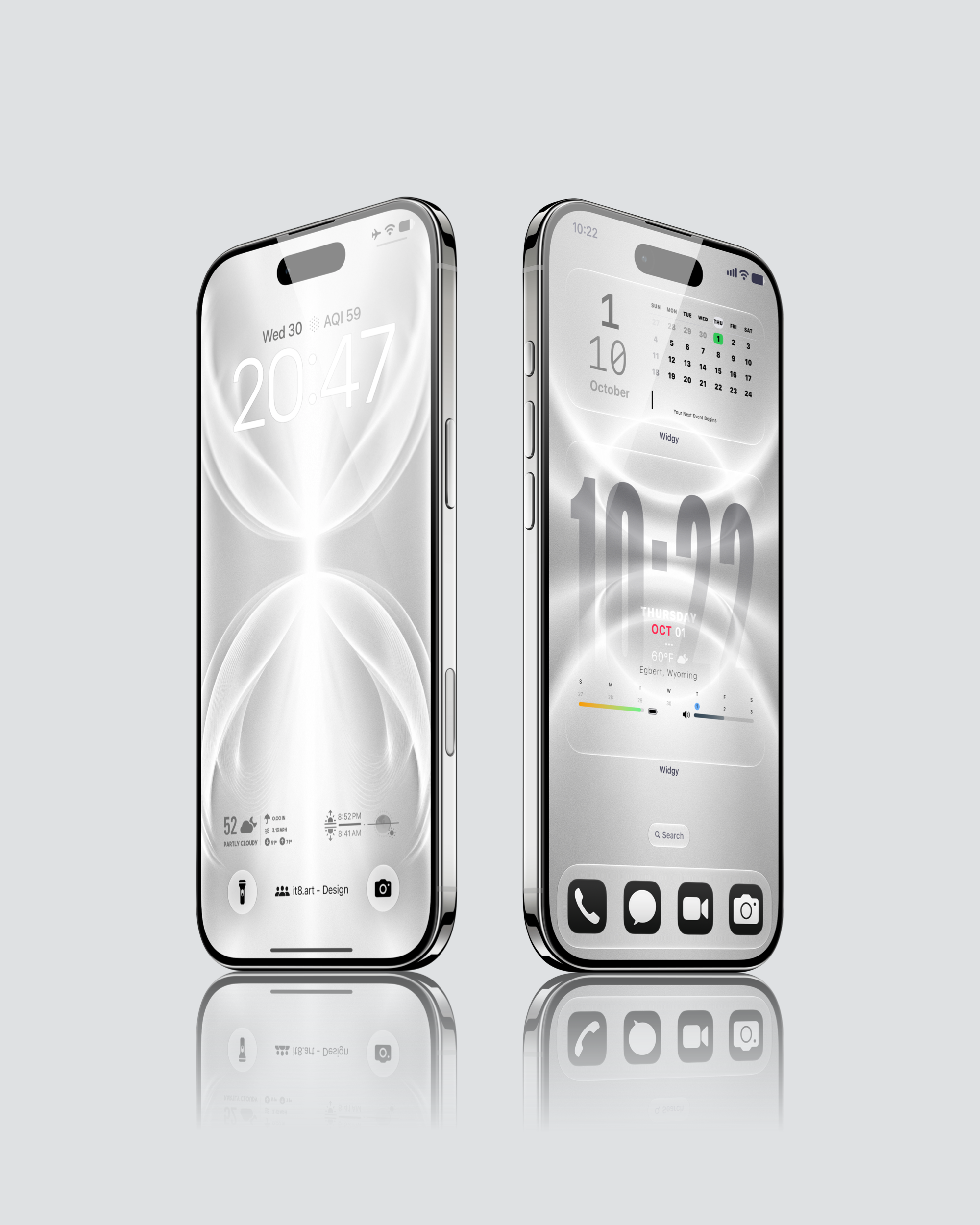
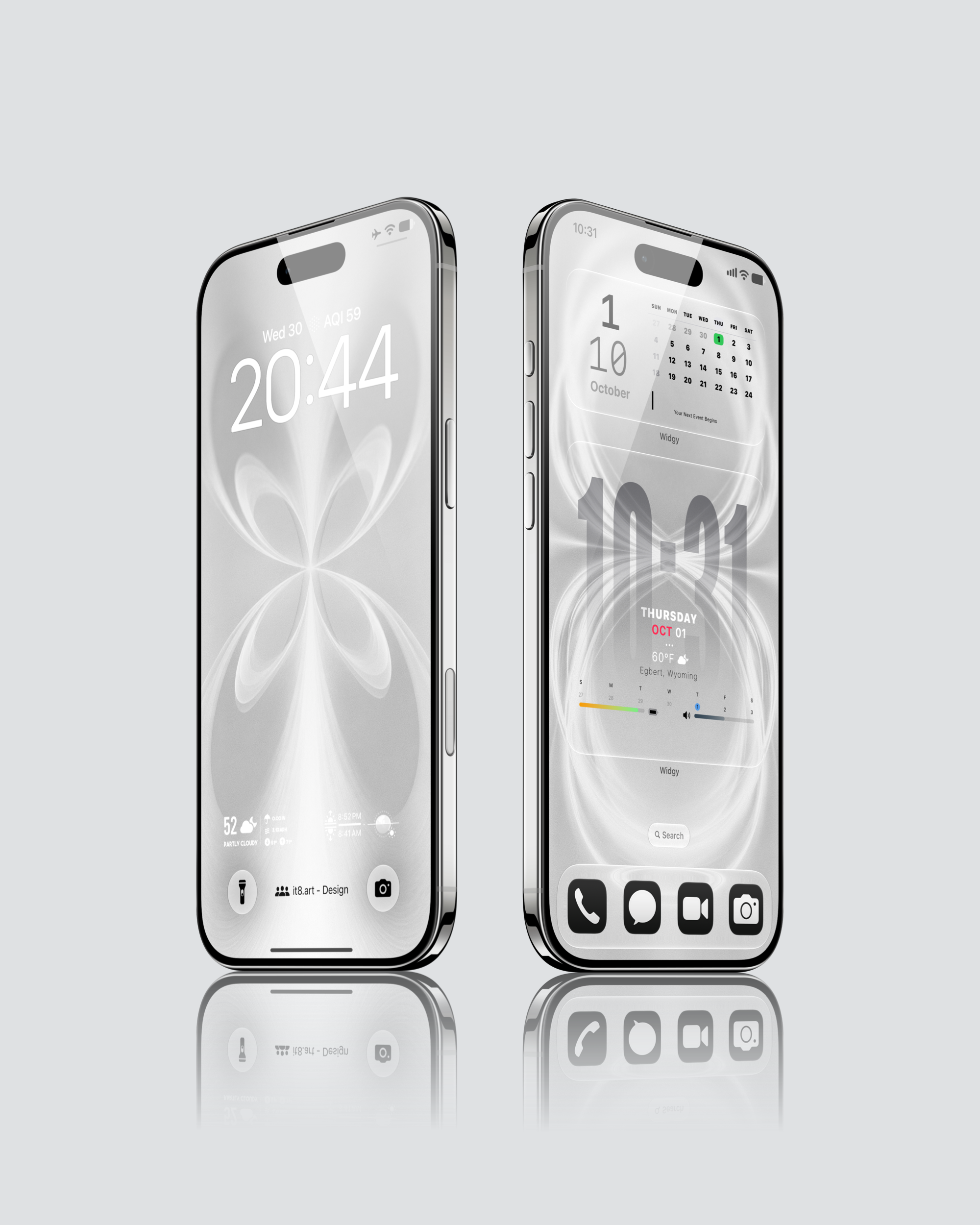
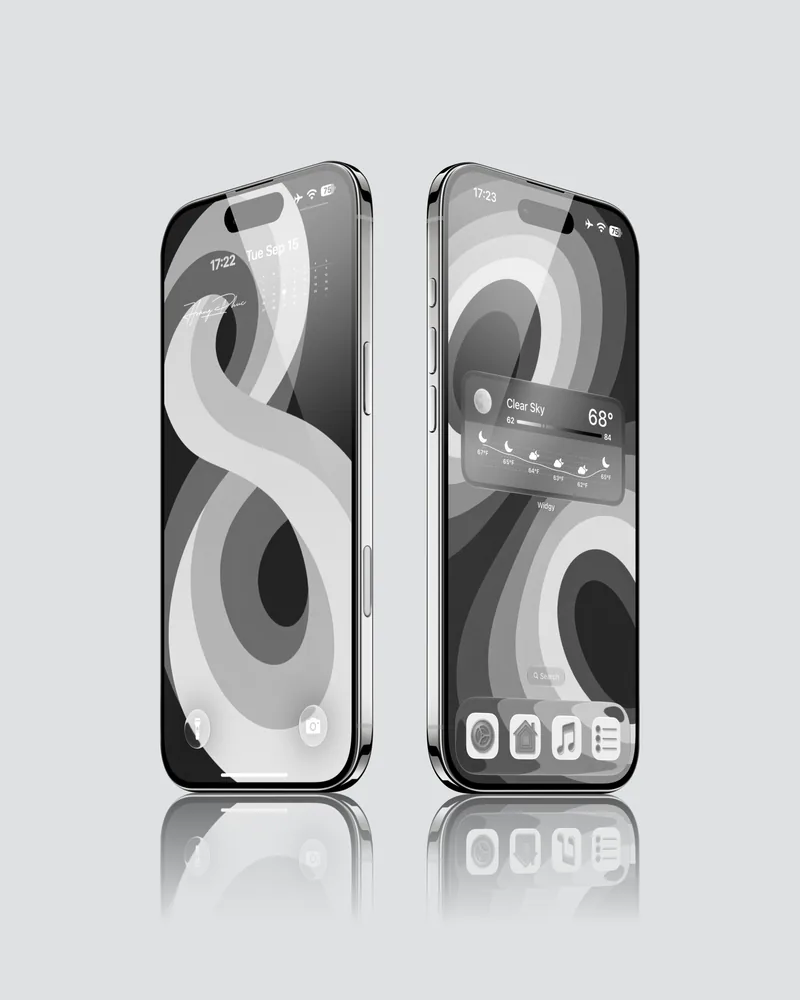
The Black & White Minimalist Aesthetic iPhone Wallpaper Pack by it8.art includes 12 monochrome phone wallpapers in 4K PNG format and widget setup guides. The selected previews pair luminous white loops and fine curved lines with soft gray backgrounds for minimalist Lock Screens and Home Screens. Translucent-looking ribbons meet near the center, while closely spaced lines give the curves a delicate texture as they fade into the surrounding gray.
Design details
In the main preview, elongated loops narrow to a bright central crossing before opening toward the top and bottom of the Lock Screen. Another design uses wider oval forms around a vertical band of light. The third pairing brings four smaller, petal-like loops together, with sweeping curves extending toward the screen edges.
Fine lines and softly shaded intersections suit a minimalist Lock Screen and Home Screen design. The previews pair the pale backgrounds with dark clock text and app icons on the Home Screen, keeping the abstract pattern visible behind the layout.
Best for
- Light gray and white iOS aesthetic backgrounds paired with dark text and icons
- Minimalist Lock Screens built around symmetrical abstract curves
- Home Screen layouts where a fine line pattern adds detail to a restrained palette
What is included
- 12 wallpapers in 4K PNG format
- Widget setup guides
- App icons and third-party apps are not included.
Wallpaper Specs
- Resolution:
- 1935 × 4194 px
- Usage:
- Lock Screen & Home Screen
- Quality:
- High-Resolution · No Watermark
- Optimized for:
- iPhone Displays
Compatible iPhone Models
- iPhone 14 · iPhone 14 Plus · iPhone 14 Pro · iPhone 14 Pro Max
- iPhone 15 · iPhone 15 Plus · iPhone 15 Pro · iPhone 15 Pro Max
- iPhone 16 · iPhone 16 Plus · iPhone 16 Pro · iPhone 16 Pro Max · iPhone 16e
- iPhone 17 · iPhone 17 Pro · iPhone 17 Pro Max · iPhone 17e
- iPhone Air
- iPhone 18 Pro · iPhone 18 Pro Max
Compatibility and setup
The wallpapers work on iPhone and Android. Download and extract the ZIP file, save your chosen wallpaper to Photos on iPhone or your photo gallery on Android, then apply it to your Lock Screen or Home Screen. Adjust the crop to fit your screen.
FAQ
Do I need an app for the widget setup?
Yes. Install Widgy separately on your iPhone and follow the included widget setup guides. The widget instructions are intended for iPhone.
Do the glowing lines move?
No. These are static PNG wallpapers. The glow and translucent appearance are part of the image.
Will my clock and Home Screen look exactly like the previews?
The previews show configured iPhone layouts. Clock styling, icon appearance and widget placement depend on your device and settings. You can adjust these separately when arranging your screen.
License and support
For personal use only. Do not resell, redistribute or repackage the files. See the Refund Policy for help with download issues and refund eligibility.
 4K
4K 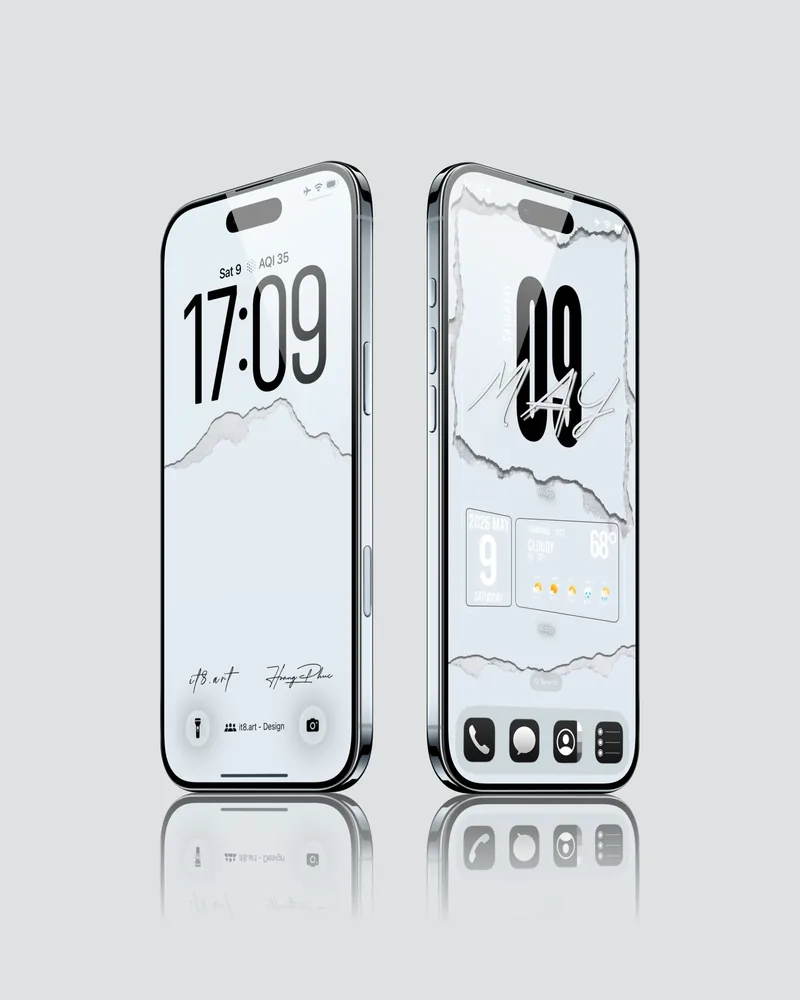 4K
4K 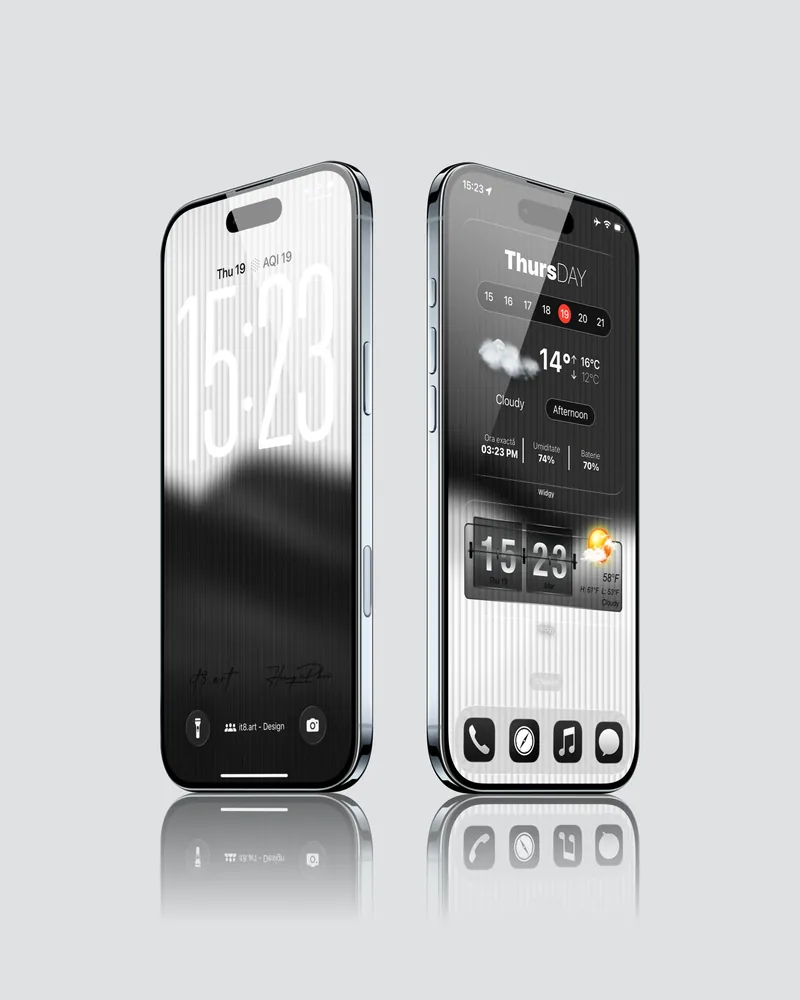 4K
4K 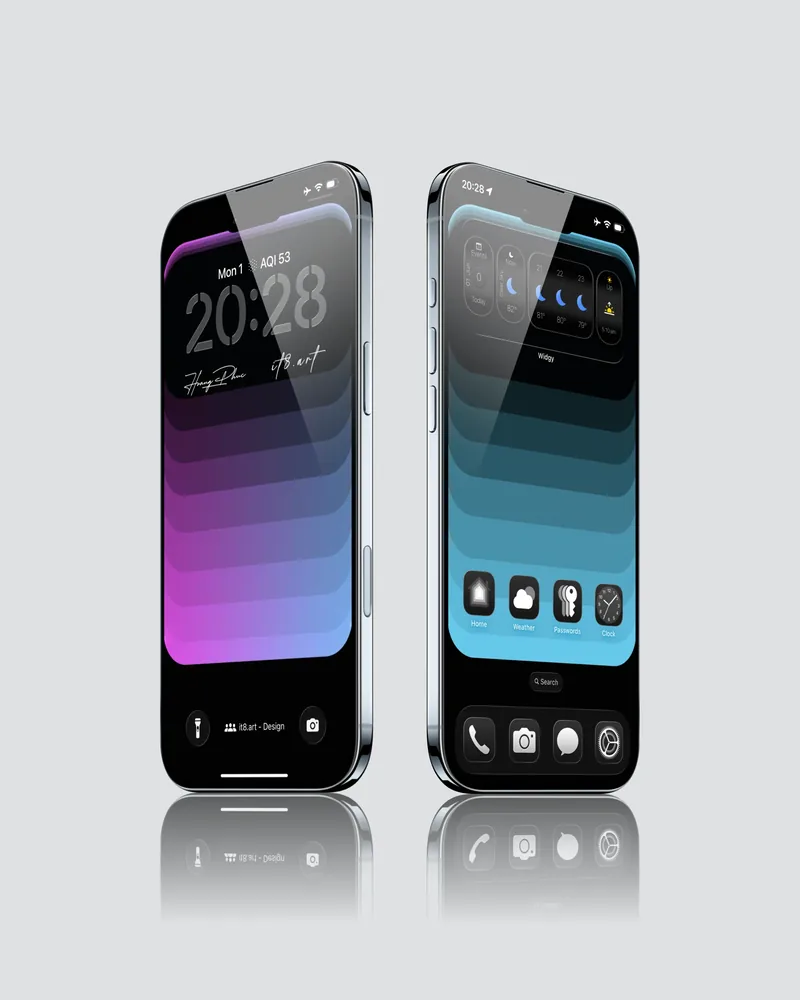 4K
4K