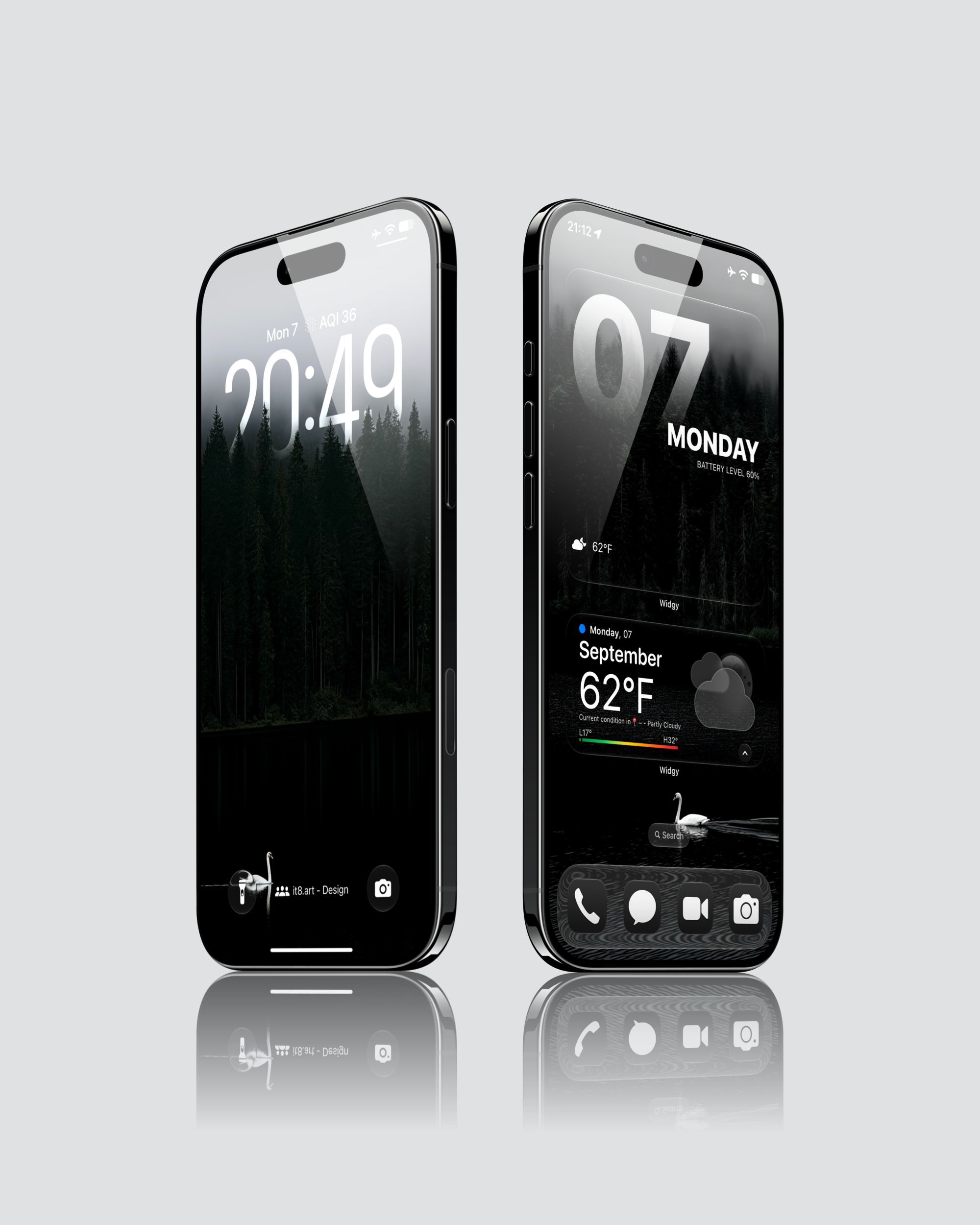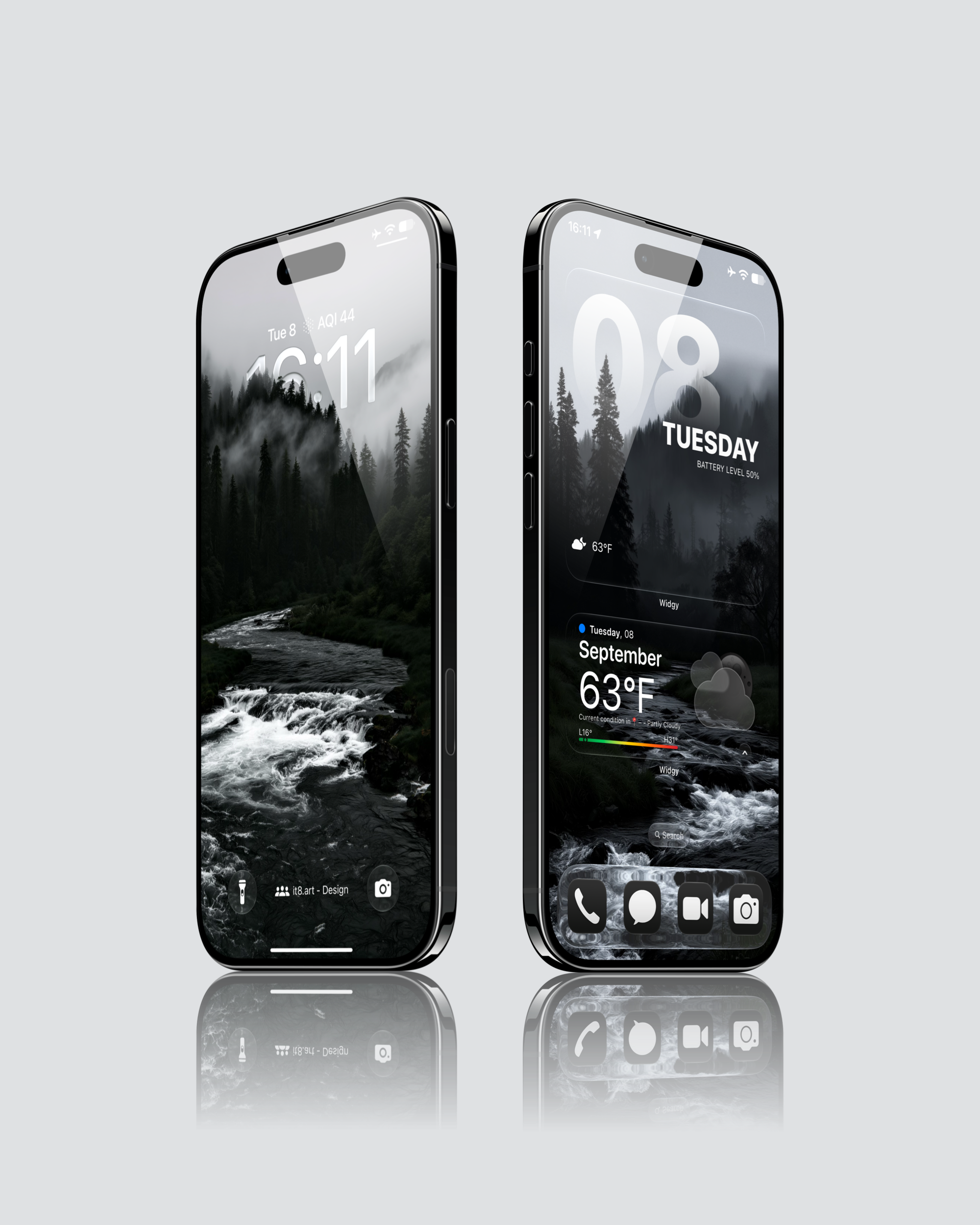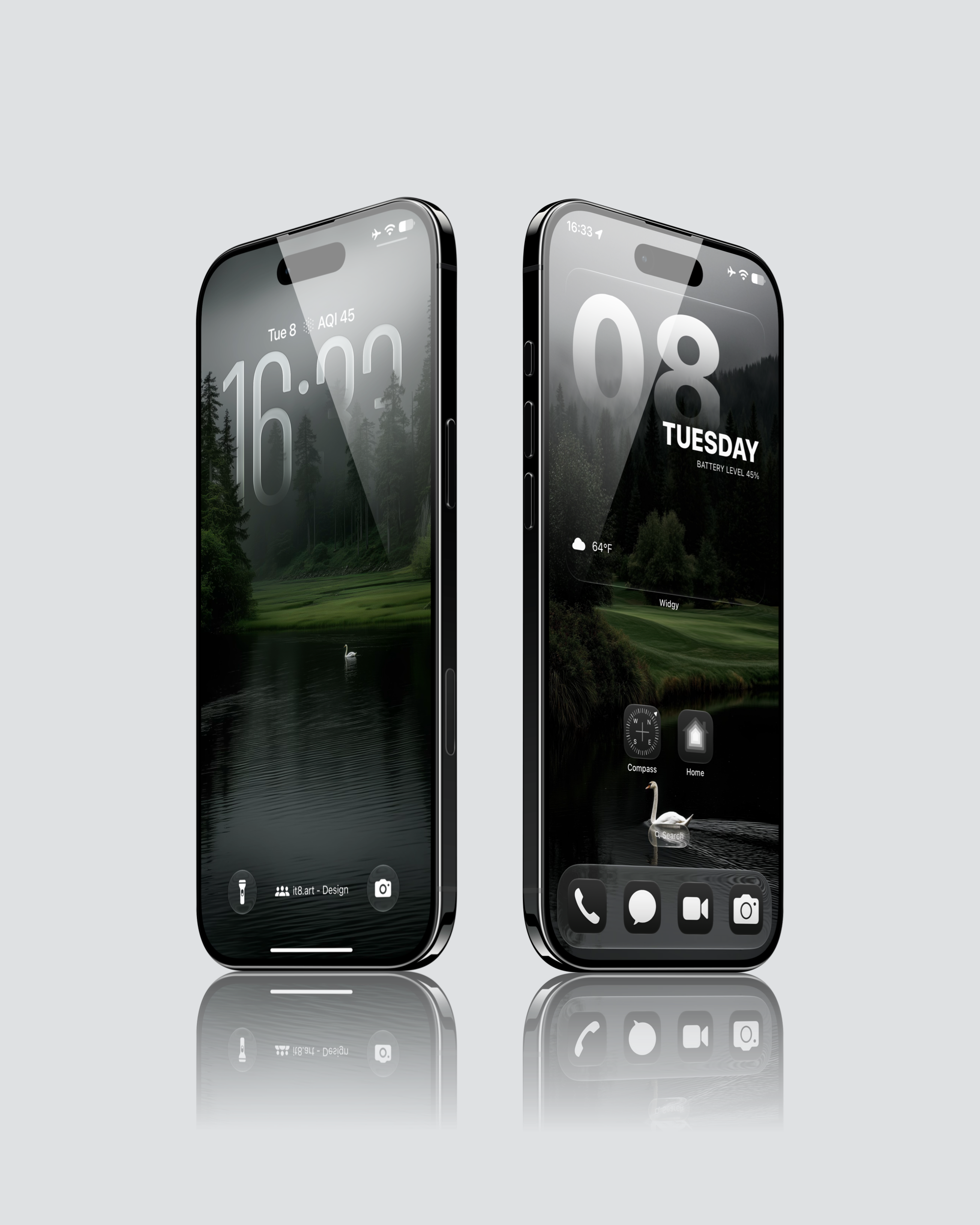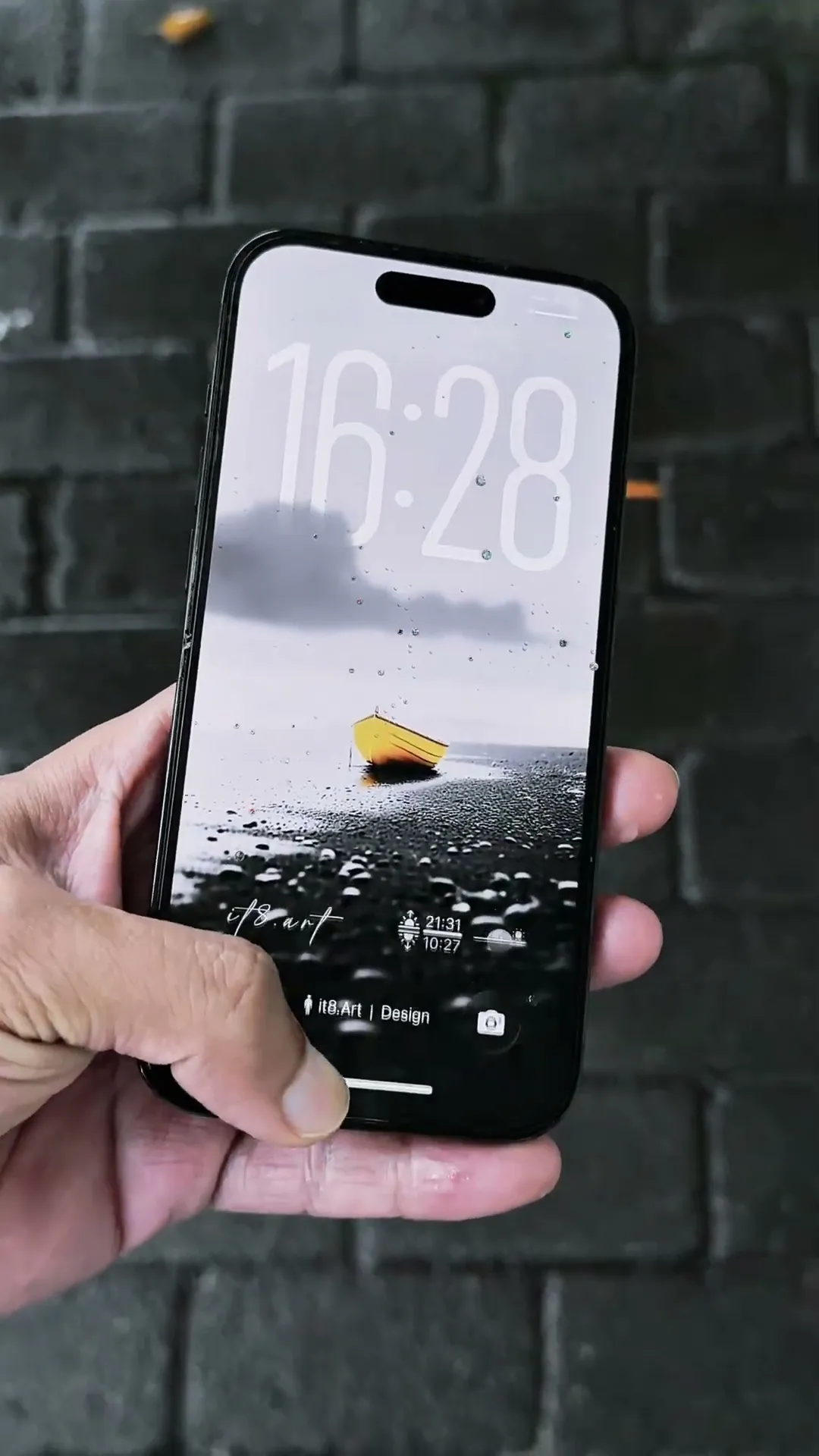
Swan Lake and Misty Forest iPhone Wallpaper Preview
Preview the look. Explore the full pack.
Setup Details
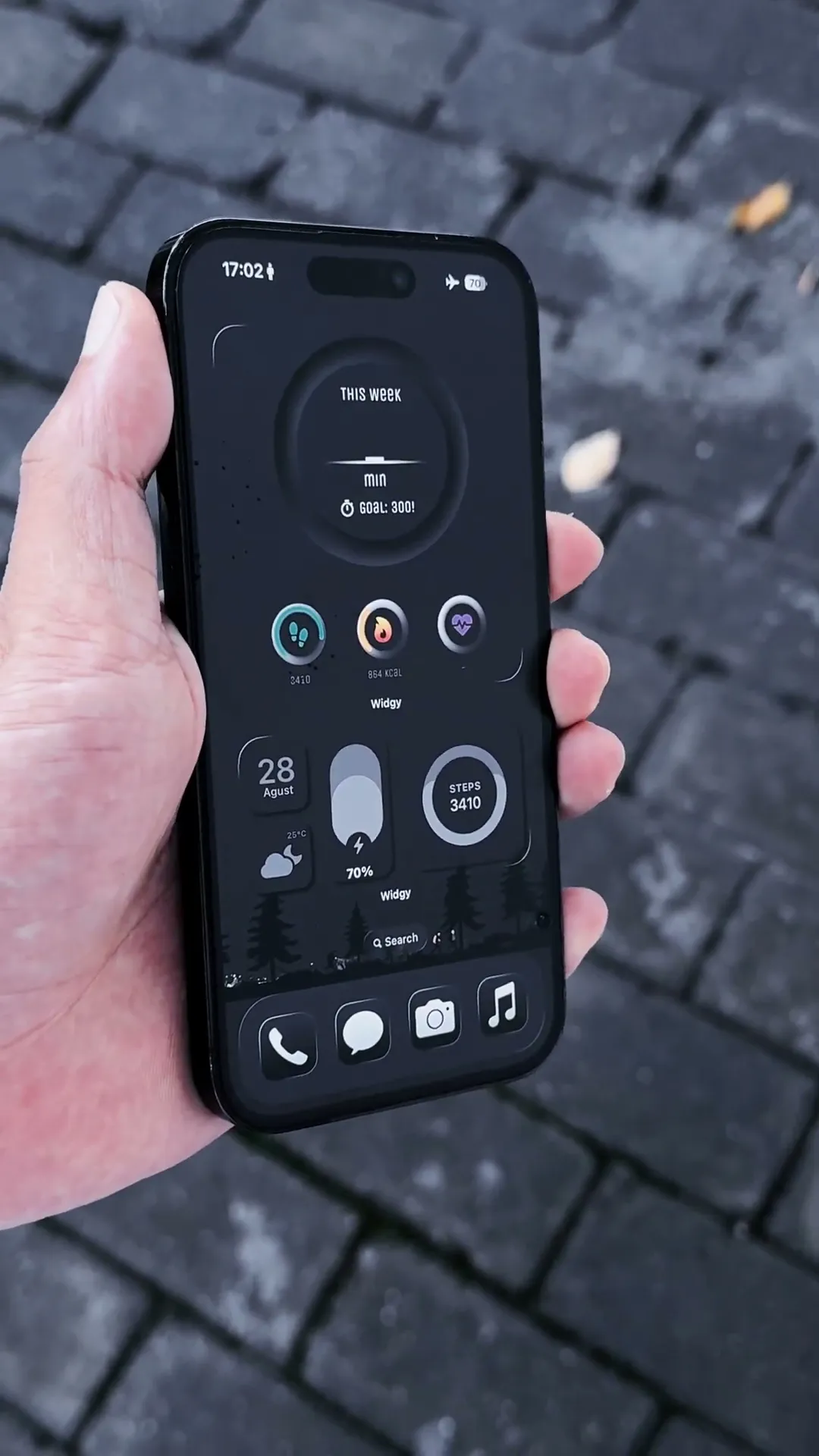
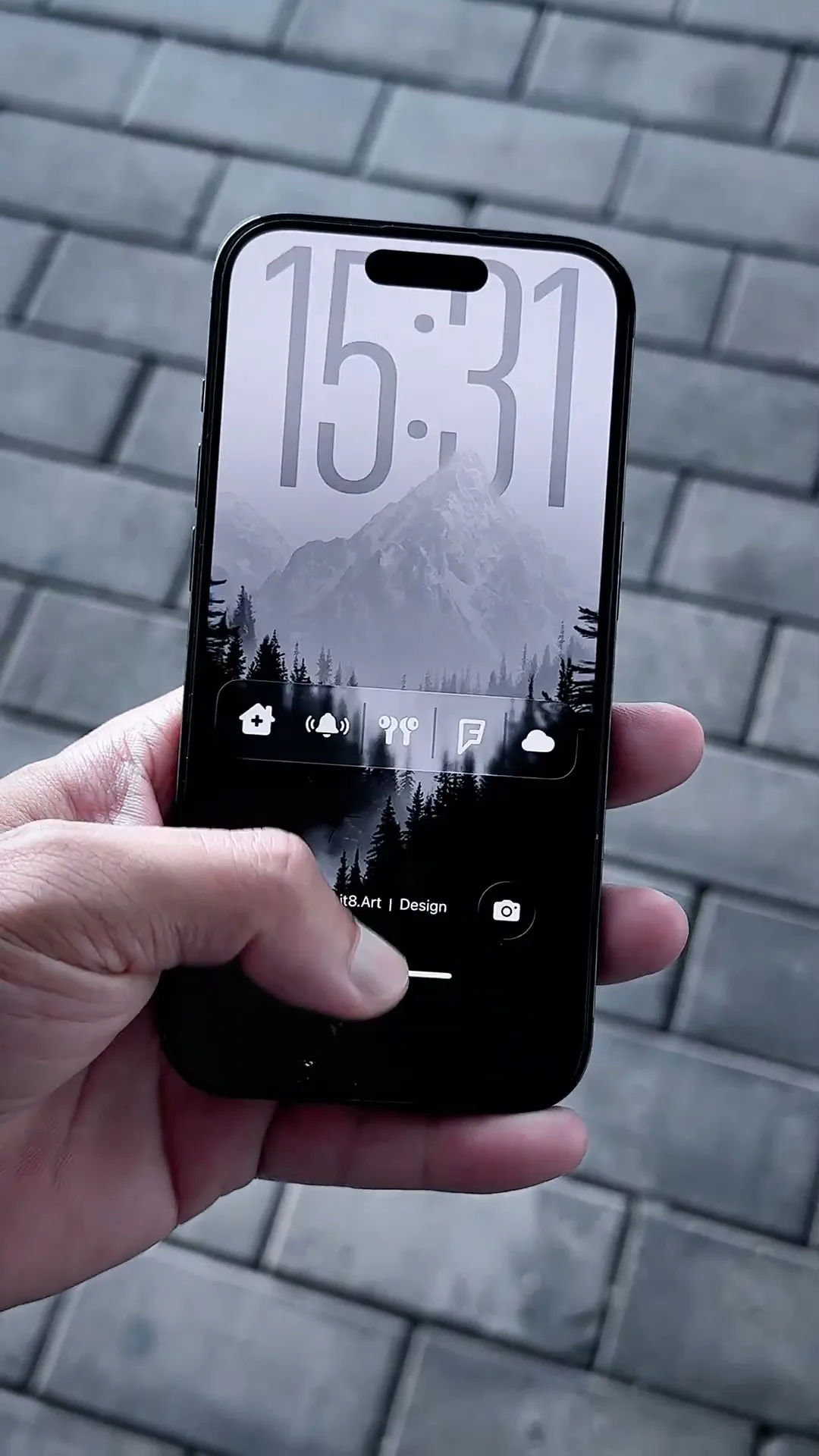
This 8-second preview shows one wallpaper setup from Misty Wilderness: a white swan on dark water beneath a misty evergreen forest. The clip shows the iPhone Lock Screen and a matching Home Screen with date and weather widgets. It does not show the complete 19-wallpaper collection.
What Is Included?
- 19 4K PNG wallpapers, including 17 depth effect wallpapers
- Widget setup guides
- Widget files, app icons and third-party apps are not included.
How Do You Recreate This Setup?
- Download and extract the ZIP file, then save your selected wallpaper to Photos.
- Apply the wallpaper to your iPhone Lock Screen or Home Screen and adjust the crop.
- Follow the included widget setup guides to arrange a matching Home Screen.
Compatibility and Preview Limits
The wallpaper files work on iPhone and Android. This video demonstrates an iPhone setup; the depth effect presentation and widget setup shown are iPhone-specific. Widgy is a separate app, and widget files and app icons are not included. Clock placement and cropping depend on your device and settings.
Explore This iPhone Setup