
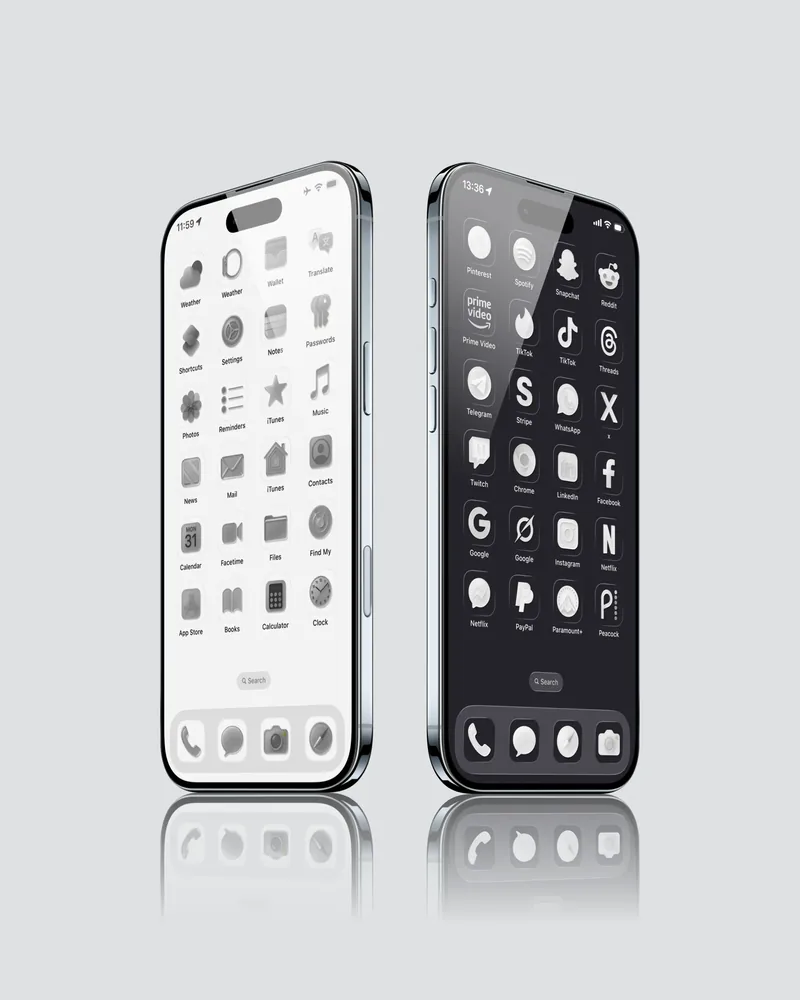
iPhone Home Screen Icons
A matching set of icons for your Home Screen. Browse the included designs and color options, then add each icon using Shortcuts.
About this collection
Aesthetic iPhone Icons for personalized iOS setups
Icon Collections
- Matching app icons
- Consistent icon styles
- Clean home screen layouts
- Visual organization
Customize Your iPhone
- App customization
- iOS home screen design
- Shortcut integration
- Matching wallpapers
Collection Details
Explore aesthetic iPhone icon packs designed for clean home screens, custom app icons, and personalized iOS setups.
What Is Included In Icon Packs
Icon products can include app icons, matching wallpapers, and setup guidance. Each product page lists the exact icon count, file format, color style, and whether widgets are included or excluded.
How iPhone Icon Customization Works
Most iPhone icon setups use the Shortcuts app or another iOS customization workflow. The goal is visual consistency: matching icon contrast, background style, and wallpaper color so the screen feels intentional.
iPhone App Icon Guide
Frequently asked
Icons FAQ
How do I change iPhone app icons?
Download the icon pack, then use the iPhone Shortcuts app or the setup method described with the product to assign custom icons.
Do iPhone icon packs work with Shortcuts?
Yes. iPhone icon packs are commonly installed through Shortcuts. Each product page explains the required steps before purchase.
Do iPhone icon packs work with all iOS versions?
Icon packs are designed for iPhone home screen customization. Check the product details for any iOS version, format, or setup requirements.