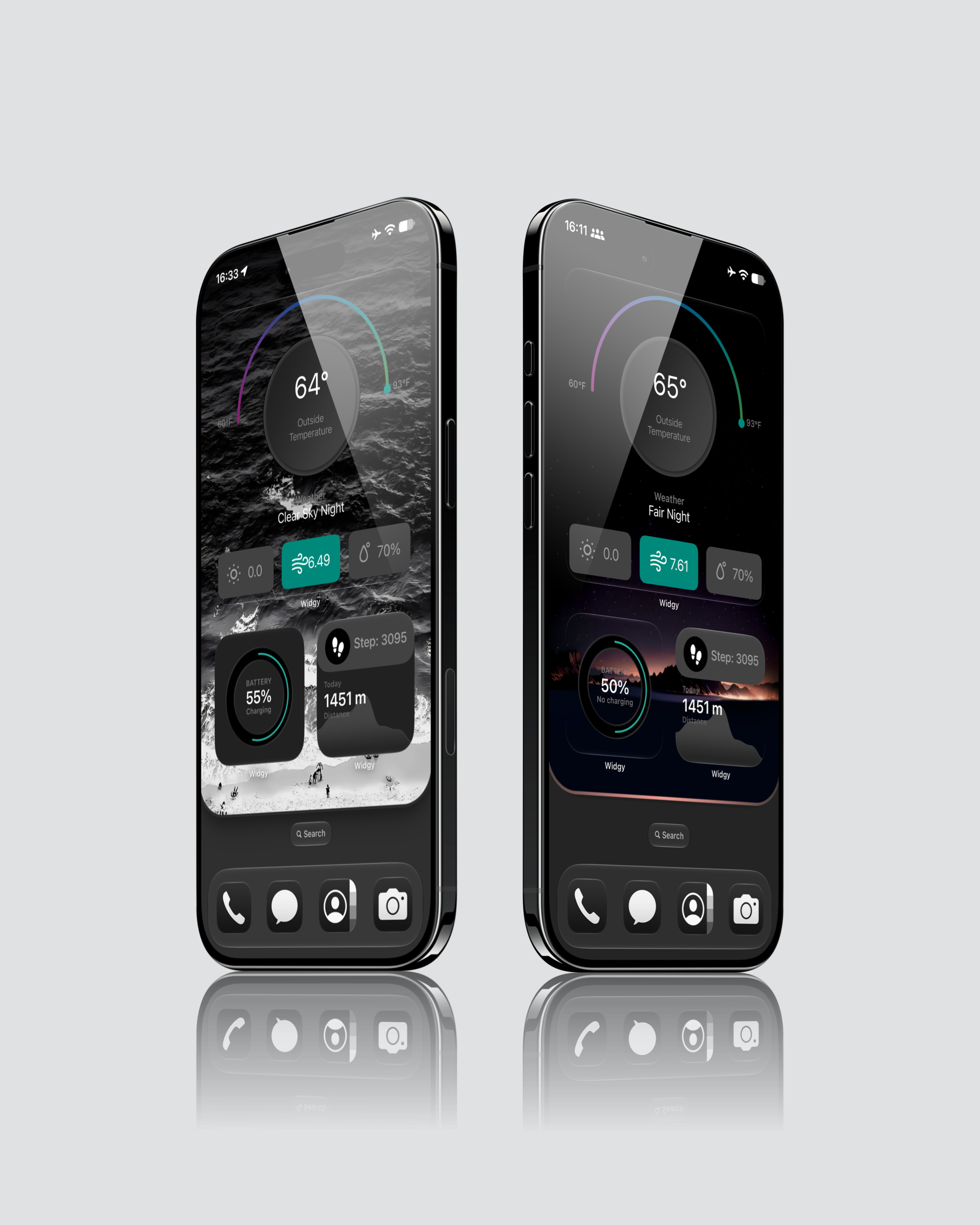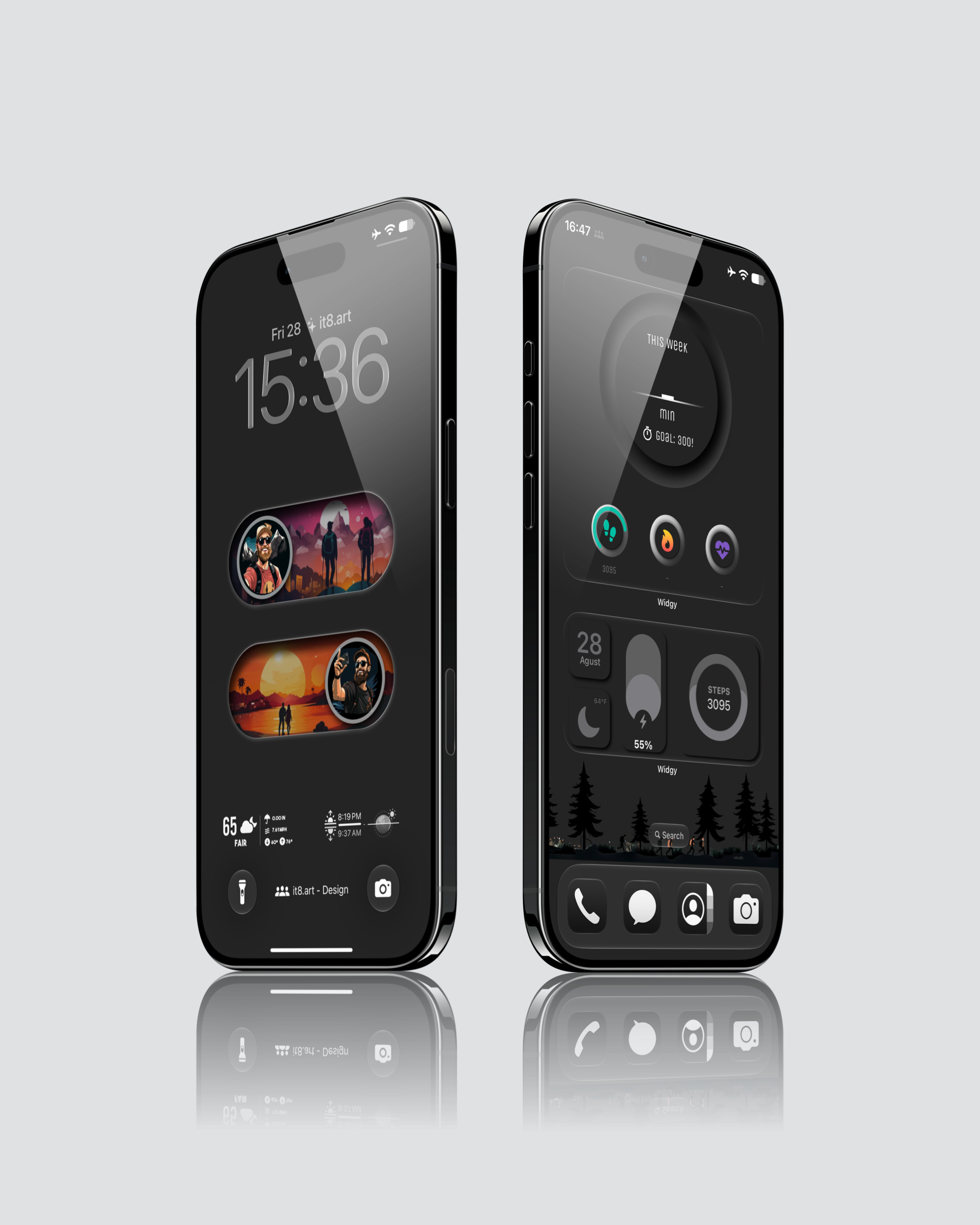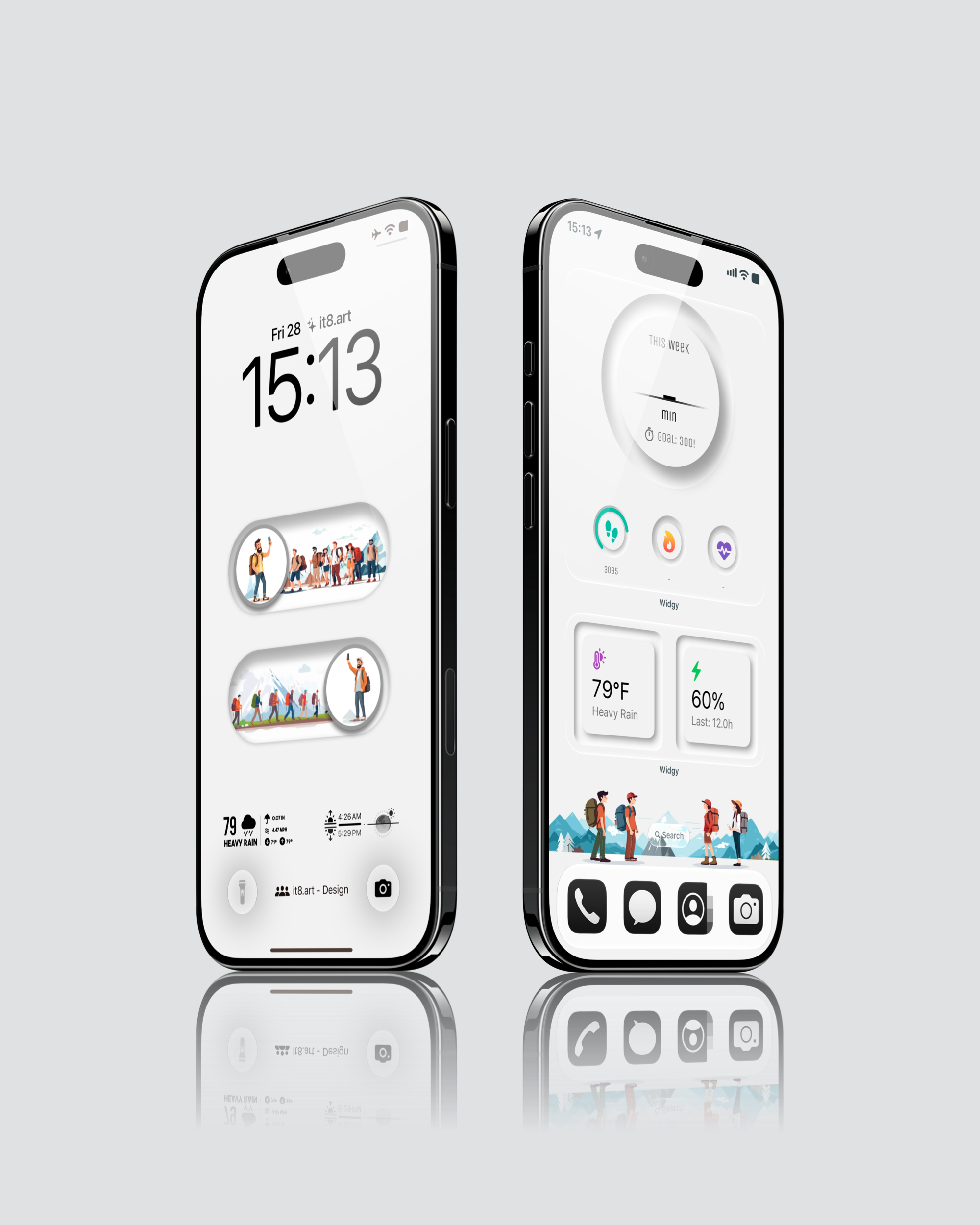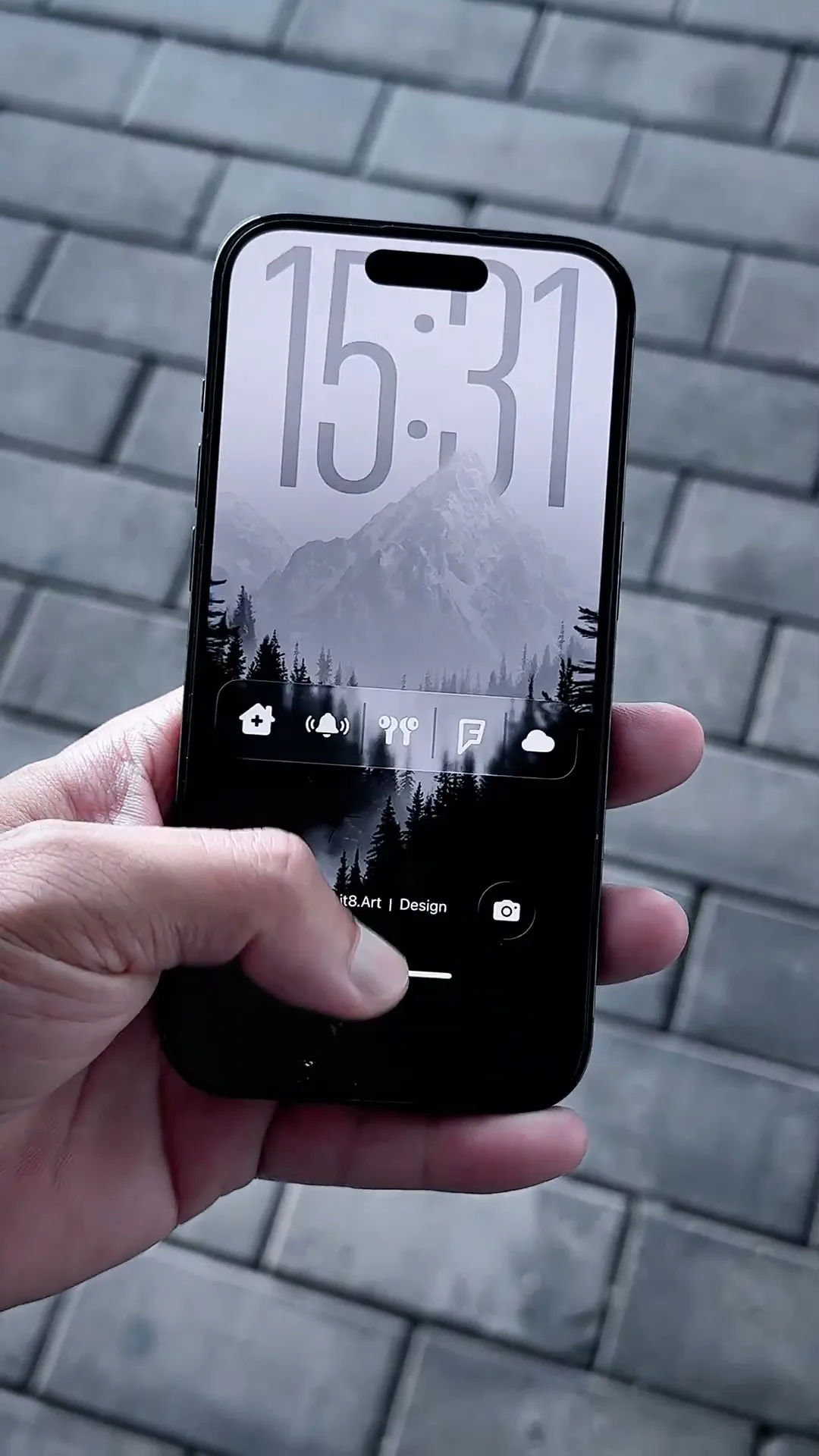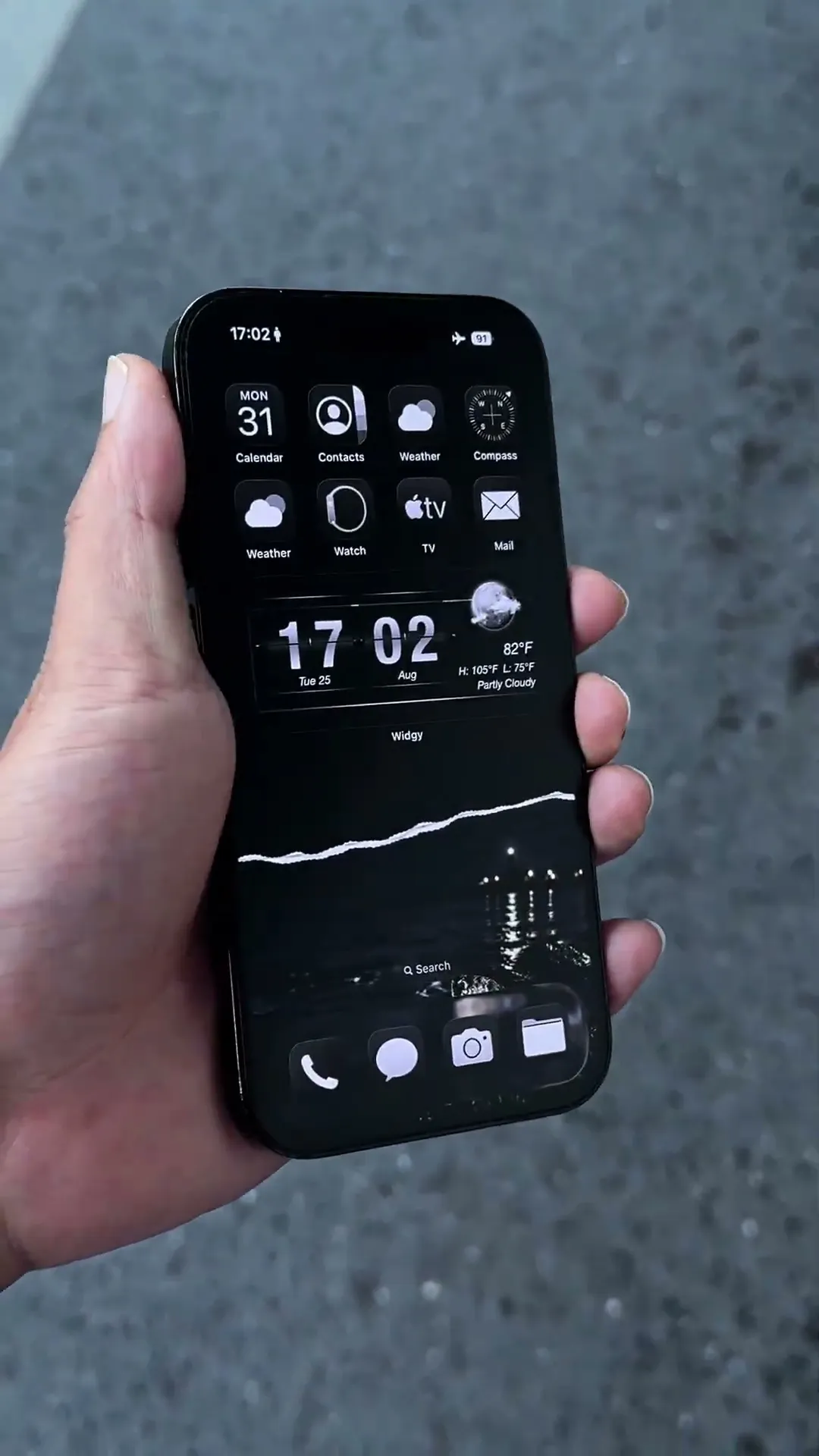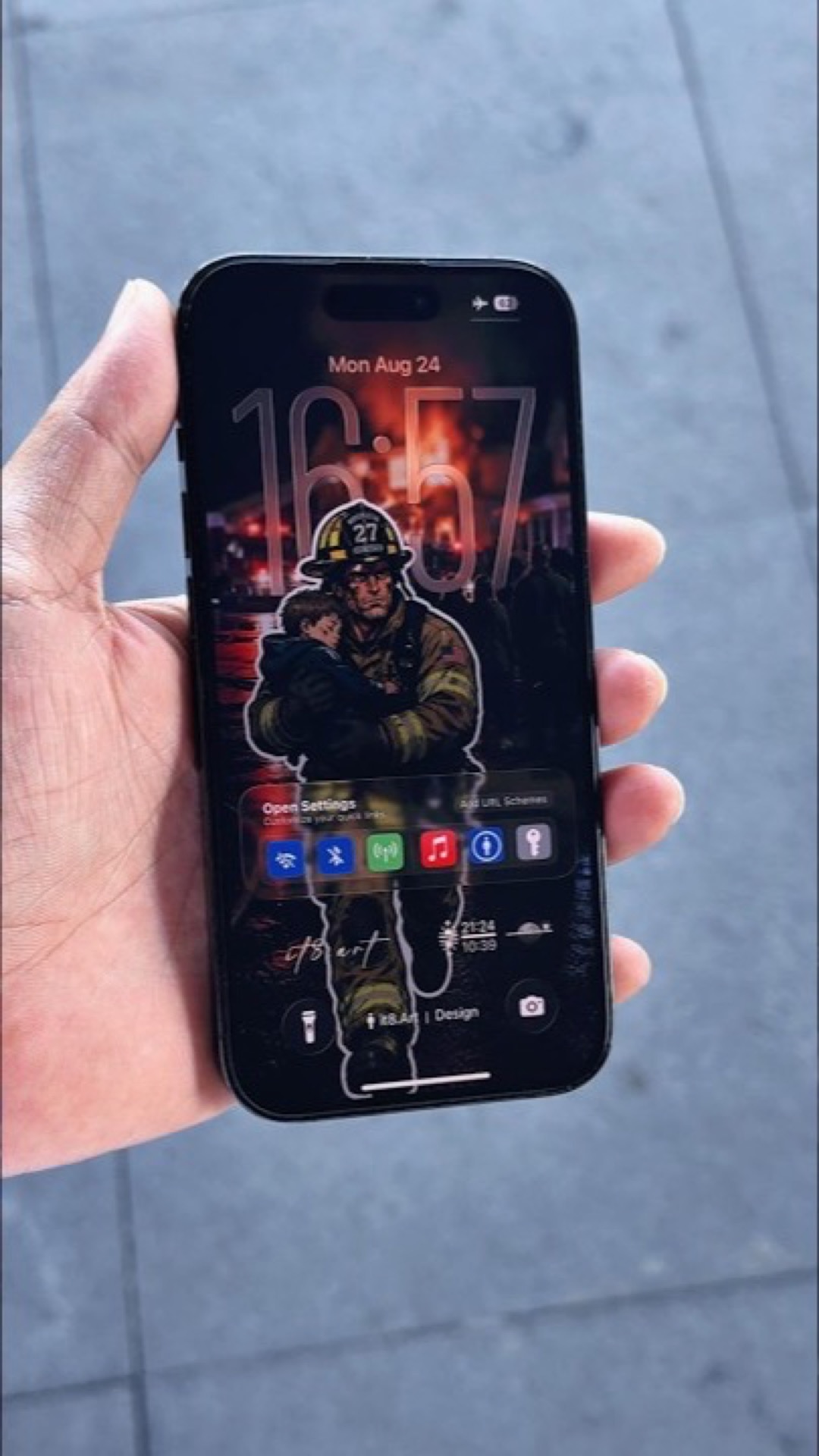
iPhone Wallpaper and Widget Setup Preview
Preview the look. Explore the full pack.
Setup Details
The 8-second iPhone Wallpaper and Widget Setup Preview shows one dark Home Screen layout created with one of the 6 wallpapers and a selection of the 6 Widgy widgets included in the pack. It does not cycle through the complete collection. The preview focuses on a coordinated black layout with weather, battery, fitness, activity, date, and step information.
What Is Included?
- 6 wallpaper files at 1935 × 4194 px in PNG format
- 4 dark wallpaper designs and 2 light wallpaper designs
- 6 .widgy widget files: 2 Large, 2 Medium, and 2 Small
- A product-specific widget setup guide
- App icons shown in the preview are not included
How Do You Recreate This Setup?
- Download and extract the ZIP file after purchase.
- Save a selected wallpaper to Photos and apply it to the iPhone Home Screen.
- Open the supplied .widgy files on iPhone, import them into Widgy, and follow the included guide to assign the Large, Medium, and Small widgets.
Compatibility and Preview Limits
The 1935 × 4194 PNG wallpapers can be used on compatible iPhone and Android devices. The six .widgy files and setup guide are intended for iPhone Home Screen layouts using Widgy. Widgy is a separate third-party app, and some features or additional widget slots may require an in-app purchase. Final crop, widget spacing, colors, and interface details can vary by device model and operating-system version.
Explore This iPhone Setup