Snowy Mountain iPhone Lock & Home Screen Preview
Preview the look. Explore the full pack.
Setup Details
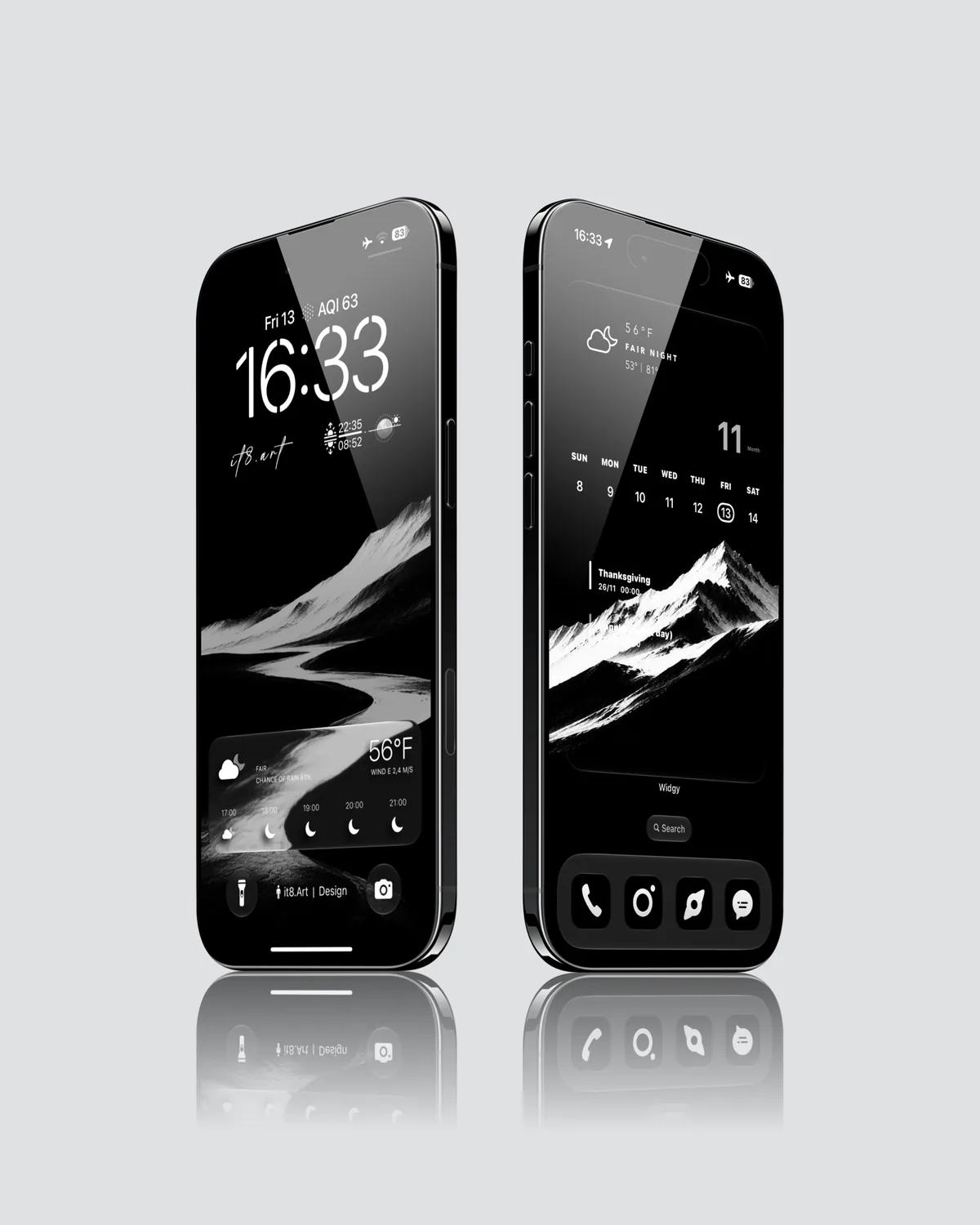
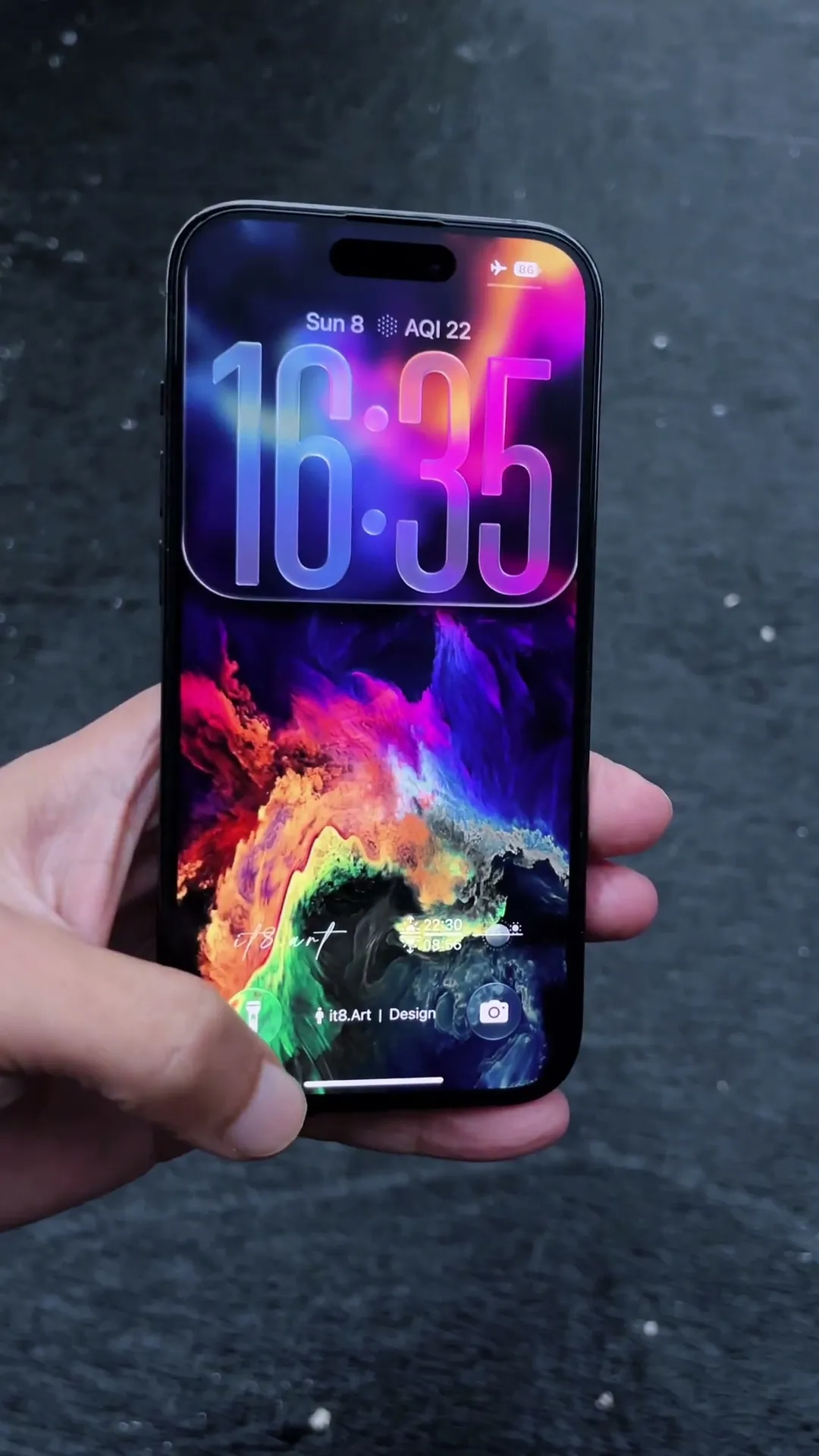
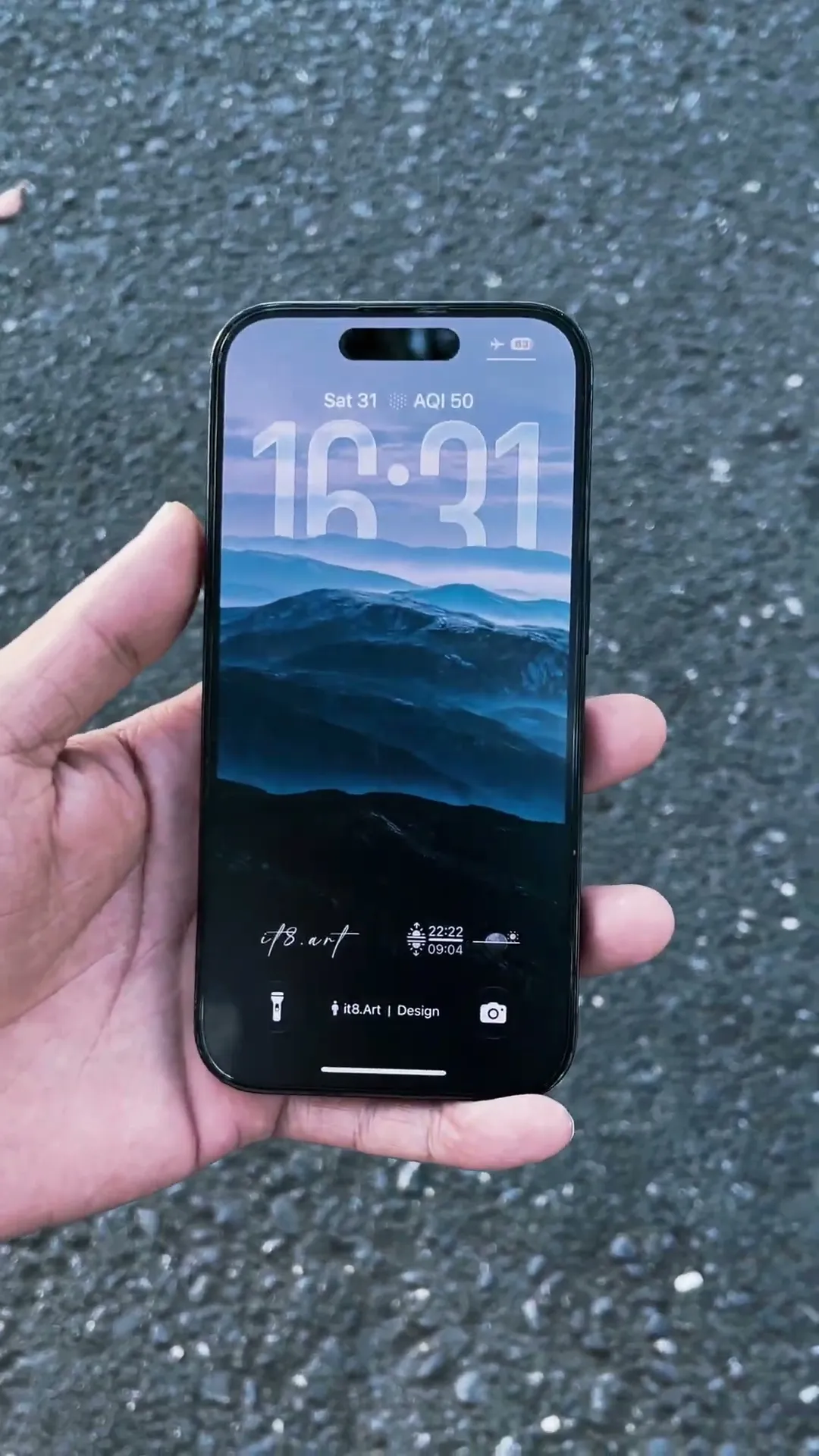
The nine-second clip shows an iPhone held outdoors. The Lock Screen has a snowy slope above a winding river, and the Home Screen uses a bright mountain ridge against black. This pairing is one setup from the 21-wallpaper collection.
What Is Included?
- 21 4K PNG wallpapers (1935 × 4194 px), without watermarks
- Widget setup guides for iPhone
How Do You Recreate This Setup?
- Download the wallpapers and save the PNG files to your phone.
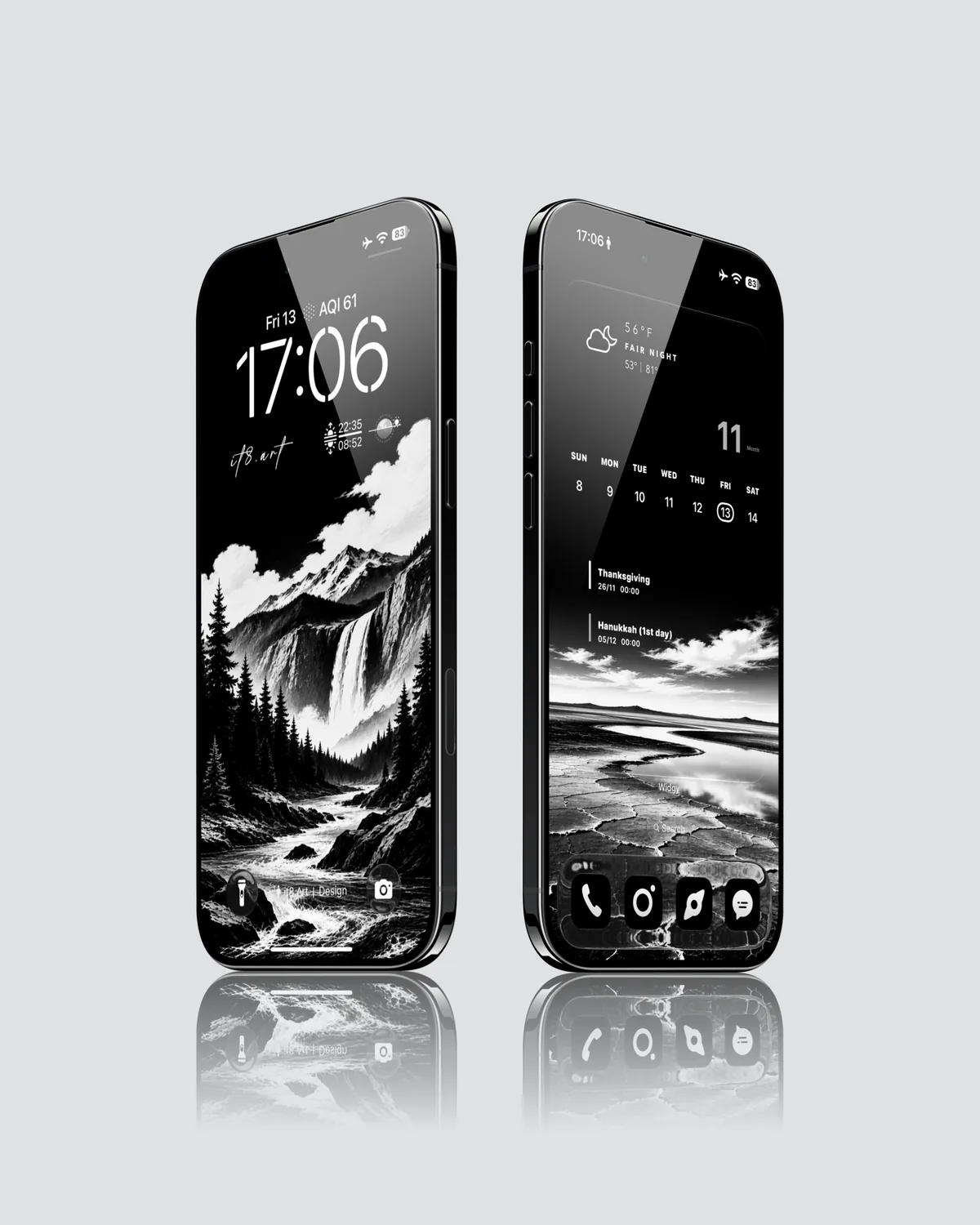
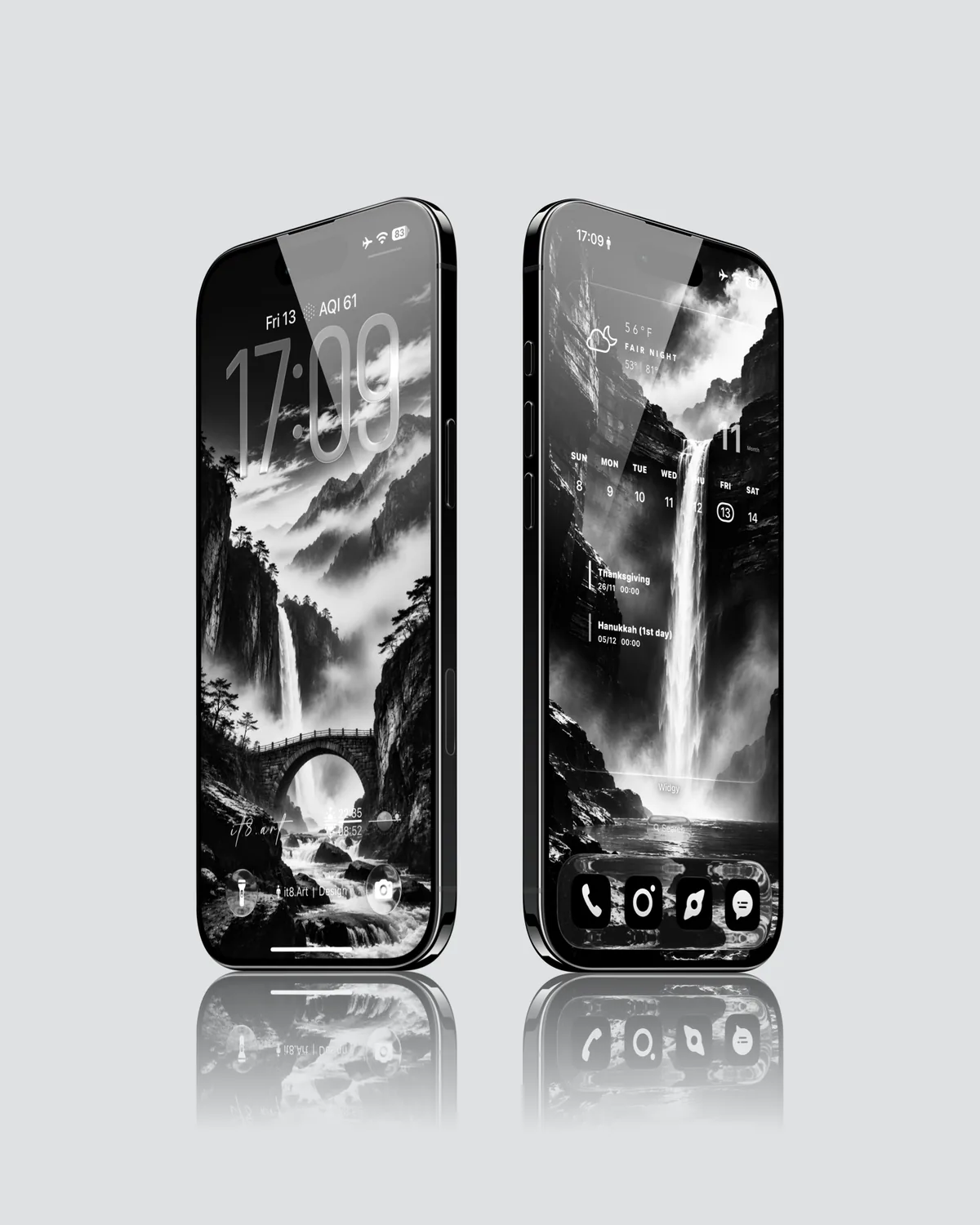
- Apply the river wallpaper to the Lock Screen and the snowy ridge to the Home Screen. Adjust each crop so the landscape sits below the clock or widgets.
- On iPhone, use Widgy and follow the included guides to arrange the widget layout.
Compatibility and Preview Limits
The wallpapers work on iPhone and Android. The Widgy setup guides are for iPhone. Crop and widget placement can vary by device and operating-system version.
Explore This iPhone Setup