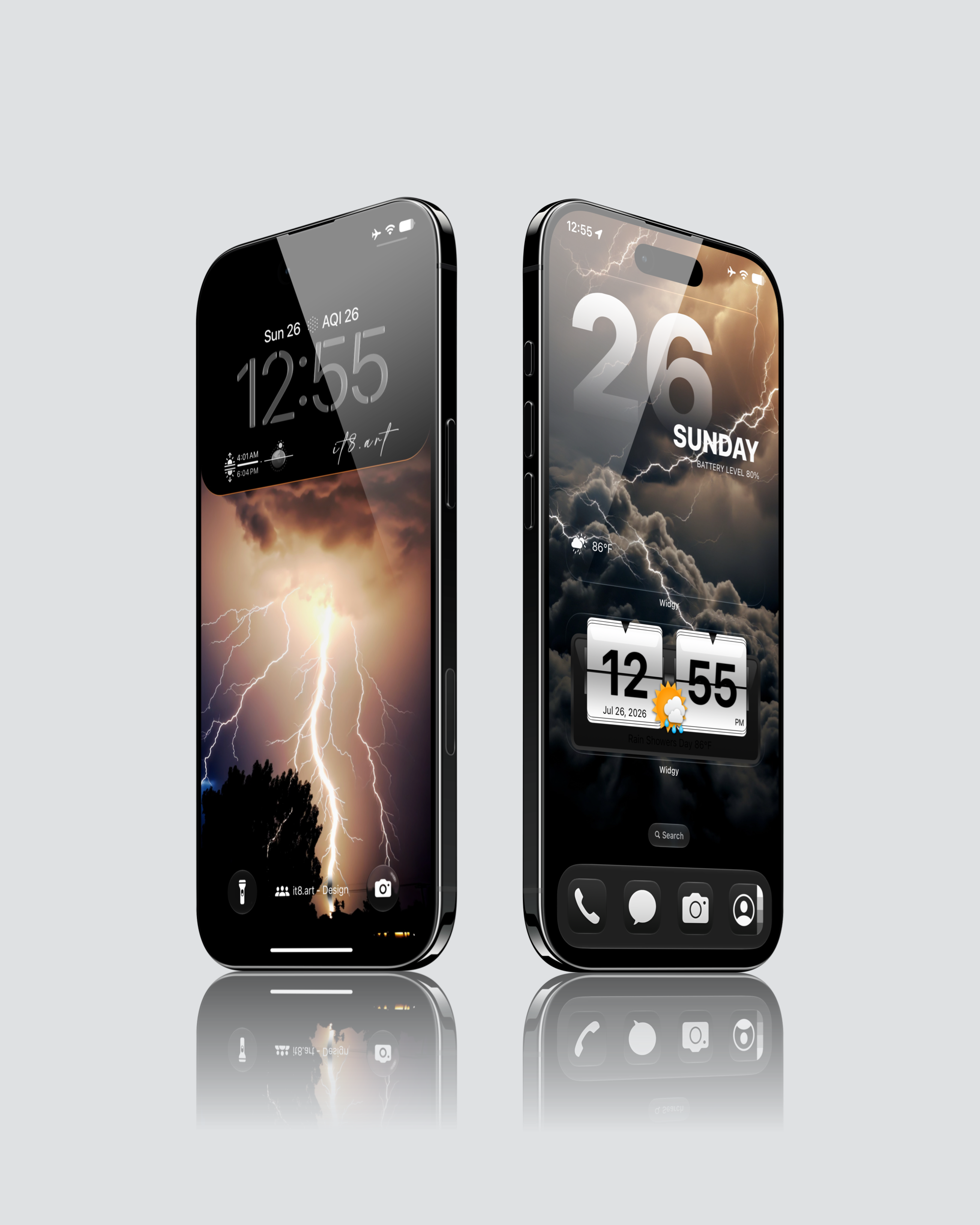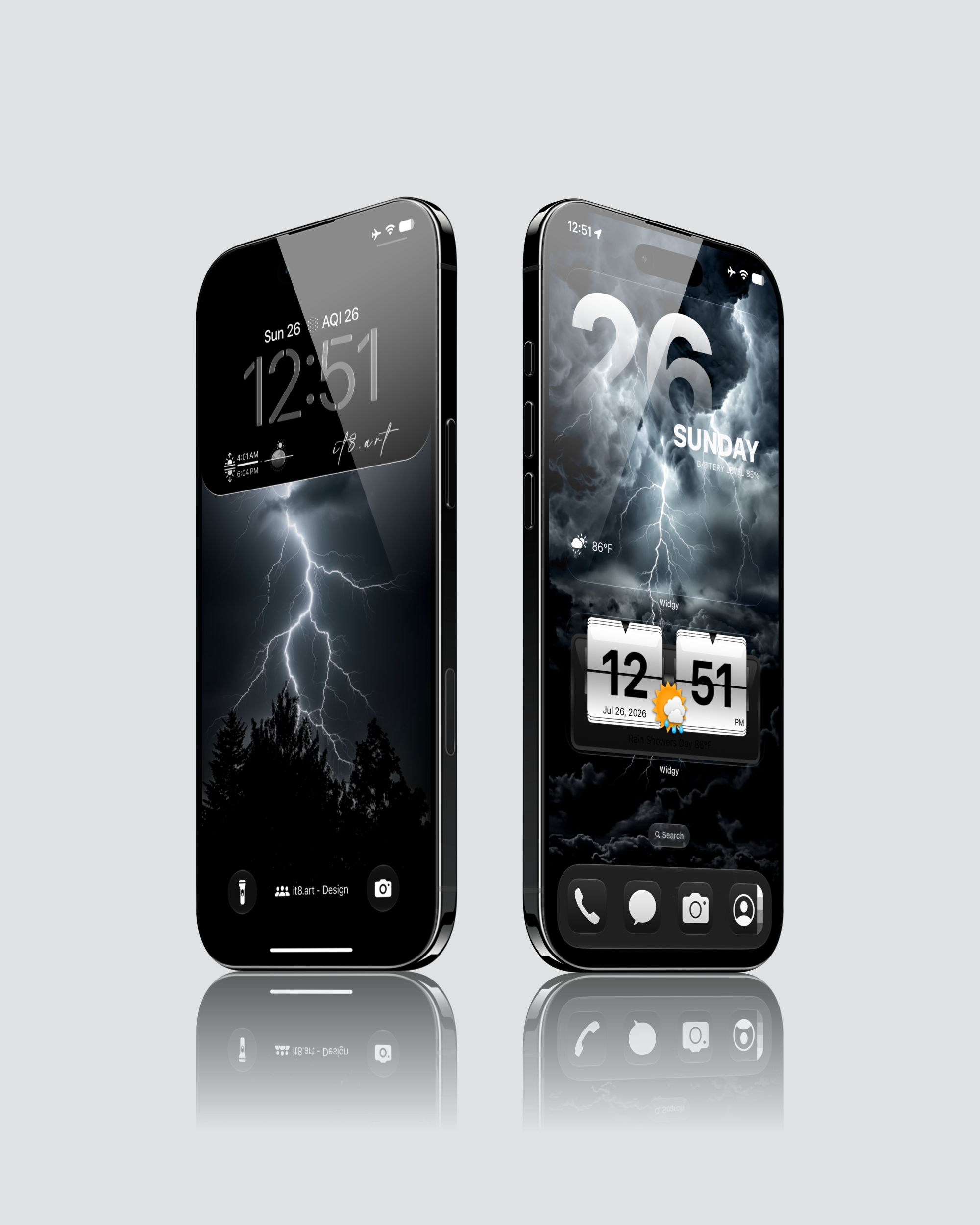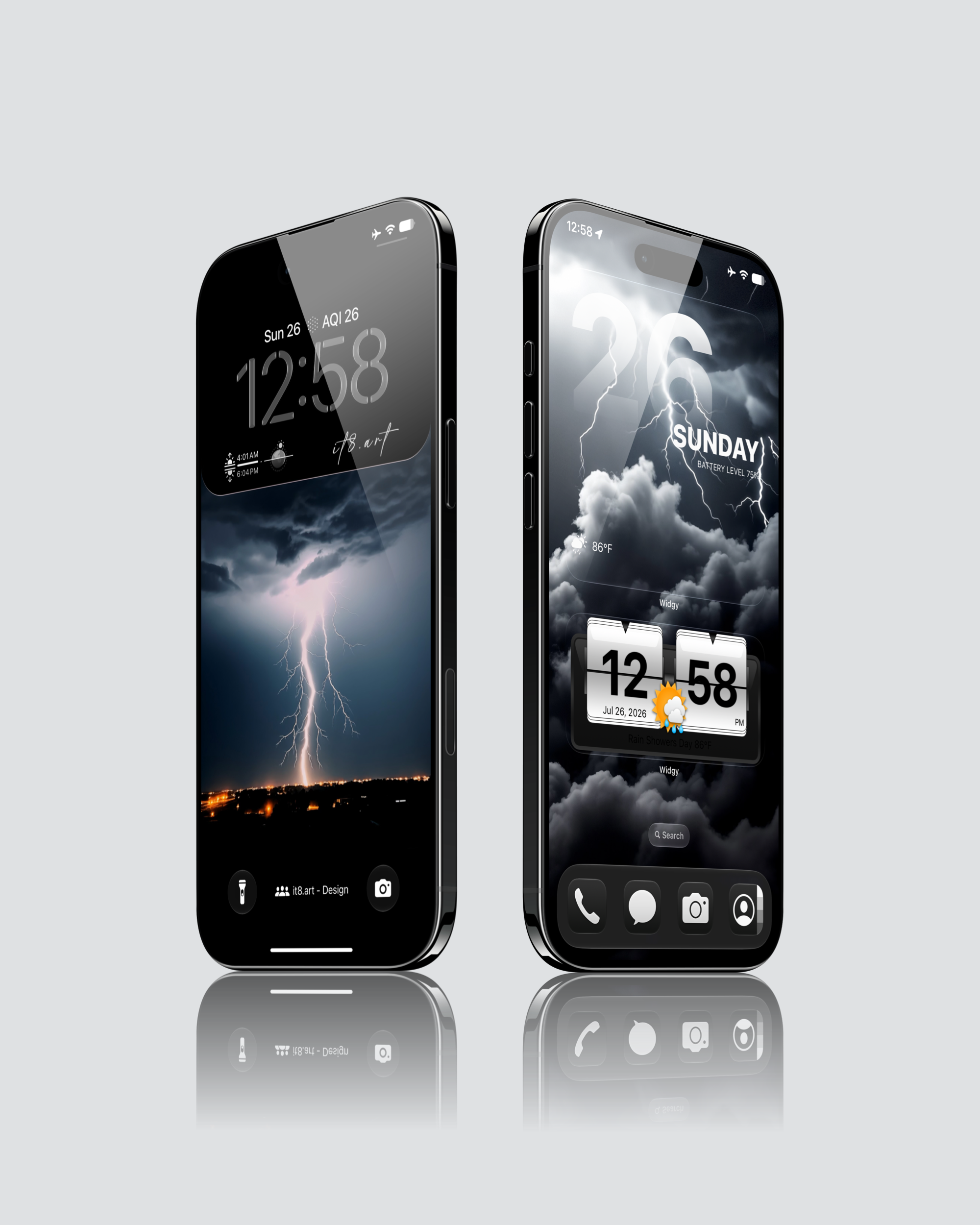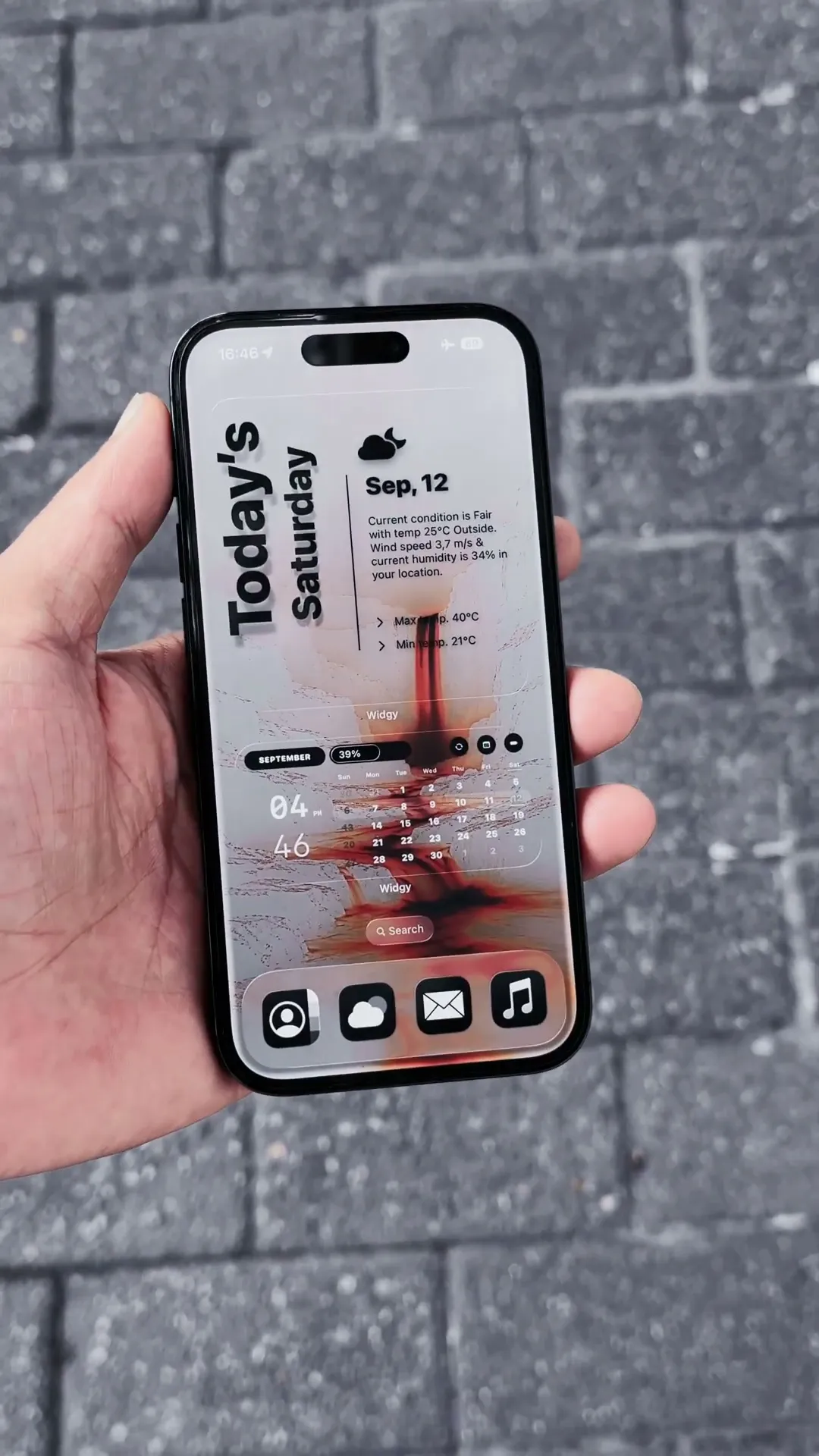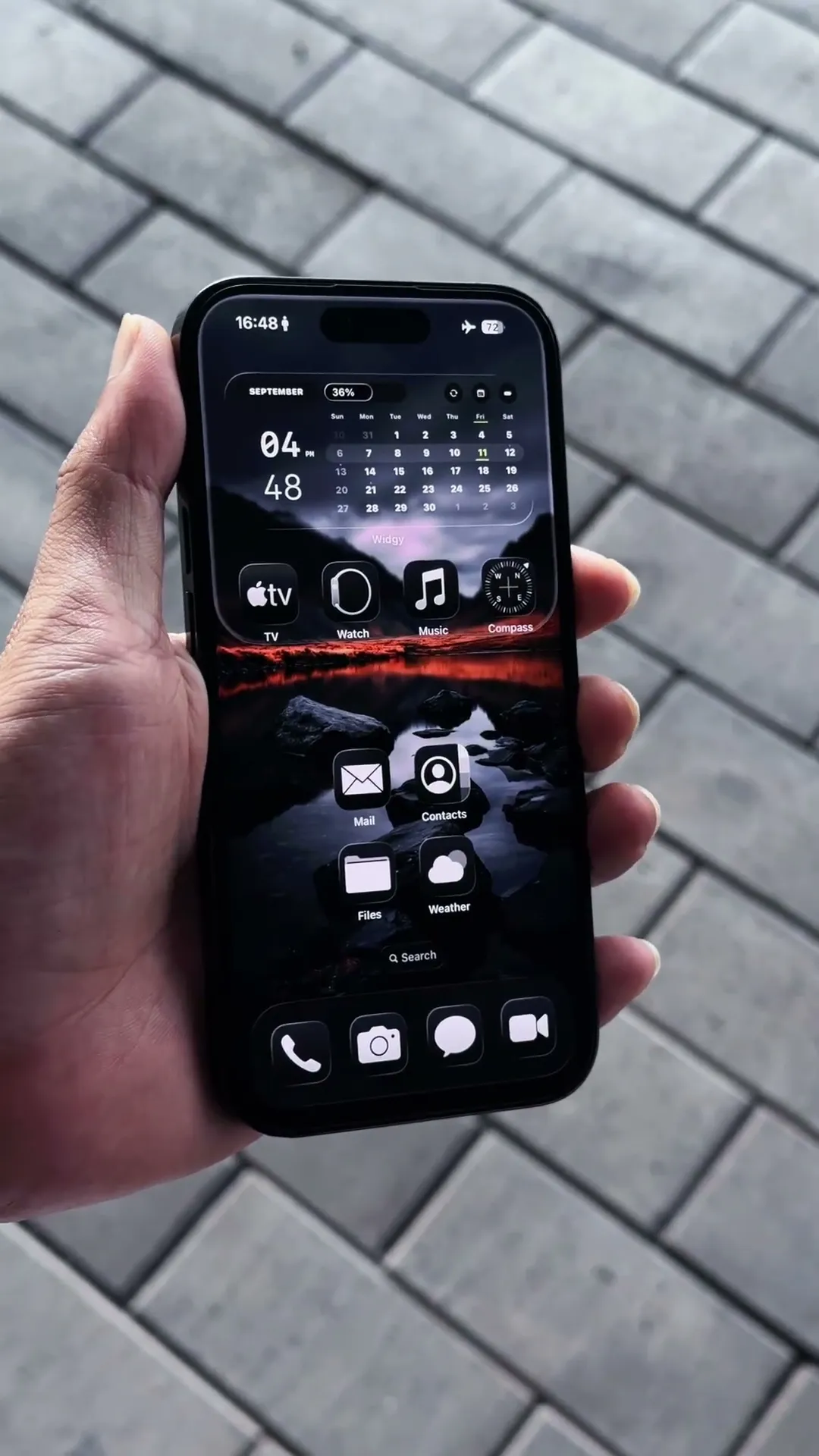
Dark Lightning iPhone Wallpaper Setup Preview
Preview the look. Explore the full pack.
Setup Details
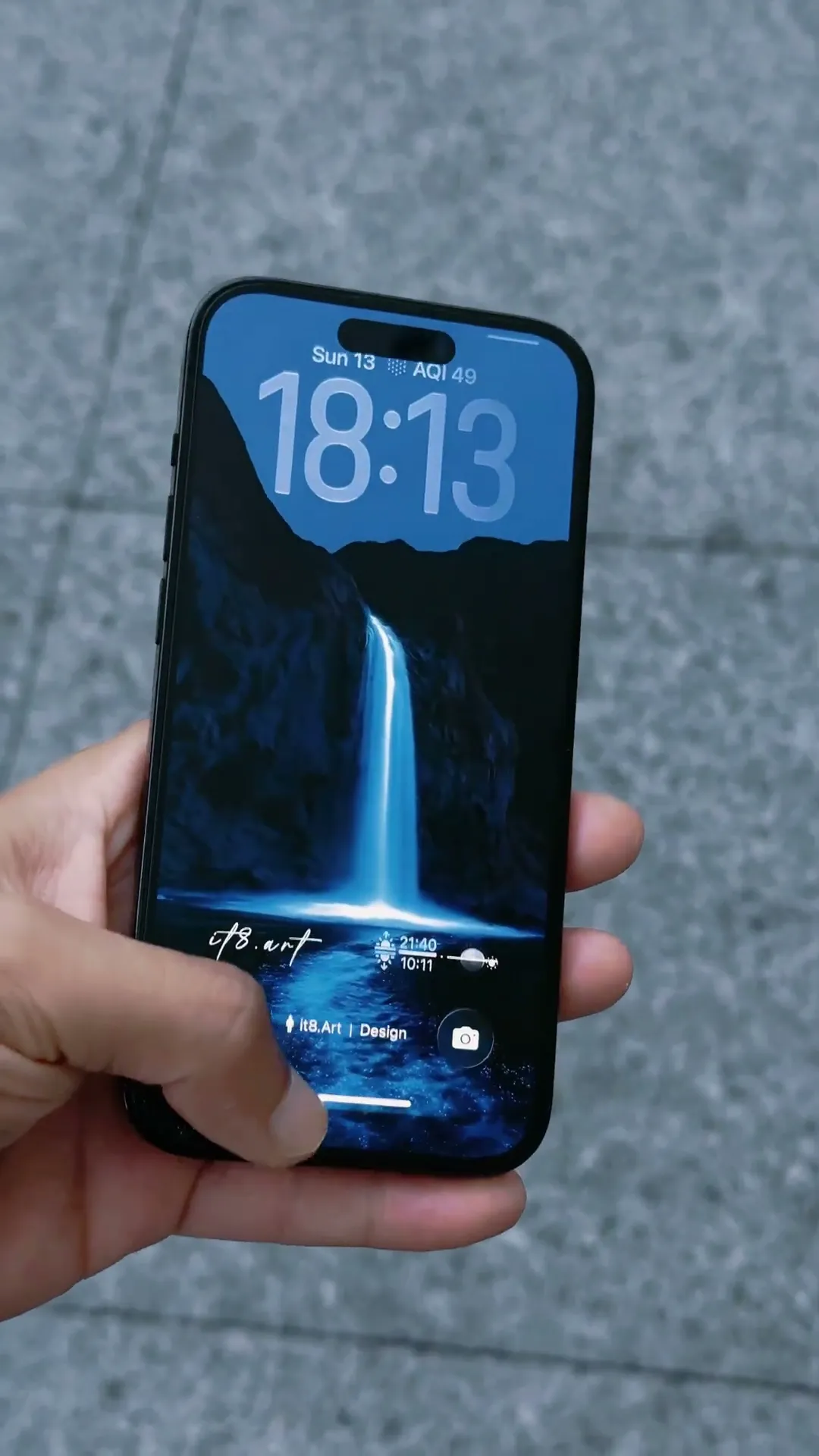
The 8-second Dark Lightning iPhone Wallpaper Setup Preview shows one iPhone screen layout created with one of the 12 wallpapers included in the product. It does not cycle through or display all 12 wallpapers. The collection combines golden lightning, midnight storm scenes, and dark cloud backgrounds, while the video demonstrates only one selected setup.
What Is Included?
- 12 high-resolution 8K wallpaper files in PNG format
- A ZIP download containing the complete lightning collection
- Widget setup guides for recreating preview-style layouts
- App icons and third-party apps shown in previews are not included
How Do You Recreate This Setup?
- Download and extract the ZIP file after purchase.
- Choose a wallpaper and apply it to the Lock Screen or Home Screen from the Photos app.
- Follow the included widget setup guide to recreate the widget layout shown in the video preview.
Compatibility and Preview Limits
The wallpaper files can be used on compatible iPhone and Android devices, while the included setup guides are intended for iPhone layouts. Final framing, lightning position, clock visibility, and widget spacing can vary by device model, crop, display settings, and operating-system version.
Explore This iPhone Setup