White Loops iPhone Setup Preview
Preview the look. Explore the full pack.
Setup Details
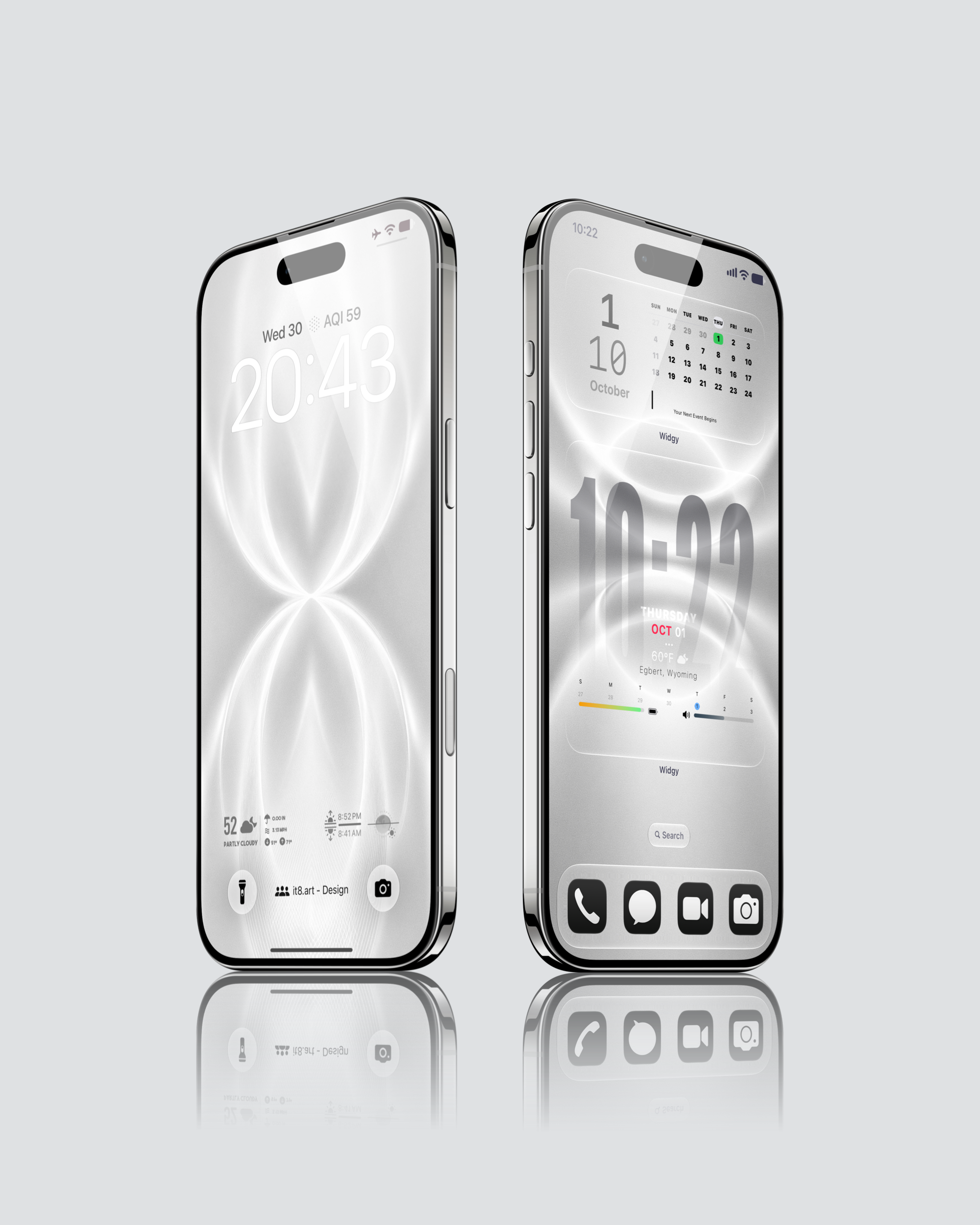
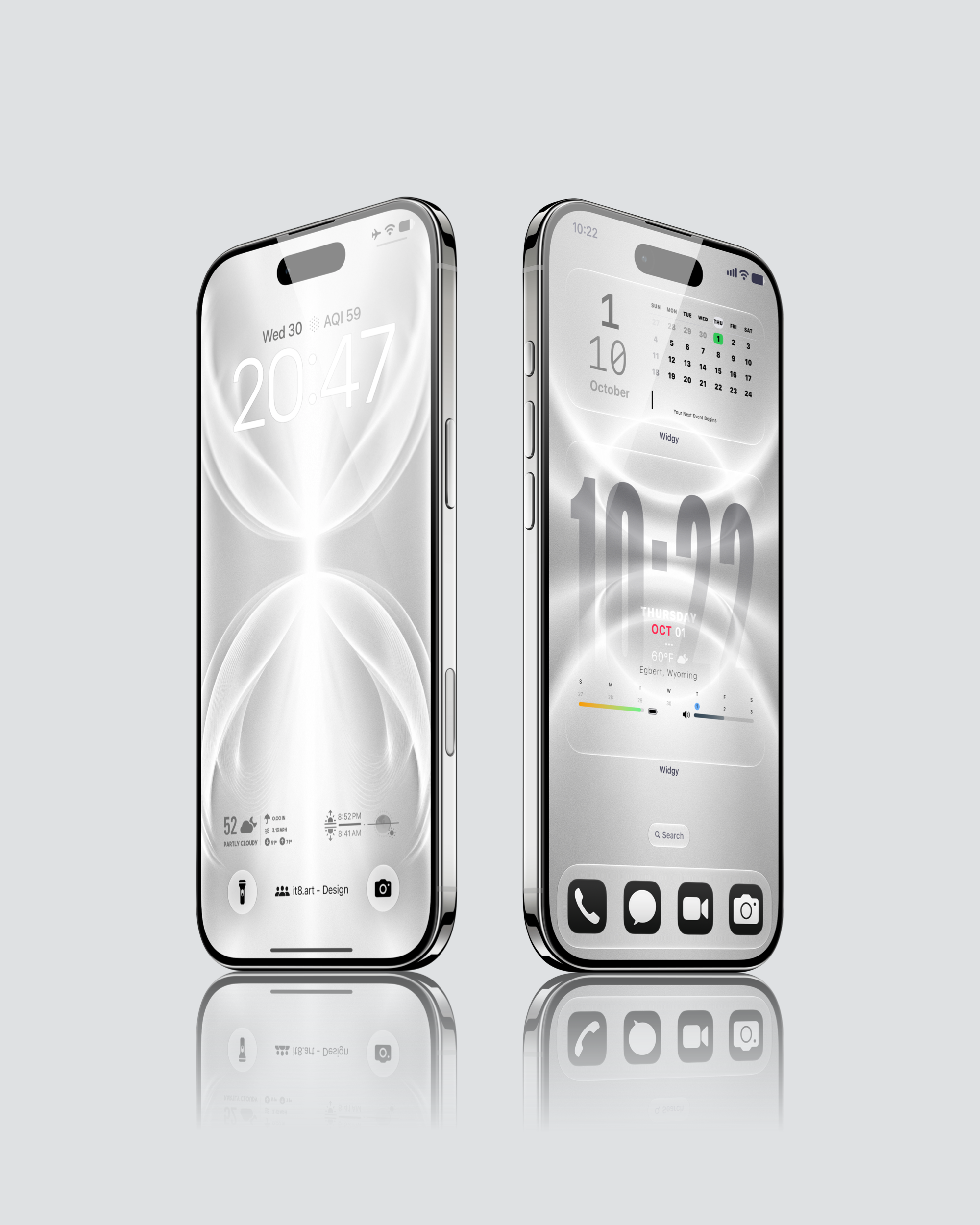
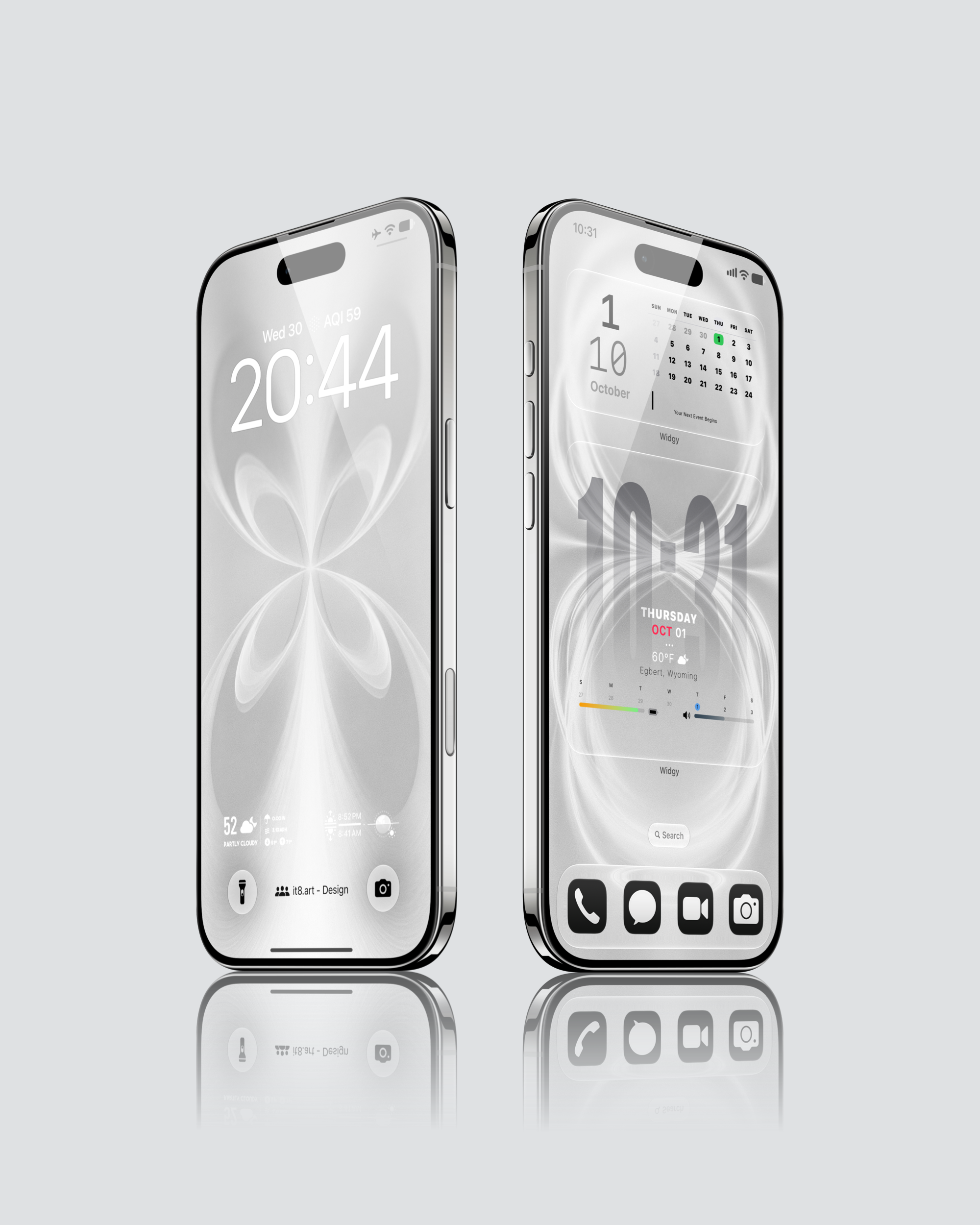
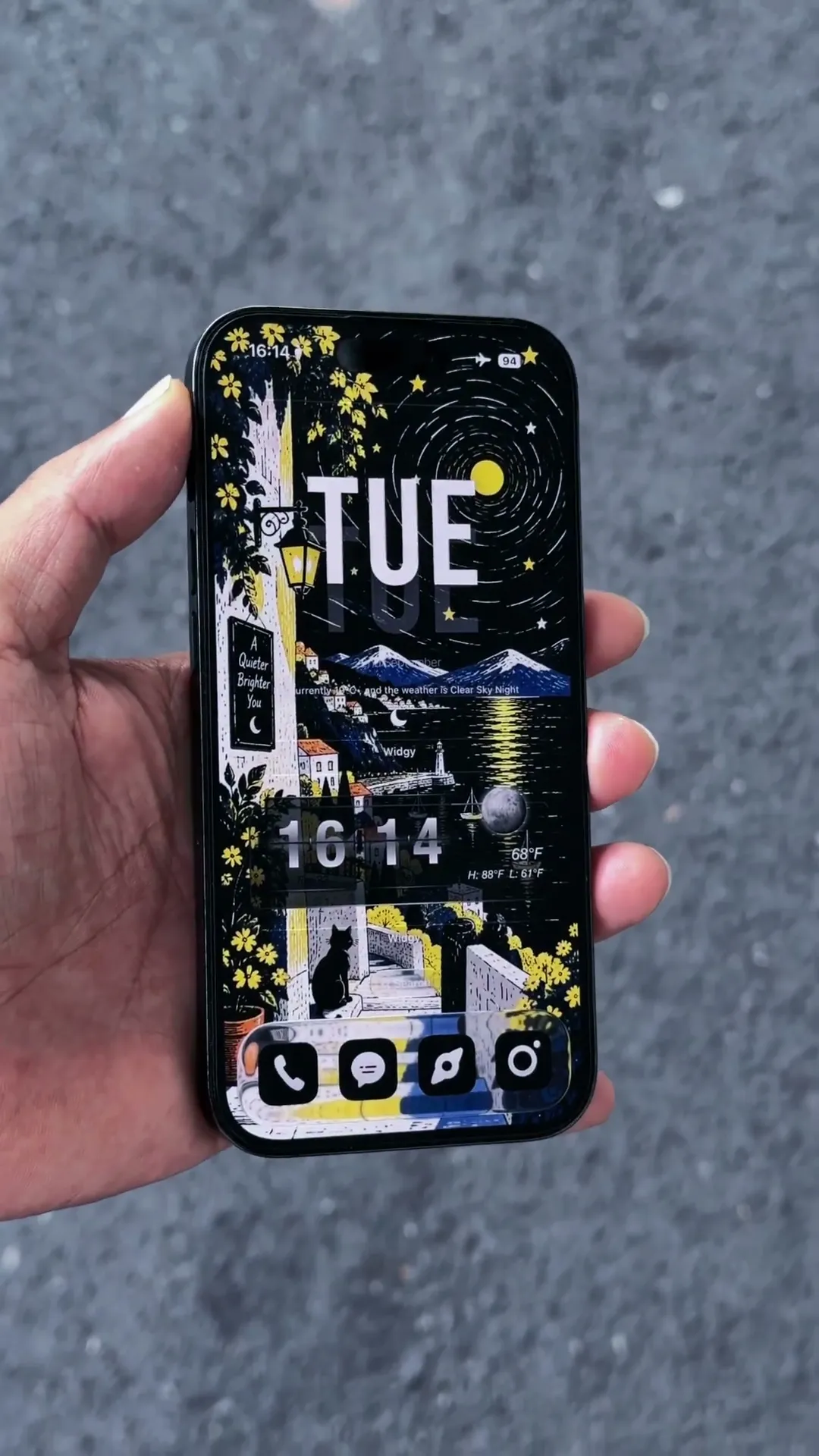
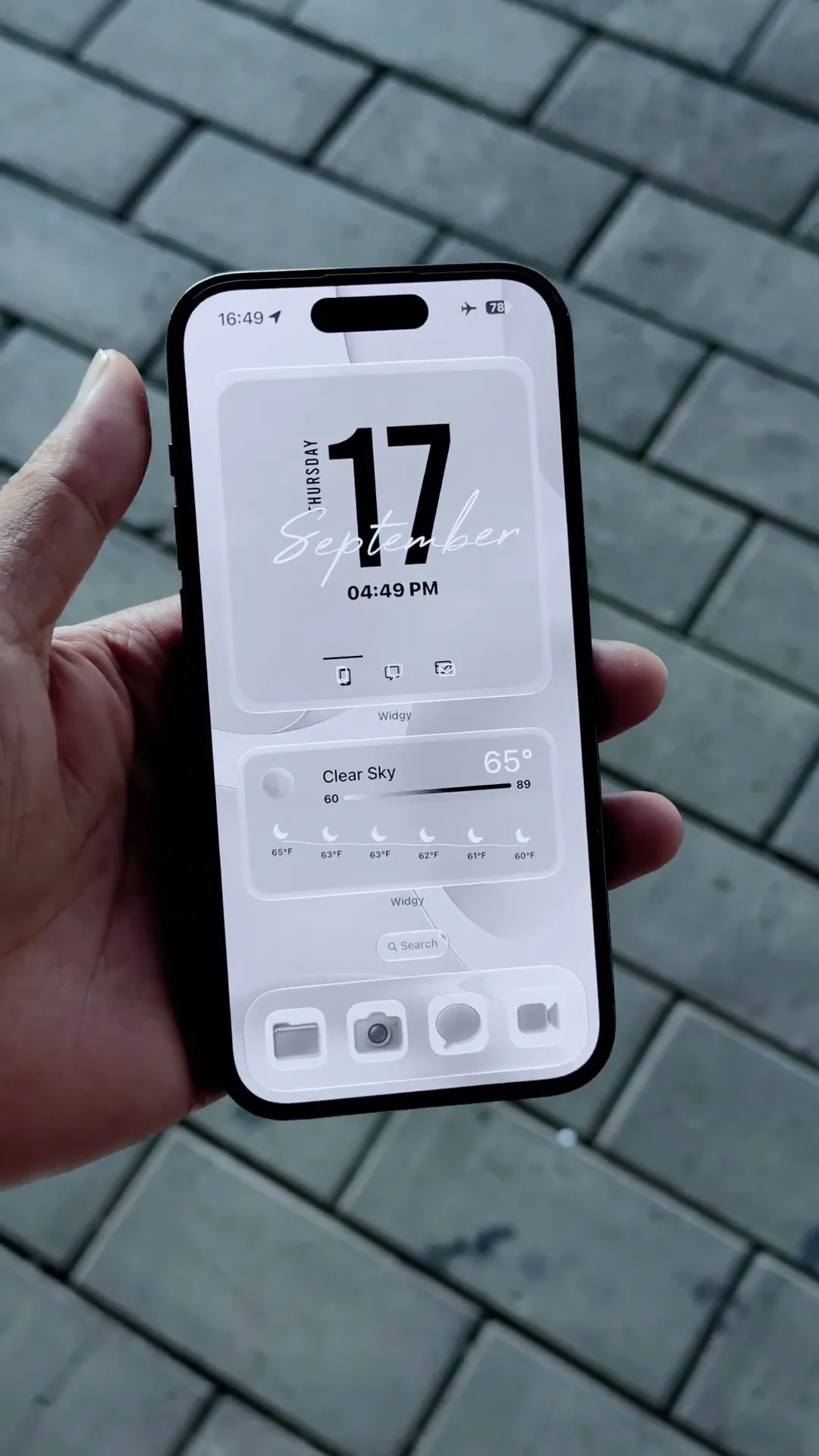
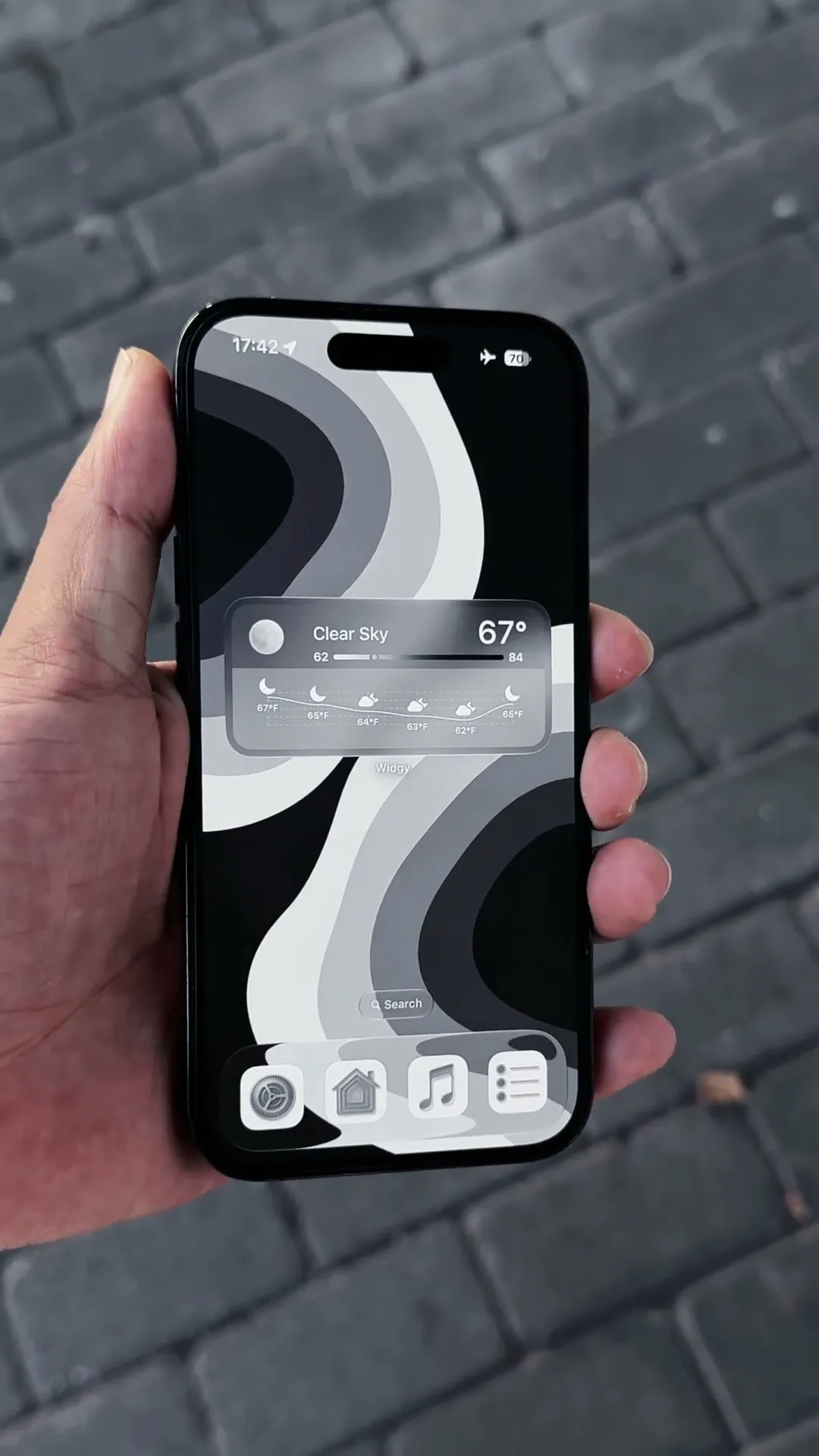
This 9-second clip shows an iPhone held outdoors over gray pavement. White loops cross at the center of the light gray Lock Screen, followed by a Home Screen with clock and calendar widgets. It previews one wallpaper pairing from the 12-wallpaper pack and does not show the full collection.
What Is Included?
- 12 wallpapers in 4K PNG format
- Widget setup guides
- App icons and third-party apps are not included.
How Do You Recreate This Setup?
- Download and extract the ZIP file, then save your chosen wallpaper.
- Apply the PNG to your Lock Screen or Home Screen and adjust the crop.
- For the iPhone widget setup, install Widgy separately and follow the included guides.
Compatibility and Preview Limits
The PNG wallpapers work on iPhone and Android. The video and widget setup guides show an iPhone layout using Widgy. Clock styles, icon appearance and widget placement depend on your device and settings.
Explore This iPhone Setup